Press the selector switch to
insert the full entry into the
week day on the calendar,
sorted by time. The next
free memory location of the
turn CW
The end of the weekly
calendar.
S
Exit the main menu.
The control software is
restarted
M
Programming several actions at the same time is not possible.
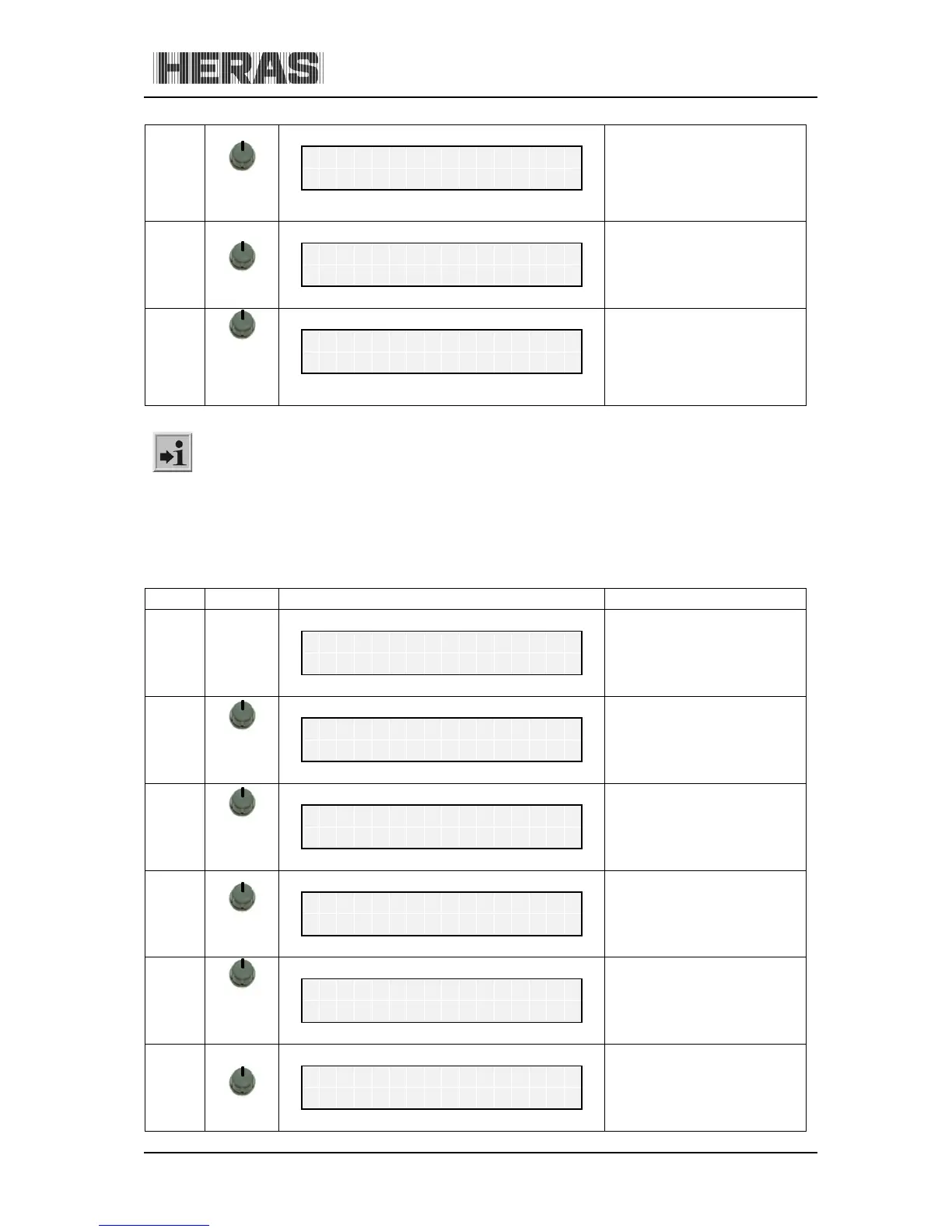
10.5.6.2 Menu 5.5.1: Copying a day in the weekly calendar
All entries for a week day can be copied to another week day on the weekly calendar, provided that
no entries have been made so far in the week day which the data is to be copied to.
Menu Action Display reading Explanation
press
and hold
turn CW
Activate the main menu.
M
Select the destination day to
which the entry is to be
copied.
T
Call up the entry mode for
hours.
T



 To Next Page