EasyManua.ls Logo

Heras HMD230+IGD - Page 32

Heras HMD230+IGD
106 pages
Print Icon
To Next Page IconTo Next Page
To Previous Page IconTo Previous Page
Loading...
www.heras.com
English
32
3
press
and hold
turn CW
Activate the main menu.
M
a
i
n
M
e
n
u
3
D
i
a
g
n
o
s
i
s
3.2
press
briefly
turn CW
D
i
a
g
n
o
s
i
s
2
S
e
n
s
o
r
S
t
a
t
e
press
briefly
turn CCW
Turn the selector switch in a
counter-clockwise direction
to access the first entry in
the sensor table
S
t
a
r
t
o
f
S
e
n
s
o
r
s
turn CW
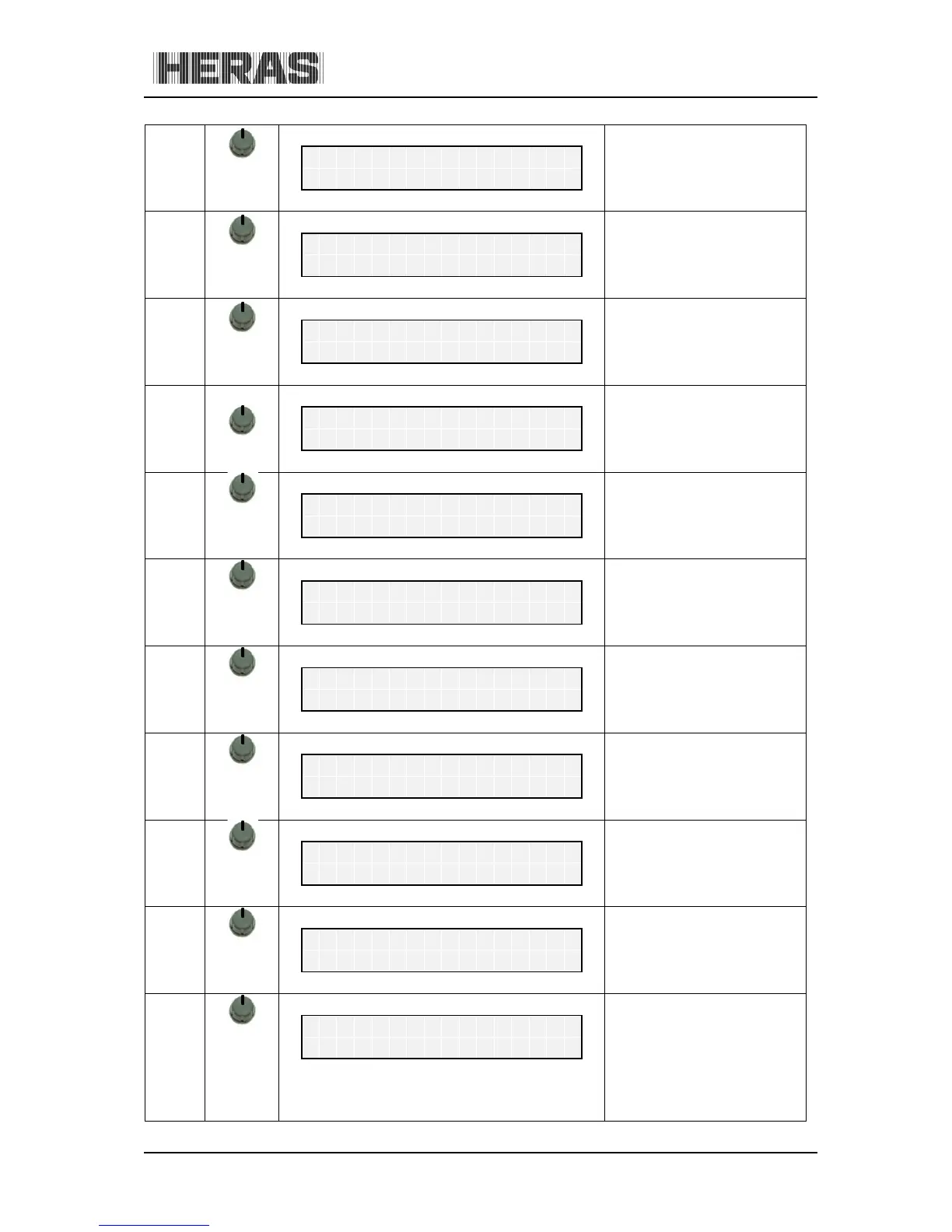
OPEN limit switch status
(optional)
L
i
m
i
t
S
w
i
t
c
h
O
P
E
N
V
a
l
u
e
:
0
=
>
0
turn CW
CLOSED limit switch status
(optional)
L
i
m
i
t
S
w
i
t
c
h
C
L
O
S
E
V
a
l
u
e
:
0
=
>
0
turn CW
Part OPEN switch status
(optional).
P
a
r
t
O
P
E
N
S
w
i
t
c
h
V
a
l
u
e
:
0
=
>
0
turn CW
Current value of the
incremental encoder
I
n
c
r
.
E
n
c
o
d
e
r
V
a
l
u
e
:
2
1
4
7
4
1
8
1
turn CW
Stationary anti-crushing
safety protection device for
the OPEN direction of the
gate
S
t
a
t
.
E
d
g
e
O
P
E
N
V
a
l
u
e
:
0
=
>
0
turn CW
Stationary anti-crushing
safety protection device for
the CLOSING direction of
the gate
S
t
a
t
.
E
d
g
e
C
L
O
S
E
V
a
l
u
e
:
0
0
=
>
0
0
0
0
turn CW
Moving anti-crushing safety
protection device for the
OPEN direction (ISK)
M
o
v
.
E
d
g
e
O
P
E
N
V
a
l
u
e
:
0
=
>
0
turn CW
Moving anti-crushing safety
protection device for the
CLOSING direction (ISK)
M
o
v
.
E
d
g
e
C
L
O
S
E
V
a
l
u
e
:
0
=
>
0

Table of Contents