Hex ezCAN for CAN-bus-equipped Motorcycles
_________________________________________________________________________________________________
_________________________________________________________________________________________________
© Hex Innovate (UK) Ltd. Page 11 of 60 ezCAN 2408.x
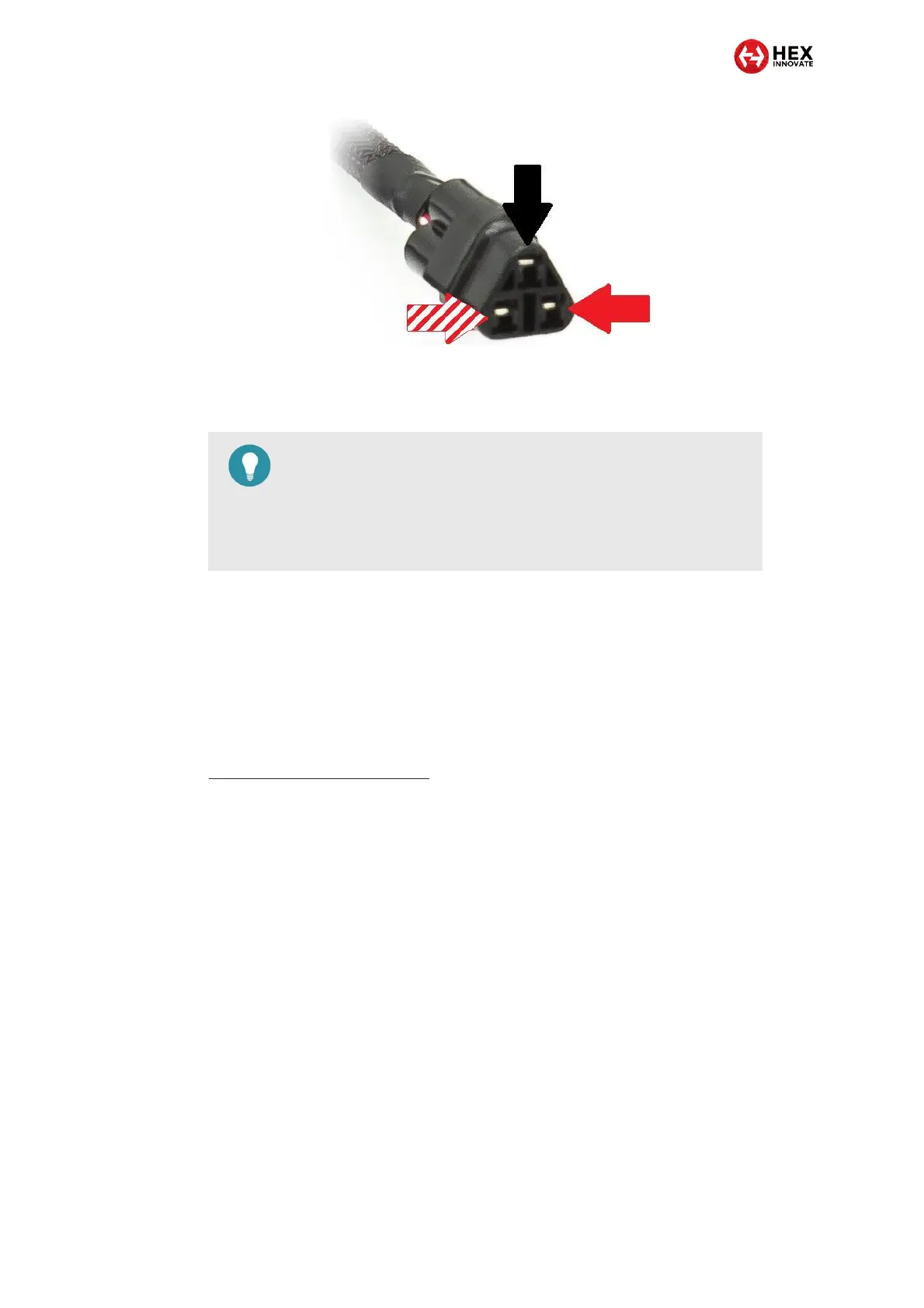
Note the position of each terminal (the pinouts). The following sub-
sections will use this information to show you how to connect specific
accessories.
It is important that you pay close attention when connecting your
accessories to the ezCAN’s output circuits. Use the ezCAN power circuits
and stub connectors as shown in the following sub-sections.
3.3.1 Connecting 2-wire accessories
If the accessory you are installing only has two wires, read this section. If
you are installing accessory LED lights with three wires, refer to
Connecting 3-wire LED lights.
Most accessories have two wires: a 12V supply wire, and a second wire
for Ground return. Some typical examples are:
12-volt power for accessories (GPS, phones, action cameras, and
so on)
High-power LED lights with two-wire connections
Run/Brake/Turn lights
Auxiliary rear lights
Daytime running rights (DRLs) and marker lights
Air horns
Heated riding gear
Join the wiring of a two-wire accessory to an ezCAN stub connector by
doing the steps that follow:
TIP
On the White power circuit, the PWM/data control wire also
serves as a Local Interconnect Network (LIN-bus) channel.
In future, this channel will be used for expansion, and to
accommodate intelligent accessories.



 To Next Page