Hex ezCAN for CAN-bus-equipped Motorcycles
_________________________________________________________________________________________________
_________________________________________________________________________________________________
© Hex Innovate (UK) Ltd. Page 47 of 60 ezCAN 2408.x
To disable only brightness adjustment of the front auxiliary
lights through the motorcycle’s controls, switch OFF the
Brightness Adjustment option (enabled by default).
To disable brightness adjustment of the front auxiliary lights
and temporary switching off of all auxiliary lights through
the motorcycle’s controls, switch OFF the Toggle auxiliary
lights option (enabled by default).
5.2 Adding and adjusting an auxiliary-light strobe delay on horn
activation
If the Strobe when Horn active feature is enabled, and you want to use the
factory horn for very short ‘bursts’ without strobing the front auxiliary lights,
you can add a time delay of 0.25 seconds or 0.5 seconds between the
time the horn button is pressed, and the time the front auxiliary lights
begin to strobe.
To use this feature, do the steps that follow:
1. Click the drop-down menu button in the upper right corner of the
Auxiliary Lights One or Auxiliary Lights Two sections (below).
2. Click the Extra Settings option.
The auxiliary lights Extra Settings menu will be shown.
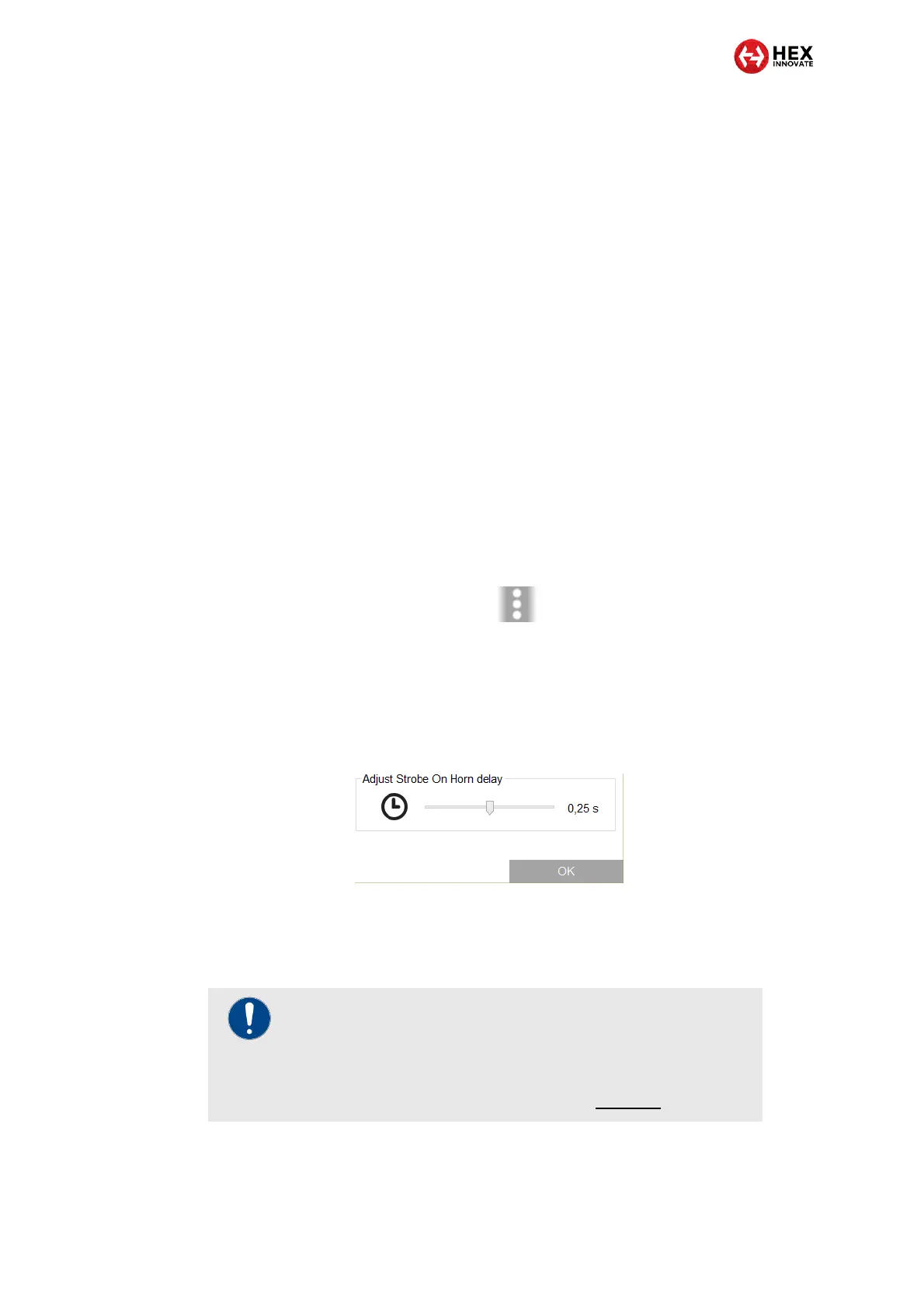
3. Click-and-drag the Adjust Strobe on Horn delay slider to the 0.25 s
or 0.5 s delay mark, as needed (below). Alternatively, set the slider
fully to the left to disable the strobe-on-horn delay.
4. Click the OK button.
5.3 All other ezCAN functions
IMPORTANT
Note that you will need to configure the ezCAN before it
works exactly the way you want it to.
For detailed instructions on how to configure the ezCAN by
using the ezCAN configuration software, click here.



 To Next Page