Hex ezCAN for CAN-bus-equipped Motorcycles
_________________________________________________________________________________________________
_________________________________________________________________________________________________
© Hex Innovate (UK) Ltd. Page 12 of 60 ezCAN 2408.x
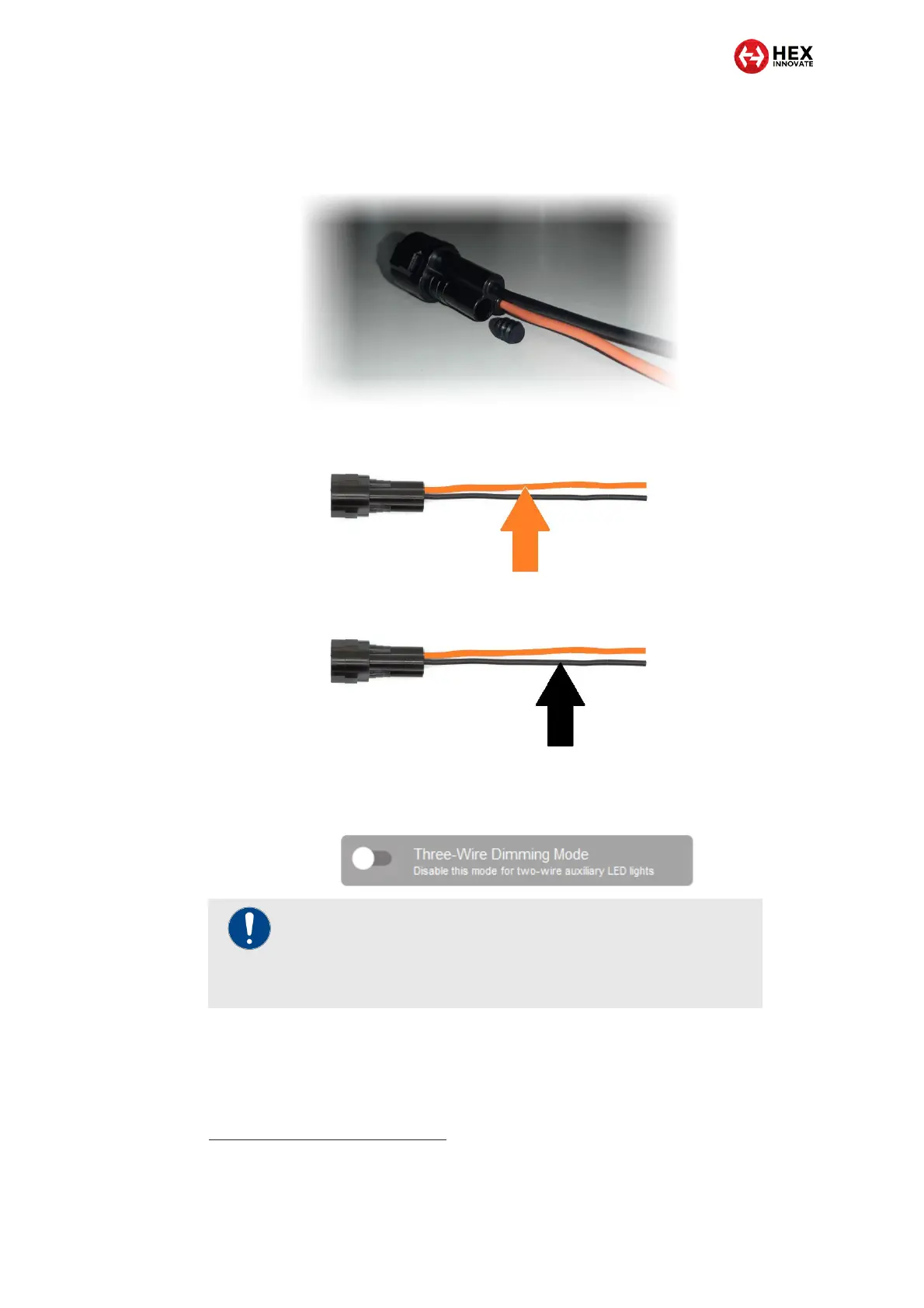
1. Push one of the included rubber stoppers firmly into the rear of the
stub connector’s empty terminal cavity (below). Make sure the
stopper is properly seated.
2. Connect the accessory’s 12V+ cable to the solid-coloured
orange wire on the stub connector (below).
3. Connect the accessory’s Ground cable to the black wire on the
stub connector (below).
4. If the accessory is a two-wire LED light, switch OFF Three-Wire
Dimming Mode in the correct Auxiliary Lights section of the
ezCAN configuration software (below).
3.3.2 Connecting 3-wire LED lights
If you are installing accessory LED lights that have three wires, read this
section. If the accessory you are installing has two wires, refer to
Connecting 2-wire accessories.
IMPORTANT
If Three-Wire Dimming Mode is not switched OFF for two-
wire lights, the lights will remain at full brightness regardless
of their brightness setting.



 To Next Page