Hex ezCAN for CAN-bus-equipped Motorcycles
_________________________________________________________________________________________________
_________________________________________________________________________________________________
© Hex Innovate (UK) Ltd. Page 51 of 60 ezCAN 2408.x
5.4 Brand-specific functions
This section contains ezCAN functions that are unique to specific
motorcycle makes and/or models.
5.4.1 KTM ABS/bad fuel modes functionality
On KTM 1090, 1190 and 1290 models (up to and including 2020 year-
models), the ezCAN lets you activate all extra ABS modes and ‘bad fuel’
mode without needing the physical ‘KTM ABS/Bad Fuel dongle’.
To access the extra modes, do the steps that follow:
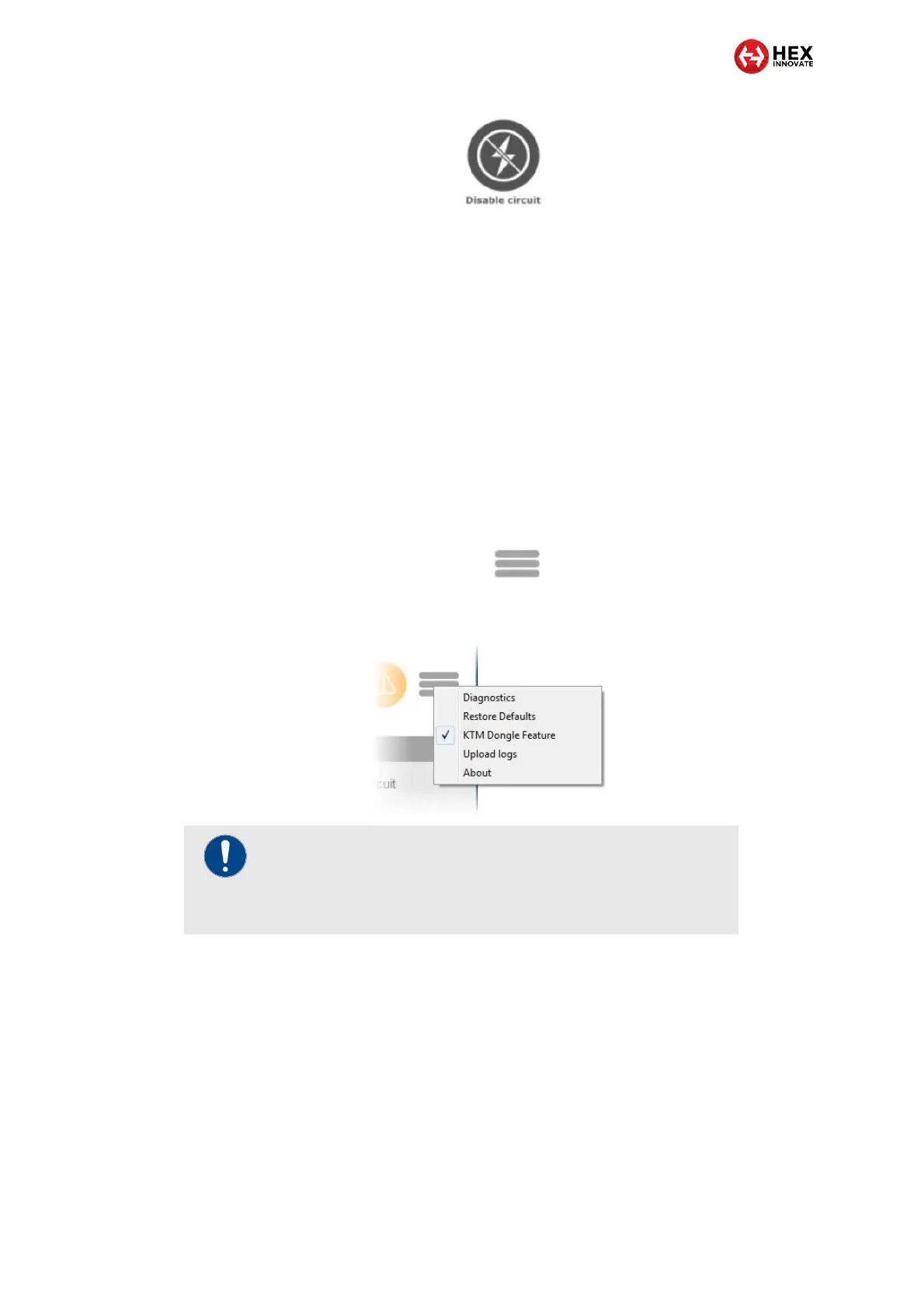
1. Click the Extra Settings button in the upper right corner of the
ezCAN configuration software (below).
2. Click the KTM Dongle Feature option in the drop-down menu
(below).
The KTM Dongle Feature will be activated.
You can now use the motorcycle’s instrument cluster
menus to activate the ABS Mode 1, ABS Off and Bad Fuel
modes.
The motorcycle will remember your chosen ABS mode and
fuel mode even if the ignition is switched off.
For detailed instructions on how to operate the KTM Dongle functions
using the motorcycle’s instrument cluster, refer to the relevant KTM
documentation.
IMPORTANT
Whenever the KTM Dongle Feature is active, a warning
icon will appear on the motorcycle’s instrument cluster. This
is normal.



 To Next Page