Hex ezCAN for CAN-bus-equipped Motorcycles
_________________________________________________________________________________________________
_________________________________________________________________________________________________
© Hex Innovate (UK) Ltd. Page 3 of 60 ezCAN 2408.x
2 WHAT CAN THE EZCAN DO?
Congratulations on your purchase of a Hex ezCAN! We wish you many
years of trouble-free service and exciting riding. We aim to boost the
rideability and usability of your motorcycle, and the safety, comfort and
pleasure of your riding experience. The only practical limit to what ezCAN
can do for you is your imagination!
The ezCAN is an accessory manager for CAN-bus equipped motorcycles,
ATVs and other vehicles. It connects directly to the battery, sidestepping
the electrical power restriction issues of the latest motorcycles. It
continuously monitors the data transmitted on the CAN-bus (a small
selection of the monitored data includes engine speed, vehicle speed,
status of brake lights and brake pedals/levers, horn status, gear position,
throttle position, headlight and switch status, and turn signal status). The
ezCAN uses these messages to control the individually configured
accessories connected to its power outputs.
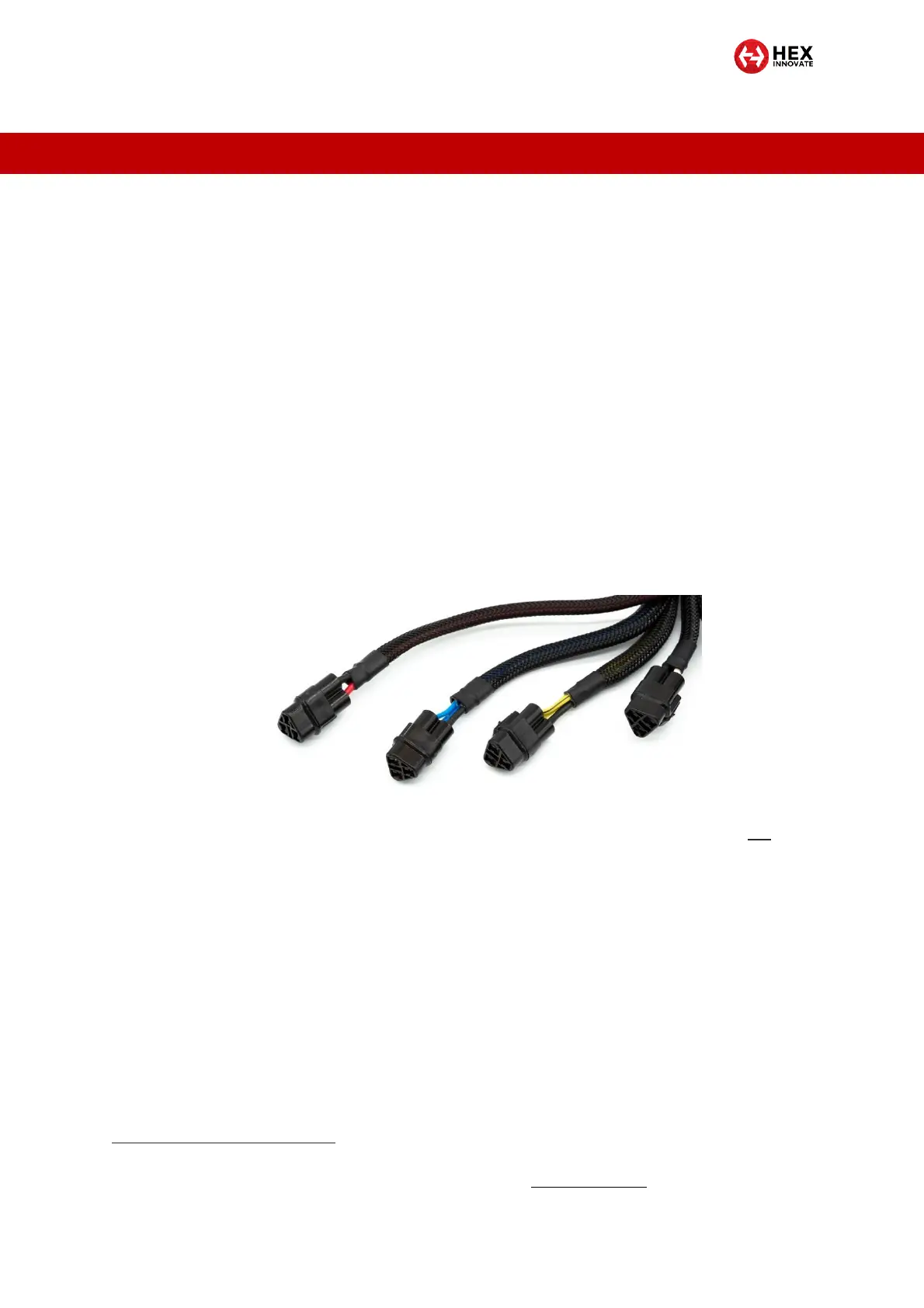
The ezCAN has four highly configurable multi-purpose power outputs. The
four outputs have identical power-supply capability, and are colour-coded
Red, Blue, Yellow and White (below).
The White output also has ezBUS functionality, allowing it to
accommodate more than one accessory at the same time (see section 2.1
for details).
The Hex ezCAN is capable of powering any 12-volt electrical accessory
with a current draw of up to 25 Amps
1
. In practice, ezCAN can power all
electrical accessories used in modern motorcycling. This includes (but is
not limited to):
One or more sets of high-powered auxiliary front LED lights.
Auxiliary rear running lights and brake lights.
High-powered air horns.
Auxiliary front daytime running lights/turn signals.
Combined rear run/brake/turn signals.
1
For a full description of the ezCAN’s functional specifications, see SPECIFICATIONS.



 To Next Page