Hex ezCAN for CAN-bus-equipped Motorcycles
_________________________________________________________________________________________________
_________________________________________________________________________________________________
© Hex Innovate (UK) Ltd. Page 49 of 60 ezCAN 2408.x
On software version 2009 and onward, the PWM/data pins of the Red,
Blue and Yellow circuits (below) mimic the on/off state of the motorcycle’s
ignition switch if any of these circuits are configured as accessory circuits.
A typical use case might be if an accessory circuit is being used to power
a dash cam. Dash cams are generally activated when the ignition is
switched on, and save their video content when the ignition is switched
off. Setting the accessory circuit’s time delay to 60 seconds generally
gives a dash cam sufficient time to complete its video saving and
housekeeping routines before it shuts down.
In a case like this, the relevant ezCAN power circuit would be connected
to the dash cam as follows:
ezCAN PWM/data pin Dash cam ignition trigger input
ezCAN 12V+ power pin Dash cam 12V input
ezCAN ground pin Dash cam Ground input
5.3.4 Operating auxiliary horns
A horn circuit will supply full battery voltage to all accessory horns
whenever the ignition switch is ON, and the motorcycle’s Horn button is
pressed. To use this feature:
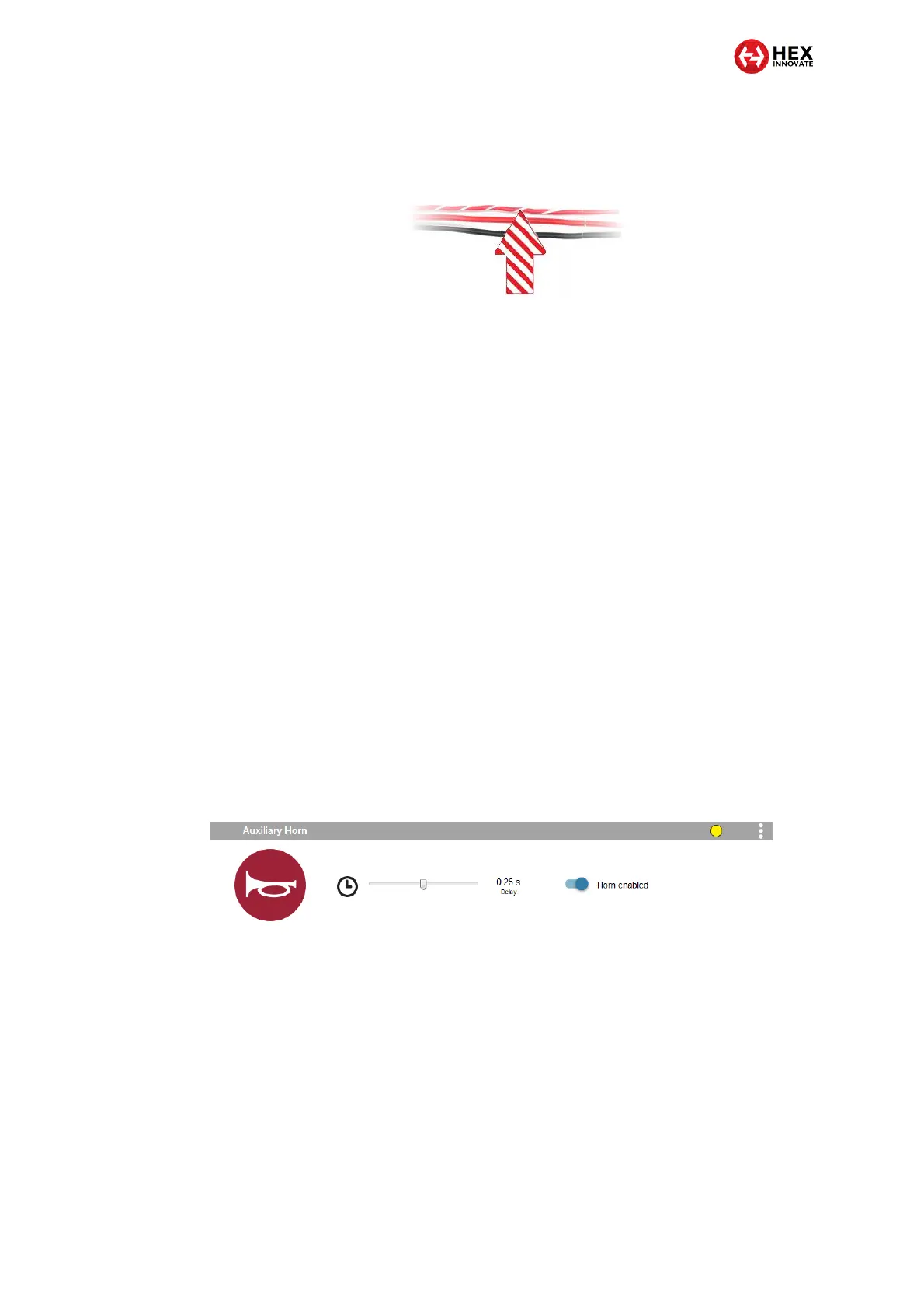
1. Set a power circuit to power an accessory horn.
The Auxiliary Horn section of the ezCAN configuration
software will be shown (below).
2. If you often use the factory horn for very short ‘bursts’ and want to
avoid activating the accessory horn during a short burst, you can
add a time delay of 0.25 seconds or 0.5 seconds between the time
the horn button is pressed, and the time the horn activates, by
clicking-and-dragging the Delay slider (below).
Alternatively, set the slider fully to the left to disable the horn
delay.



 To Next Page