Hex ezCAN for CAN-bus-equipped Motorcycles
_________________________________________________________________________________________________
_________________________________________________________________________________________________
© Hex Innovate (UK) Ltd. Page 20 of 60 ezCAN 2408.x
The auxiliary lights powered by the red circuit have been tuned to
light up at 20% of their full brightness during the day, and at 10%
of their full brightness during the night, whenever the motorcycle’s
headlights are set to Low beam (yellow icon).
The auxiliary lights powered by the red circuit have been tuned to
light up at 100% of their full brightness, day and night, whenever
the motorcycle’s headlights are set to High beam (blue icon).
Some software configuration instructions may differ, depending on
motorcycle make and model. Configuration instructions are available for
all compatible motorcycles. To learn how to configure your ezCAN, click
here.
4.2.1 Configuring Hex ezBUS functionality
If the white power circuit’s ezBUS function will be used, configure the
ezCAN to accommodate all connected smart accessories by doing the
steps that follow:
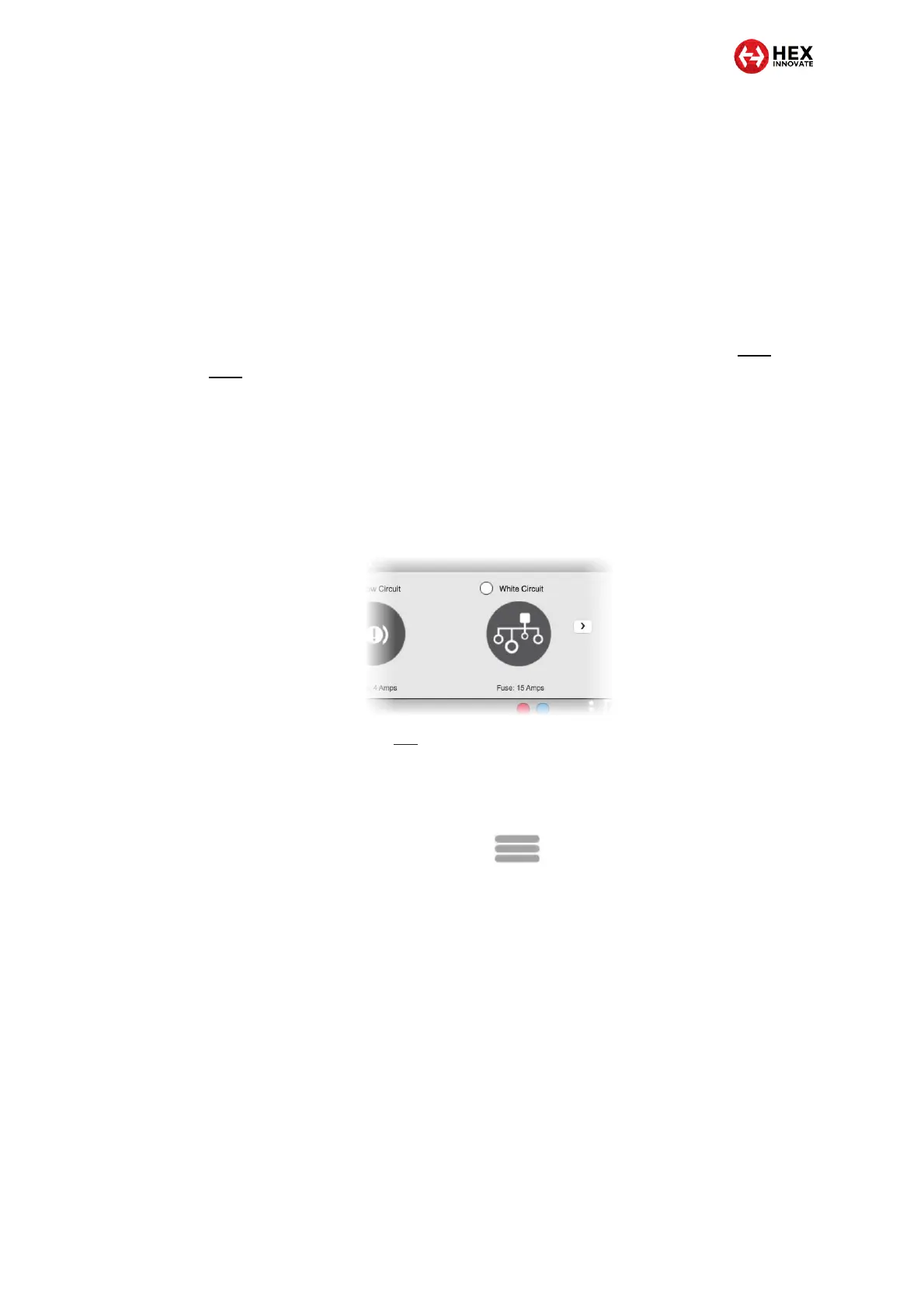
1. Set the ezCAN’s white power circuit to ezBUS mode (below).
2. Refer to section 3.1 to select the correct software fuse setting for
the white power circuit.
3. Click the Extra Settings button in the upper right corner of the
ezCAN configuration software (below).
4. Click the ezBUS Devices option in the drop-down menu. This
option will only be shown if you have set the white power circuit to
ezBUS mode.
The ezBUS devices dialogue will be shown.
5. Click the Scan button.
This step is essential to allow the ezCAN to learn which smart
accessories are connected to the ezBUS circuit.
The ezBUS will be scanned for smart accessories.
All smart accessories connected to the ezBUS will be listed in
the ezBUS devices dialogue. A typical example is shown below:



 To Next Page