26
● RESOLUTION – Use this menu to specify the size of a screen to be recorded.
One resolution can be selected for all channel.
● EVENT
- Use this menu to specify the record quality & frame rate for EVENT-situation.
- Available with Motion detecting recording, Sensor recording and manual recording.
● NORMAL
- Use this menu to specify the record quality & frame rate for NORMAL situation.
- Available with continuous recording only.
- Frame rate for each channel should be same as that for INTENSI or small.
● ALL
All channels would be changed according to selected resolution or quality or frame rate.
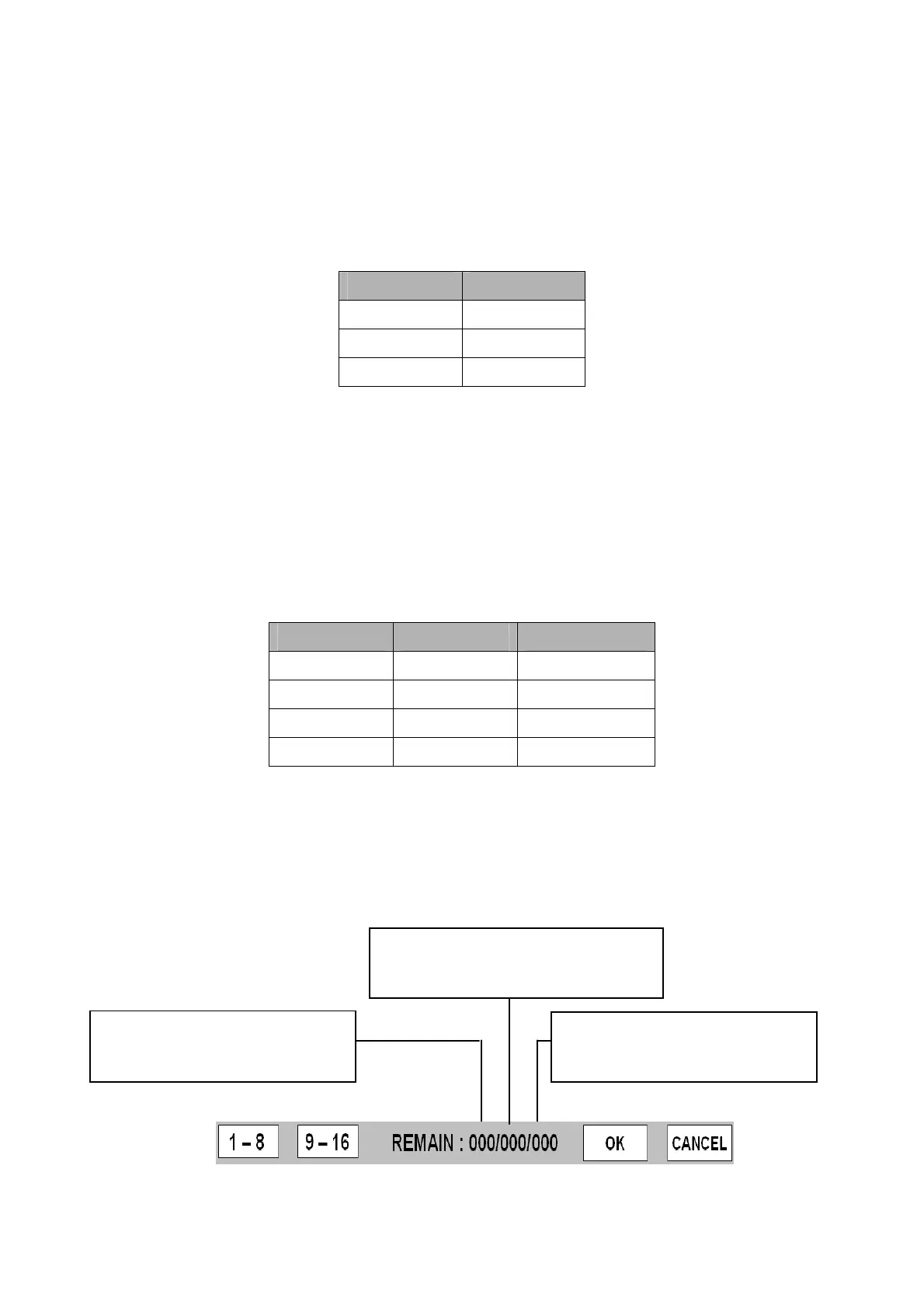
● REMAIN XXX / XXX / XXX
- Indicate the remaining frame number to record based on each resolutions.
NTSC PAL
720 x 480 720 x 576
720 x 240 720 x 288
360 x 240 360 x 288
Record Quality Picture Quality Disk Space Need
BASIC Low Least
NORMAL Fair Medium
HIGH Good Big
BEST Excellent Most
The remaining frame number
in case of selecting CIF resolution.
The remaining frame number
in case of selecting D1 resolution.
The remaining frame number in case
of selecting Half D1 resolution.



 To Next Page