27
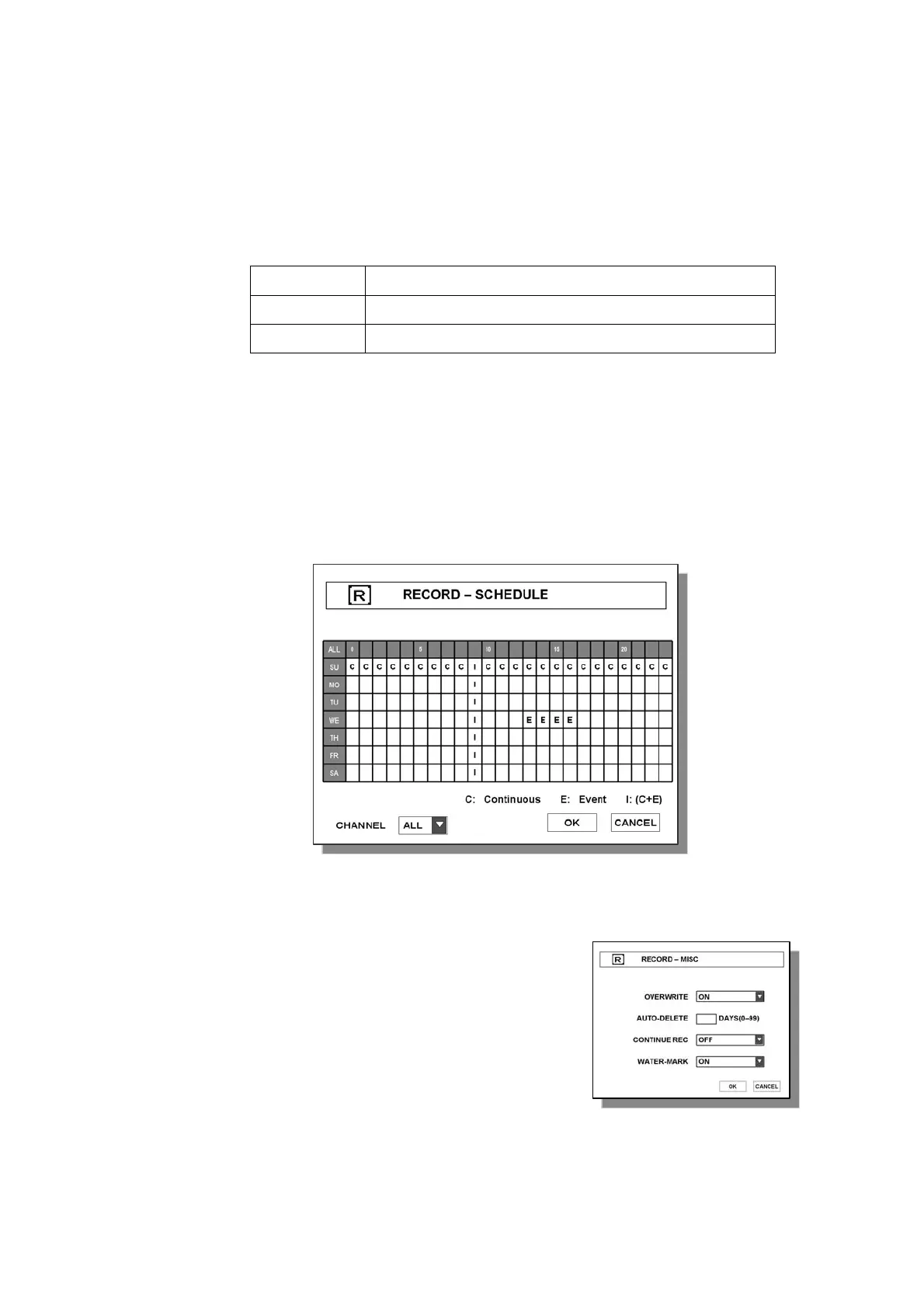
3.3.2 SCHEDULE
System records according to schedule setting.
Schedule recording types are as follows,
C
Continuous Recording
E
Event Recording (record when motion or alarm is detected.)
I
Continuous + Event
(1) Select desired channel to set recording schedule.
(2) Select desire time & day and press ENTER button.
(3) Whenever pressing ENTER button, recording mode will be changed.
: C Æ E Æ I Æ None
3.3.3 MISC
● OVERWRITE – Losing the oldest recorded files by newly recorded data
when HDD becomes full
● AUTO-DELETE – Deleting files after assigned date.
The value of 0(zero) disables AUTO-DELETE function.
Note : If one of CH-1 box is set to “C” and CH-2 is set to “E” on the same box, then the box will be
displayed as “+” on the screen.



 To Next Page