Network Video Recorder User Manual
158
Step 2 Select the IP camera for the vehicle search.
Step 3 Set search conditions.
Figure 13-3 Human Body Search
Step 4 Click Start Search.
13.4 People Counting
Purpose:
The feature is used to calculate the number of people entered or left a certain configured area and
generate daily/weekly/monthly/annual reports for analysis.
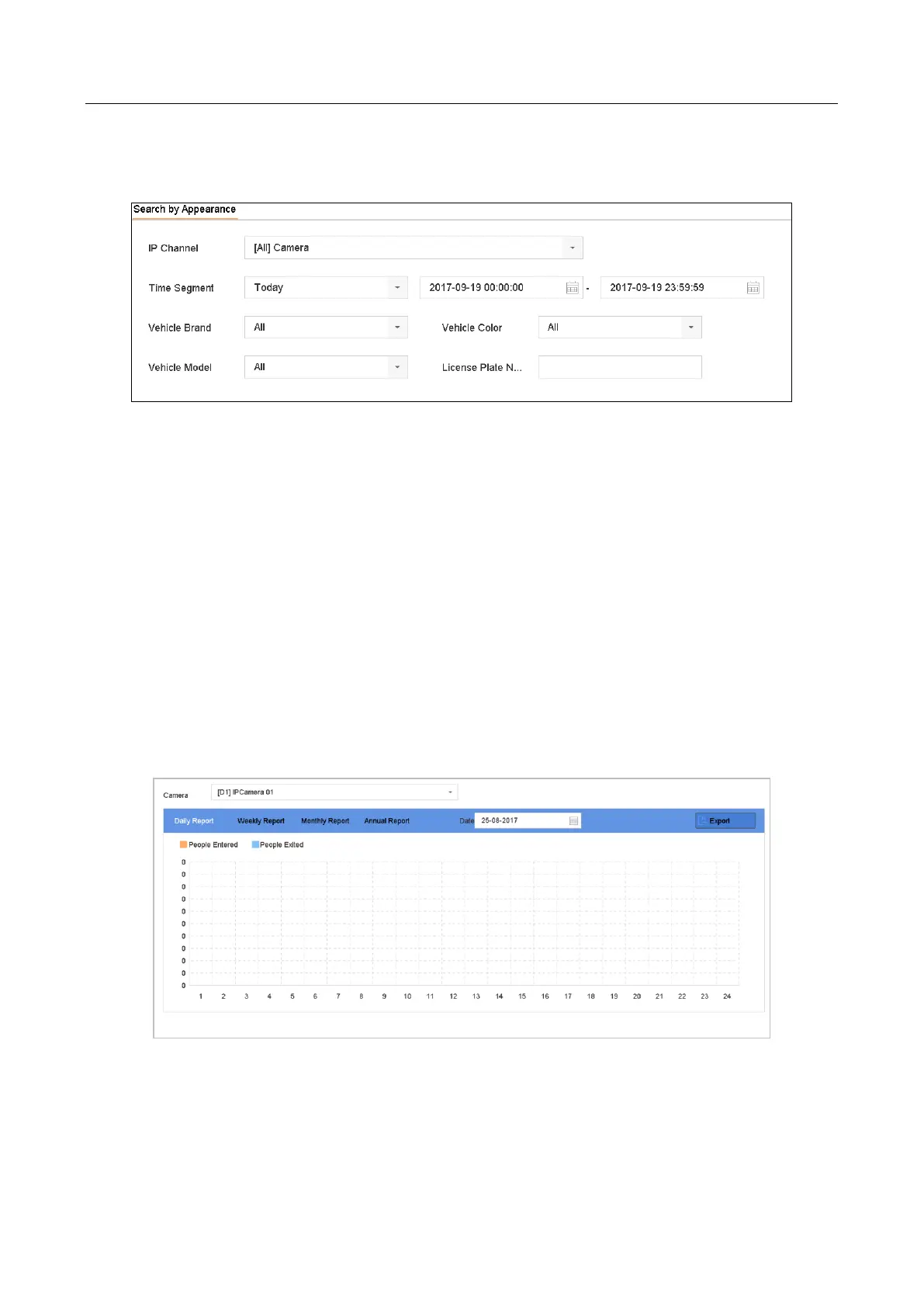
Step 1 Go to Smart Analysis > Counting.
Step 2 Select the camera.
Step 3 Select the report type to Daily Report, Weekly Report, Monthly Report, or Annual Report.
Step 4 Set the Date to generate people counting graphic.
Figure 13-4 People Counting Interface
Step 5 (Optional) Click Export to export the report in excel format.


 To Next Page
 Loading...