24
Hills – ComNav User Manual V1.3 www.das.com.au
Menu 2 - System Control
2.1
Security System Status
2.2
Area Control
2.3
To Control Zone Bypass
2.4
Event History
System Event History
The Event History menu is used to listen to the last 185 events that occurred in your security
system. These events are held within your security system, and include events such as, arming,
disarming, system faults and alarmed zones. All events are time date stamped, so ensure your
clock is set correctly. Alarm memory is a quick recall of the last zone(s) that caused your security
system to go into alarm condition.
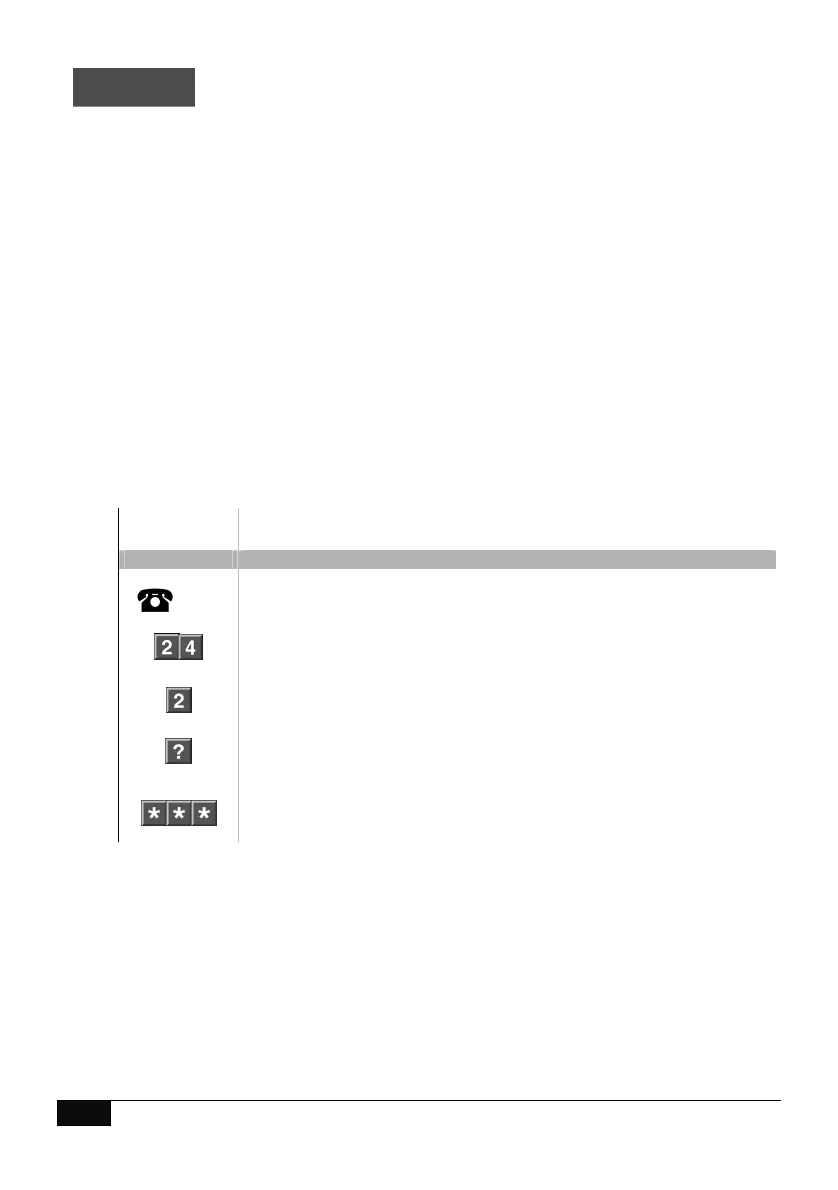
How to: Review event history
Step Example
To review events held within your security system (up to 185 events are
stored)
1.
[PIN]
Call the ComNav via an offsite touch-tone phone to begin the session.
2.
Press [2] for system control menu
Press [4] for event history
3.
Press [2], for all event history
3a
Press # for next event
Press 0, for previous event
4.
1
st
star, moves back to system control menu
2
nd
star, moves back to main menu.
3
rd
star, disconnects session



 To Next Page