25
Hills – ComNav User Manual V1.3 www.das.com.au
Menu 3 - Intercom Control
3.1
To commence listen in mode
3.2
To commence two way communication mode
An intercom call can be initiated from any external touch-tone phone, and a connection established
with the outdoor station (room 9), individual VoiceNavs (1~ 8) or all VoiceNavs (0).
Two-way communication is “voice switching”, and the calling party has priority. Switching between
caller and called parties is automatic, and is controlled by inactivity (silence) on the caller’s
microphone.
Listen in mode
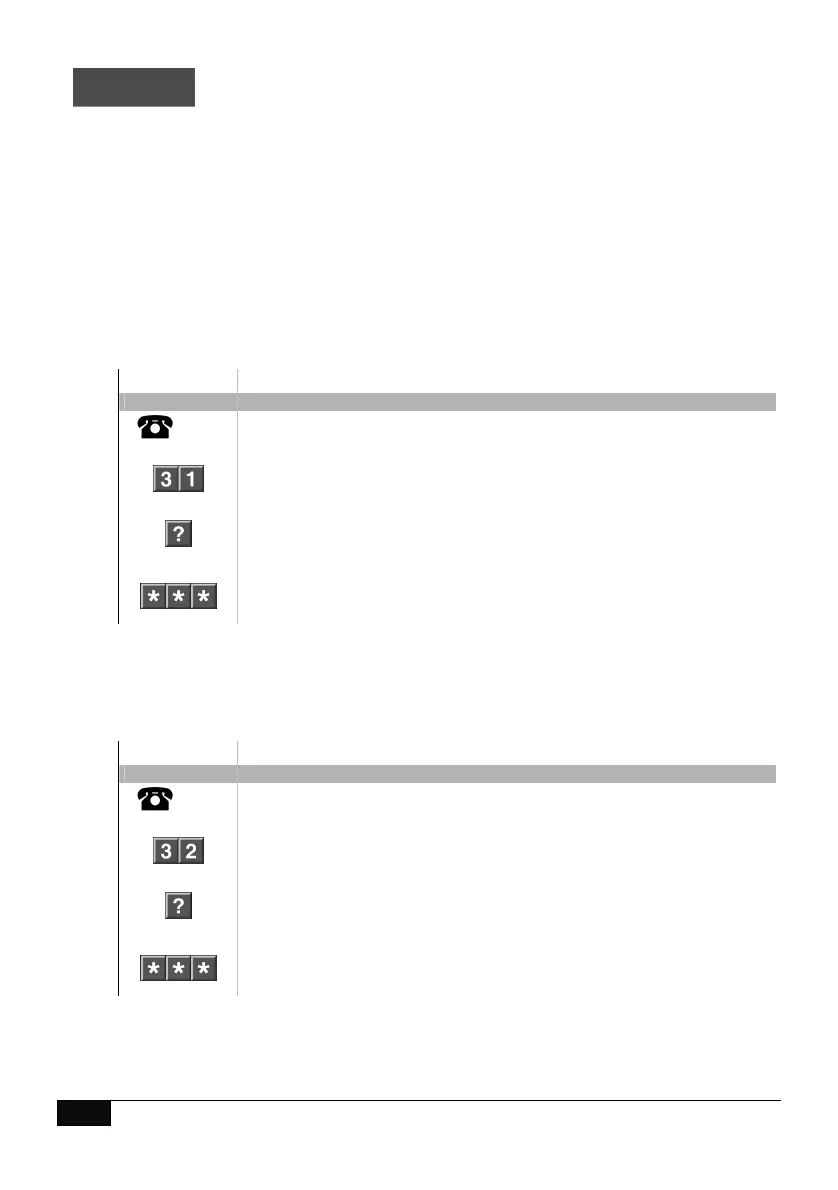
How to: Listen in to a VoiceNav code pads / front door station
Step Example Listen in to a room station
1.
[PIN]
Call the ComNav via an offsite touch-tone phone to begin the session.
2.
Press [3] for intercom control menu
Press [1] to commence listen in mode
3.
Select an individual room number from 1 ~ 9 (9 is outdoor station)
Press 0, for all rooms
4.
1
st
star, moves back to intercom control menu
2
nd
star, moves back to main menu.
3
rd
star, disconnects session
Two-way communication mode
How to: Commence two way communication with a VoiceNav code pad / front door station
Step Example Commence two communication with a room station
1.
[PIN]
Call the ComNav via an offsite touch-tone phone to begin the session.
2.
Press [3] for intercom control menu
Press [2] to commence two way communication mode
3.
Select an individual room number from 1 ~ 9 (9 is outdoor station)
Press 0, for all rooms
4.
1
st
star, moves back to intercom control menu
2
nd
star, moves back to main menu.
3
rd
star, disconnects session
Note: Automatic room answering must be enabled at the VoiceNav code pad for listen in feature to
function correctly. Room 9 is the first outside entrance panel.



 To Next Page