70
Changing Settings for the Insulation Diagnosis Functions
4.6 Changing Settings for the Insulation
Diagnosis Functions
1
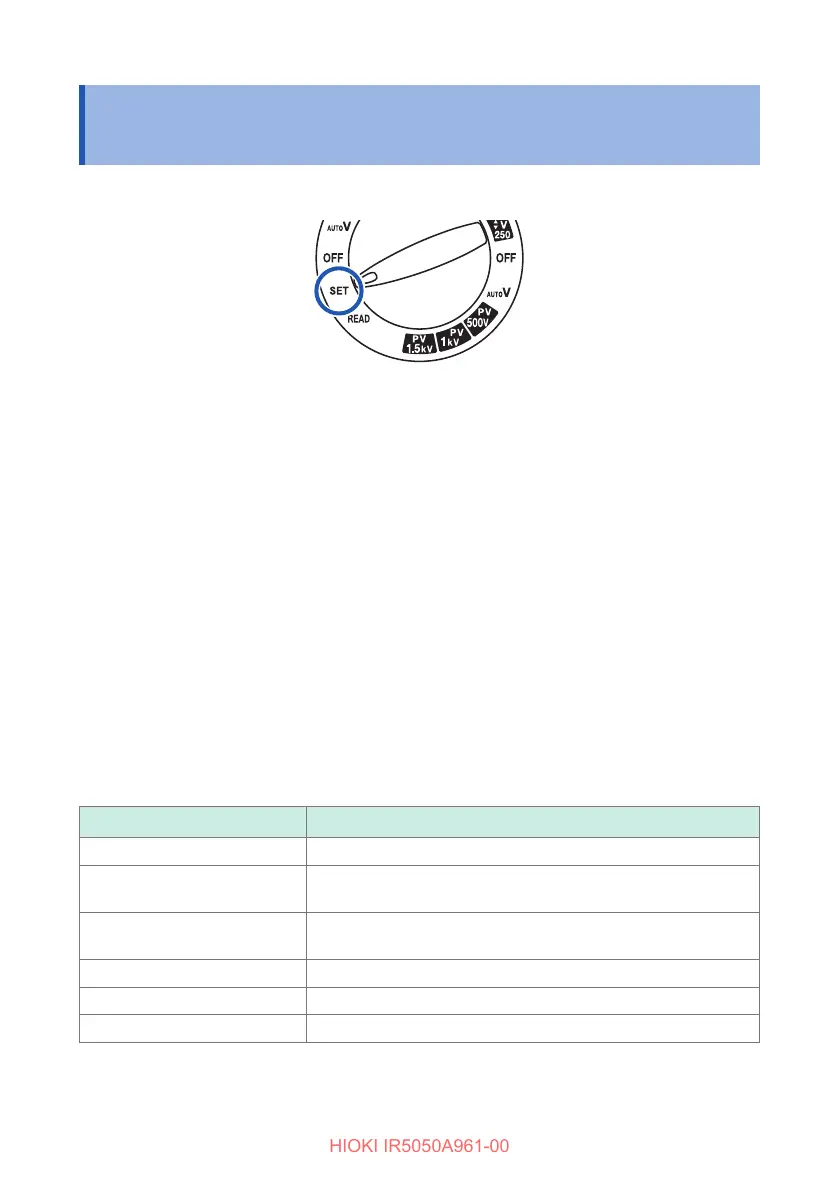
Turn the rotary switch to SET.
2
Press the MODE key and select the display for the function to check or
change.
Each time the MODE key is pressed, the display changes in the following order.
[COMP] (p. 71) → [TIMER] → [PI] → [DAR] → [SV]→ [Ramp] → [DD] →
returns to [COMP]
3
Press the key or the key to change the setting.
For [PI] and [DAR], use the or key to switch between [t1] and [t2].
The setting being changed will blink.
Press the CLR key while the setting is blinking to reset it to the default value.
4
Press the ENTER key to conrm.
Setting ranges of the insulation diagnosis functions
Function Setting range (default setting)
TIMER 10 sec. to 99 min.(1 min.)
PI
10 sec. to 99 min.(t
1
= 1 min. and t
2
= 10 min.)
Setting condition*
1
: t
2
> t
1
DAR
10 sec. to 99 min. (t
1
= 30 sec. and t
2
= 1 min.)
Setting condition*
1
: t
2
> t
1
SV 10 sec. to 10 min. (1 min.)
Ramp 100 V/min. to 9000 V/min. (1000 V/min.)
DD 10 sec. to 98 min. (t = 30 min.)
*1. t
1
must be set to a value less than t
2
. If the setting of t
1
cannot be increased, rst
set t
2
to a value larger than t
1
, and then set t
1
.



 To Next Page