87
Recording Measurement Data
6.1 Recording Measurement Data
Manual recording (recording result of one measurement session)
The memory numbers available for manual recording are divided into the following 10
groups (100 records per group), thus up to 1000 records can be stored.
A00 - A99, B00 - B99, C00 - C99, D00 - D99, E00 - E99,
F00 - F99, H00 - H99, J00 - J99, N00 - N99, P00 - P99
There are the following four types of data: standard measurement data, SV data*
1
,
Ramp data, and DD data. These four data sets are stored separately.
*1. If step voltage test is stopped at any time, data cannot be recorded.
1
Measure insulation resistance and stop.
See: “3.3 Measuring Insulation Resistance” (p. 41)
If step voltage test is stopped at any time, data cannot be recorded.
2
Press the MEM key.
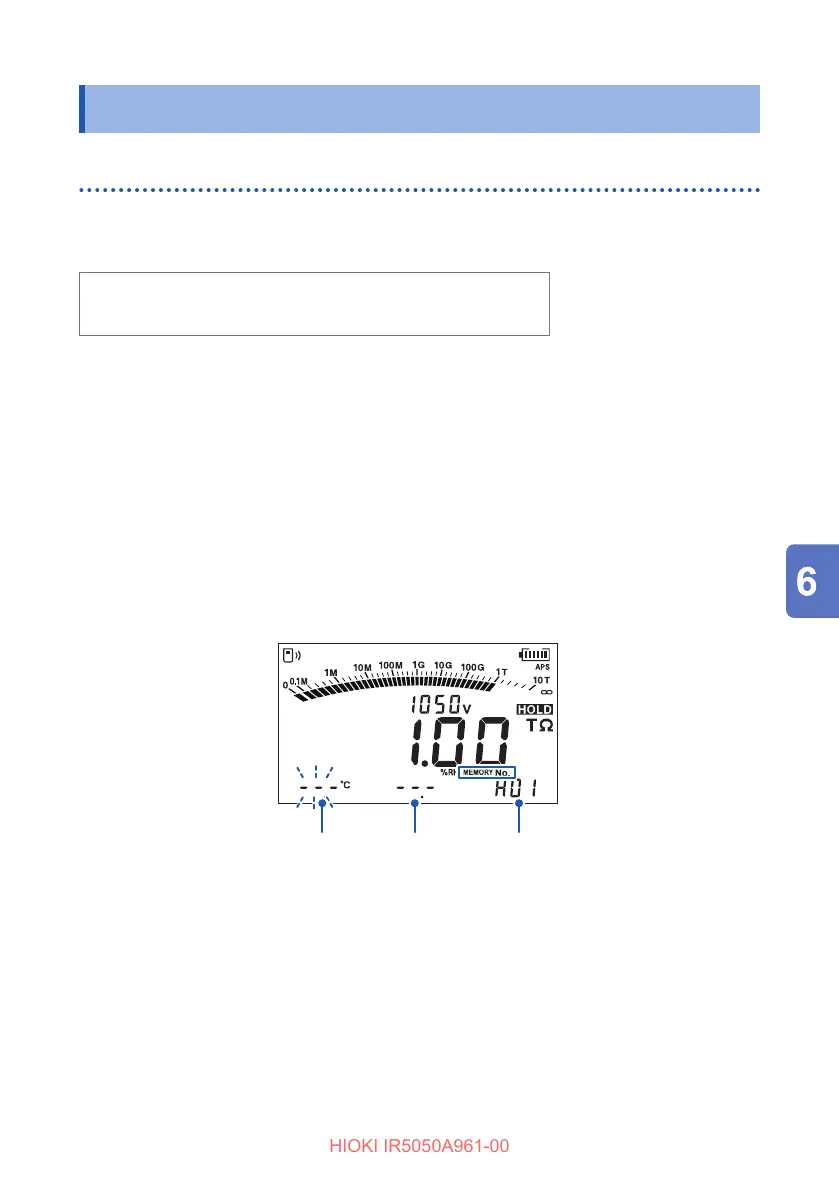
[MEMORY No.] and the number next to the last stored number appear, and the
setting item blinks.
Temperature
Humidity
Memory No.
3
Set the temperature, humidity, and memory number.
key or key: Changes the digit
key or key: Changes the value
ENTER key: Conrm
Each press of the ENTER key moves to the next setting item in the following
order.
Temperature → Humidity → Memory number



 To Next Page