33
Setting and Checking Date and Time
2.3 Setting and Checking Date and Time
Set or check the time and date before use of the instrument.
Use the Gregorian calendar.
Setting date and time
1
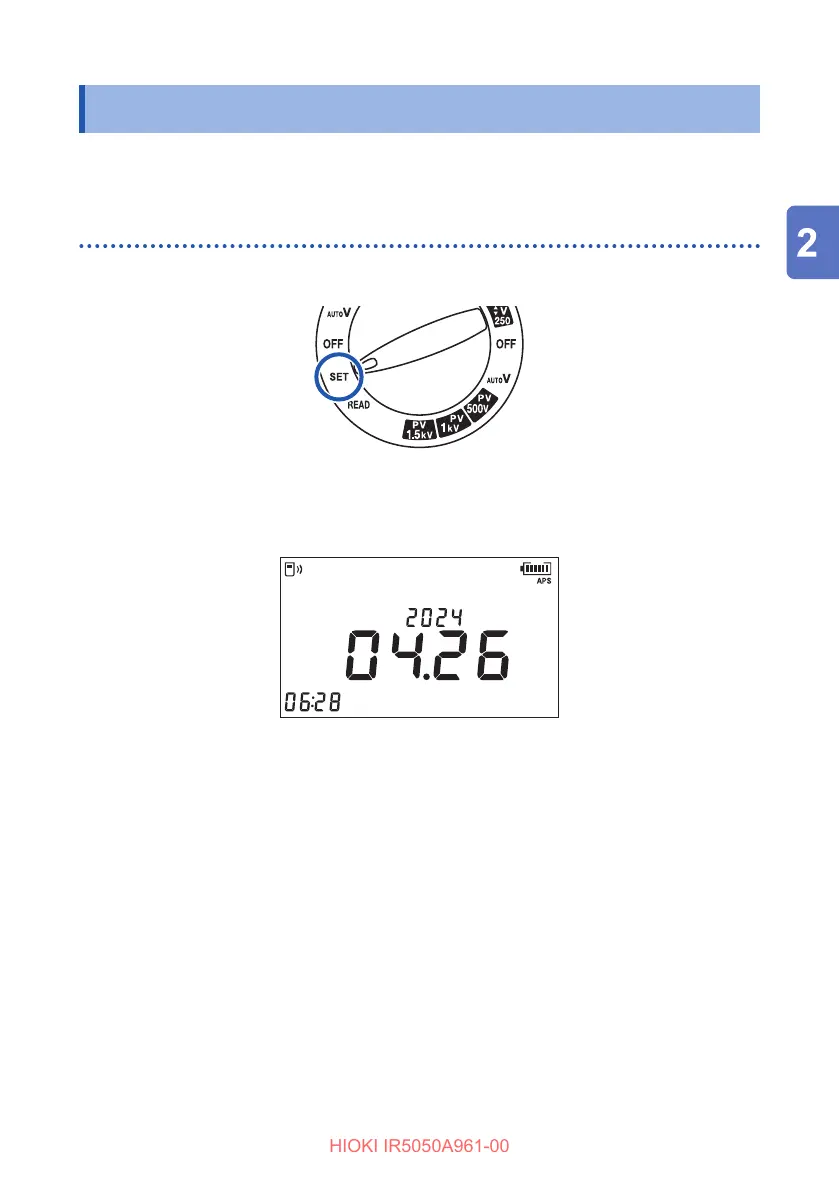
Turn the rotary switch to SET.
2
Hold down the MEM key for more than one second.
The year, month, day, hours, minutes, and seconds appear.
The selected location starts blinking.
Year
Month Day
hr:min:sec
3
Press the
key or
key and move to the location to set.
4
Press the ▲ key or the ▼ key to set the numerical value.
Hold down a key for fast increase/decrease of the numerical value.
5
Press the ENTER key to conrm the numerical value.
The LCD returns to the previous display.
The clock starts to run as soon as the ENTER key is pressed.
The time can also be set from a PC.
• The date and time can be set up on a PC using Sequence Maker.
• Sequence Maker must be installed on the PC.
See “5.6 Communicating with PC” (p. 79).



 To Next Page