90
Checking Recorded Data
6.2 Checking Recorded Data
• The content of a manual record is viewed on the LCD of the instrument.
• For logging records, only the last value is viewed on the LCD of the instrument. The
entire record is viewed on a PC using Sequence Maker.
See: “5.6 Communicating with PC” (p. 79)
1
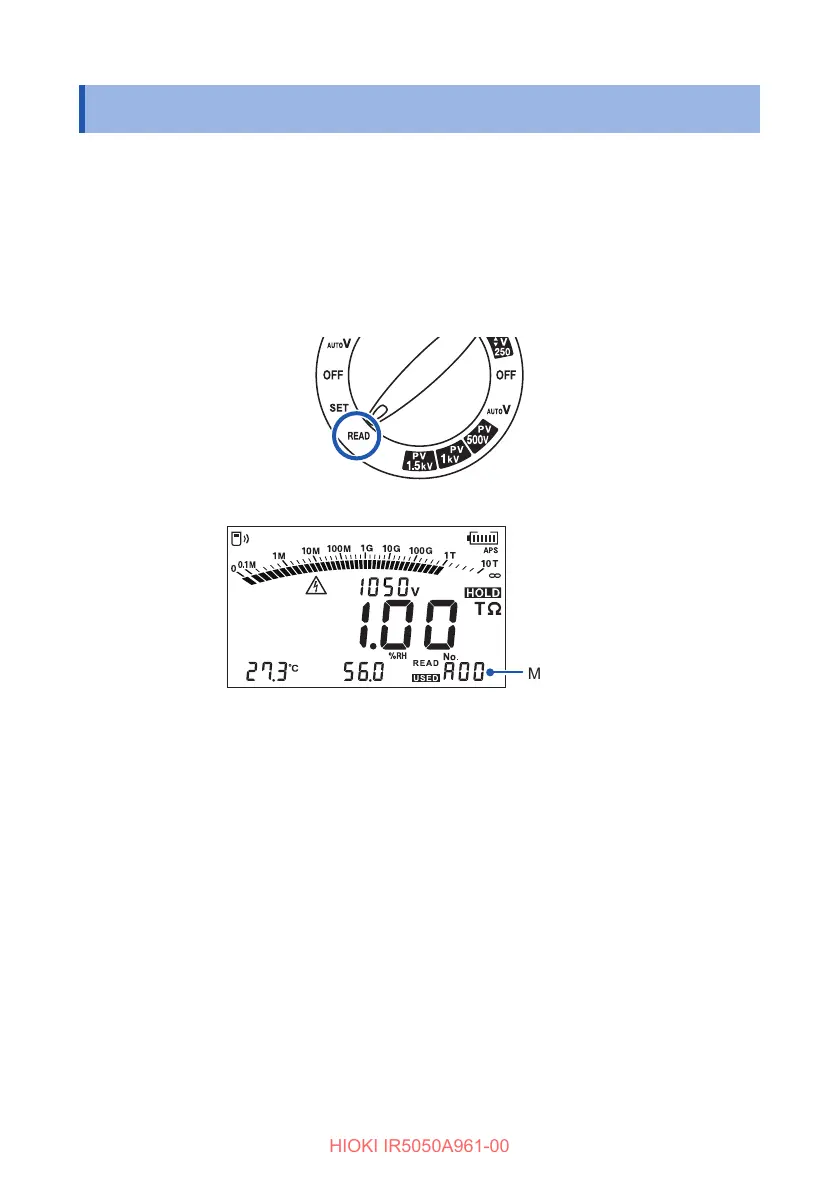
Turn the rotary switch to READ.
The recorded data appears.
Memory No.
2
Press the key and key to choose the memory number you wish to
view.
The data stored under the number appears.
Use the key and key to switch to the next data.
PI and DAR measurement: t
1
data and t
2
data
SV measurement: Data of every step
DD measurement: Data upon completion of the measurement and
data one minute after completion
Hold down the MEM key for more than one second to check the recording date
and time.
Press any key to return to the original display.



 To Next Page