76
Excel Direct Input Function (HID Function)
5.4 Excel Direct Input Function (HID Function)
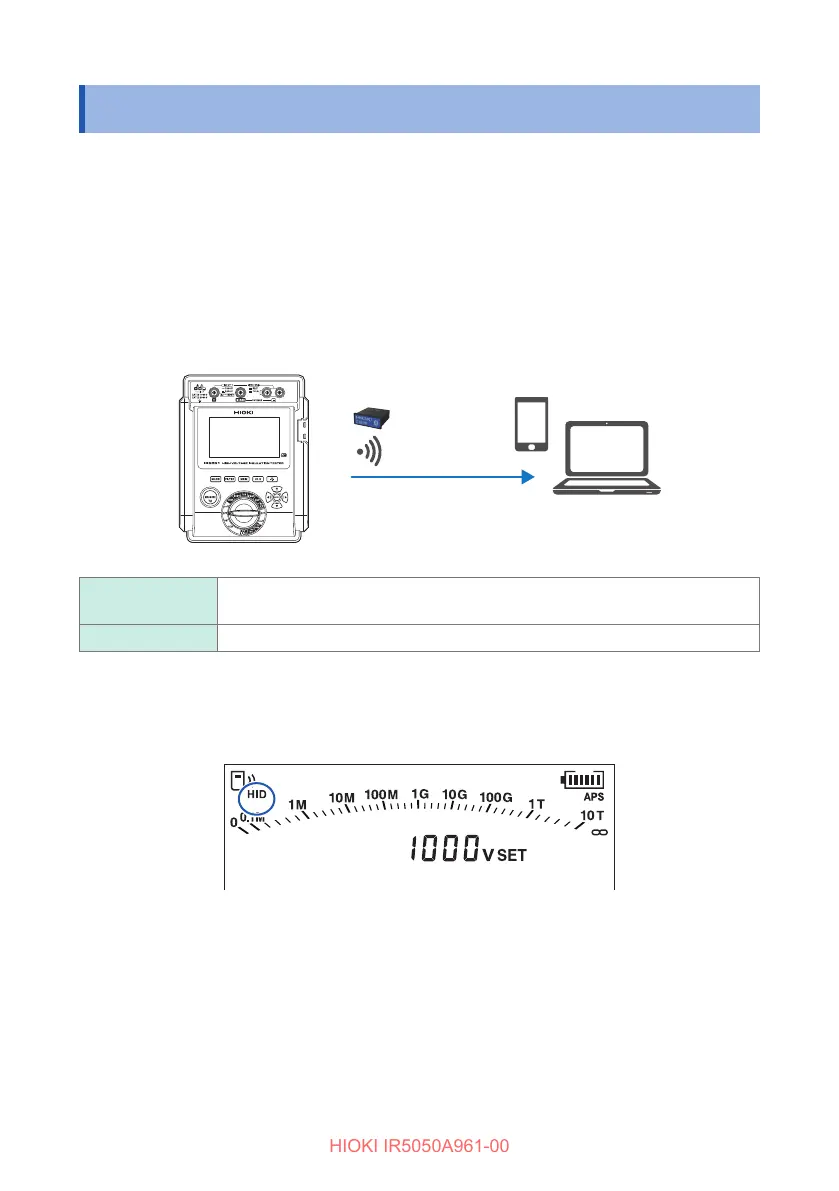
HID (human interface device prole) is a function the Z3210 wireless adapter is
equipped with and is a prole that allows the instrument to operate in the same
manner as a wireless keyboard.
GENNECT Cross (p. 74) and the HID function cannot be used at the same time.
The instrument will stand by with an Excel le opened on a mobile device or PC and
a cell selected. When the instrument’s display is retained, the measured value can be
entered in the selected cell.
HID ON Measured values can be entered in an Excel le or text le.
Communications with GENNECT Cross are not possible.
HID OFF Select o when using GENNECT Cross.
Checking the HID setting
The HID function is on when [HID] is lit on the LCD.
Turning HID function on/o
The HID on/o setting is saved in the Z3210. The setting is not saved in the
instrument.
1
Turn o the power by turning the rotary switch to OFF.



 To Next Page