92
Deleting Recorded Data
6.3 Deleting Recorded Data
Deleting data with the selected number
Select the data to be deleted, and delete only this selection.
1
Turn the rotary switch to READ.
The recorded data appears.
2
Press the key and key to choose the memory number of the data to
delete.
3
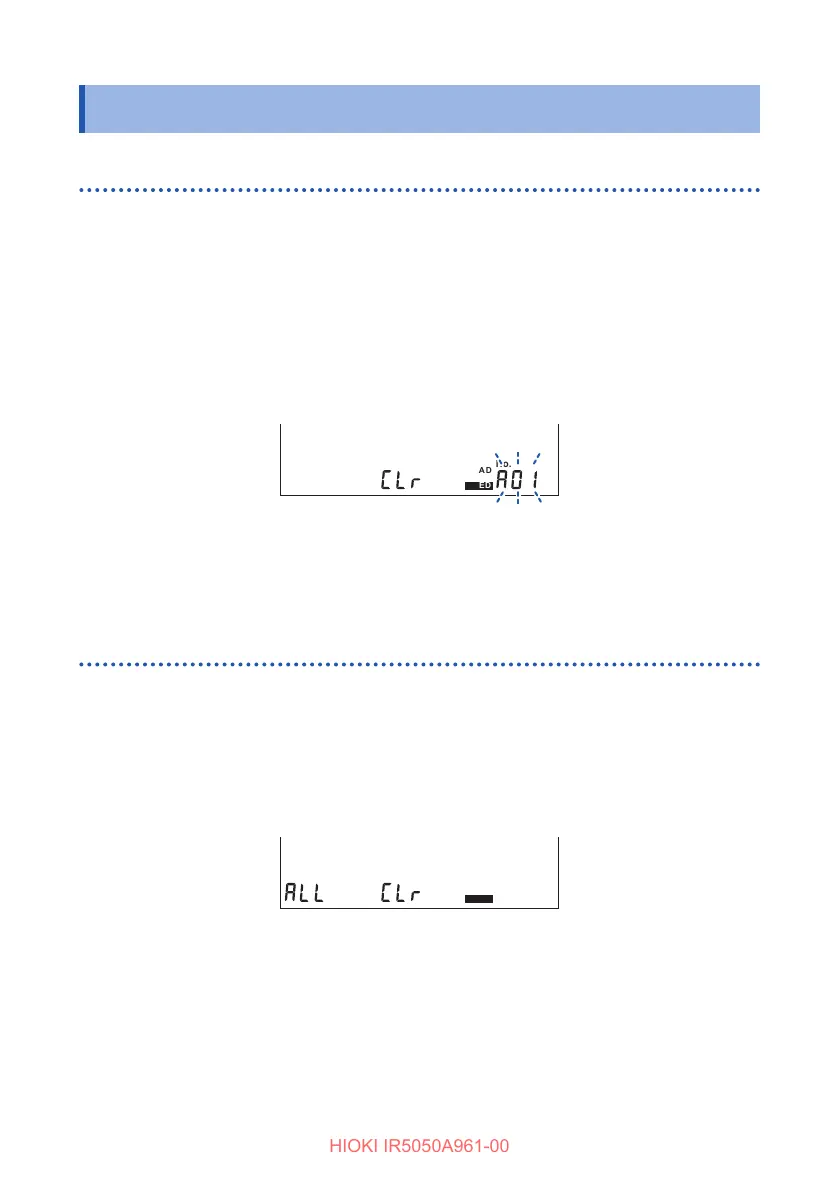
Press the CLR key.
[CLr] appears and the memory number blinks.
FILTER
NOISE
TCPIDARSVDD
USED
COMP
READ
MEMORY
LOGGING
No.
hr:min:sec
4
Press the ENTER key.
[CLr] blinks and the data is deleted.
Deleting all data
Delete all the manual records and logging records simultaneously.
1
Turn the rotary switch to READ.
The recorded data appears.
2
Press the CLR key twice.
[ALL CLr] appears.
FILTER
NOISE
TCPIDARSVDD
USED
COMP
READ
MEMORY
LOGGING
No.
hr:min:sec
3
Press the ENTER key.
[ALL CLr] blinks and all data is deleted.



 To Next Page