72
Comparator Function
1
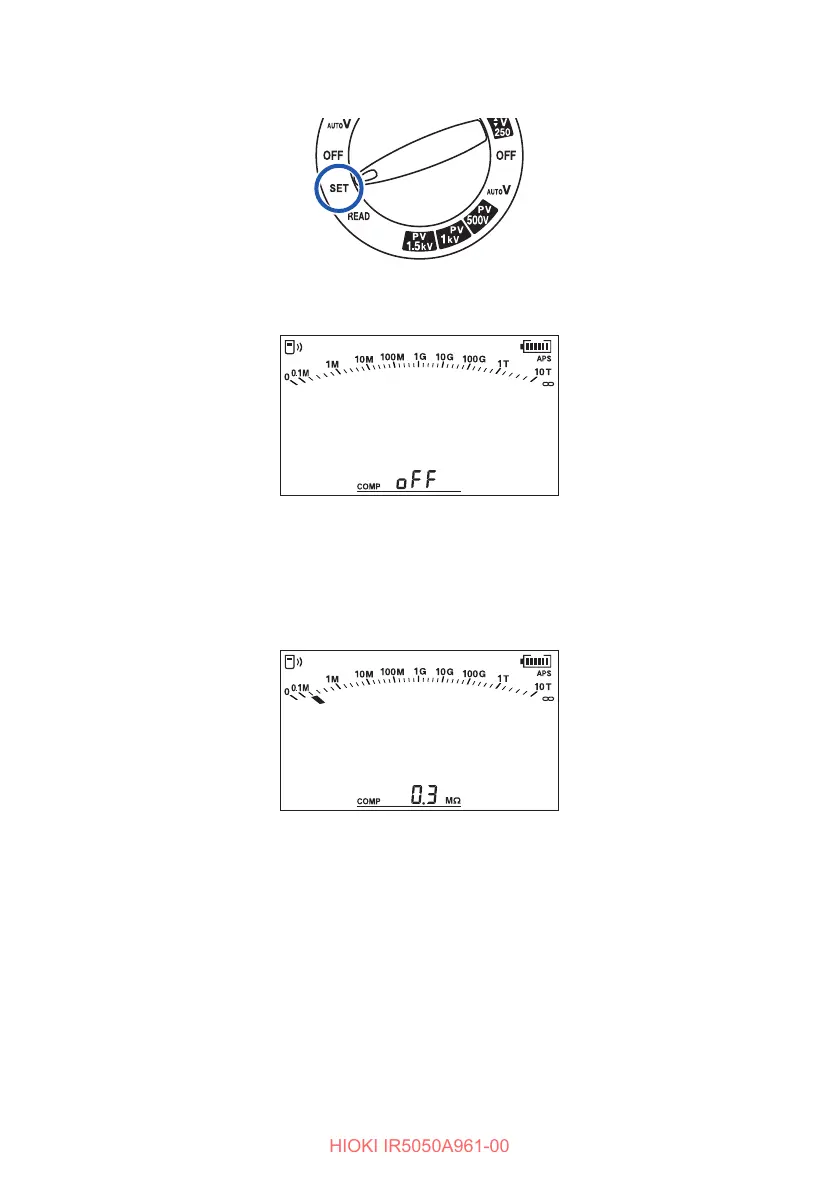
Turn the rotary switch to SET.
The setting screen for the comparator appears.
The default setting is O.
2
Press the key or the key to set the reference value.
The setting being changed will blink.
Disable the comparator function when it is not used.
Press the CLR key while changing to the setting to set to OFF.
3
Press the ENTER key to conrm.
The comparator setting is saved even when the power is turned o.



 To Next Page