1 - 13
1.5.2 Cord Connection
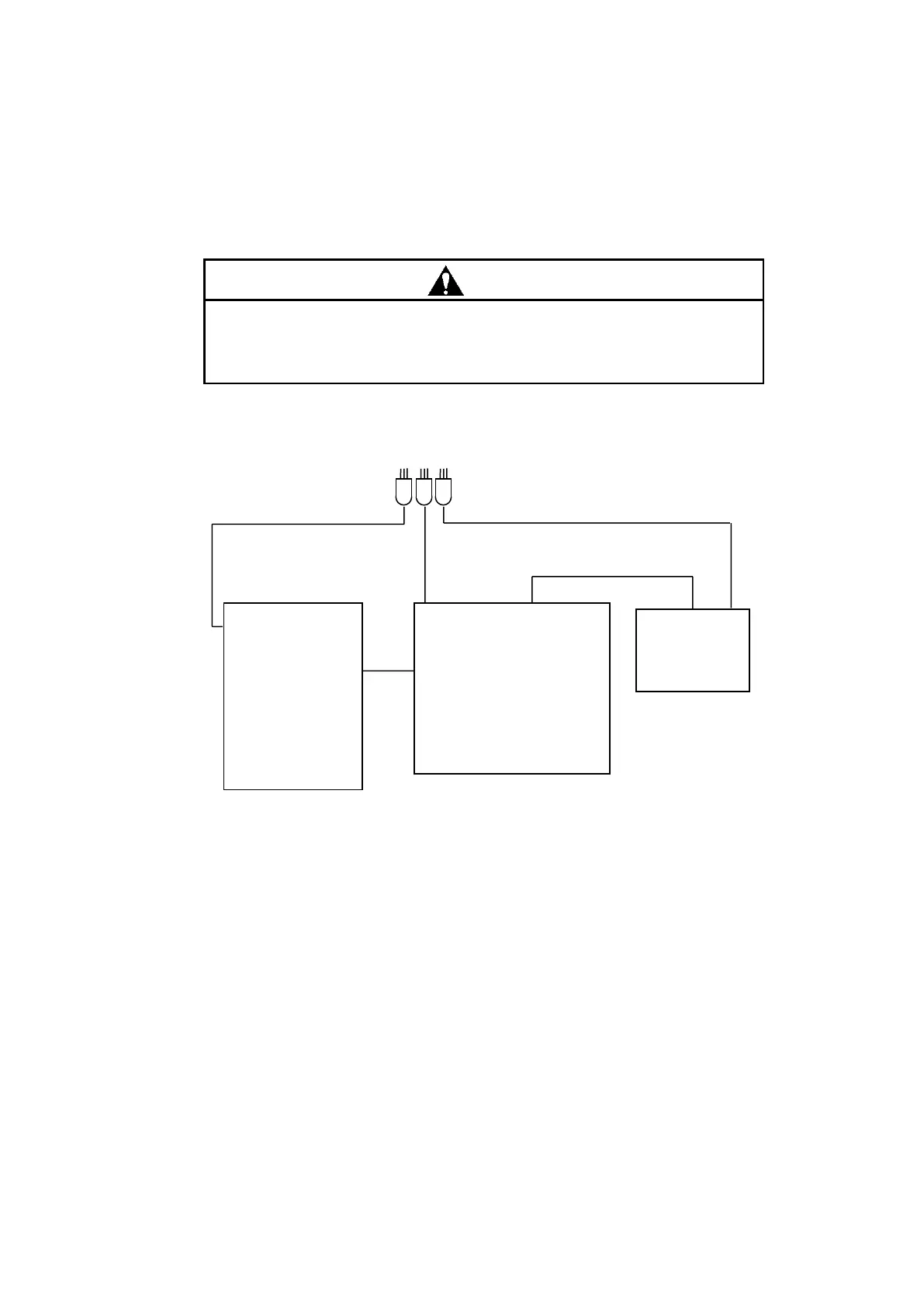
Connect cords as indicated in Fig. 1-12.
Contact with the power supply voltage could cause an electric shock,
resulting in fatal or serious injury. Before starting cord connection, make
sure that the power switch of the spectrophotometer main unit is OFF.
Fig. 1-12 Cord Connection
NOTE: Be sure to use the dedicated USB cable of 1.5 m (P/N 5J1-2334) supplied with the instrument for
communication.
The dedicated USB cable includes a ferrite core for increased resistance to external electrical
noise. Be careful not to confuse it with the general-use USB cable prepared by the customer for
use on the printer side.
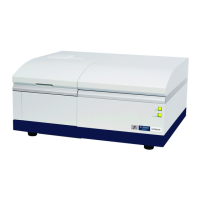
Spectrophotometer
main unit



 To Next Page