3 - 25
3.6 Troubleshooting
Upon turning on the POWER switch of the spectrophotometer, the computer carries out a self-diagnosis
automatically. If an abnormality is found in the instrument, an error message corresponding to the content
of the abnormality will appear. Table 3-2 lists the error messages apt to appear.
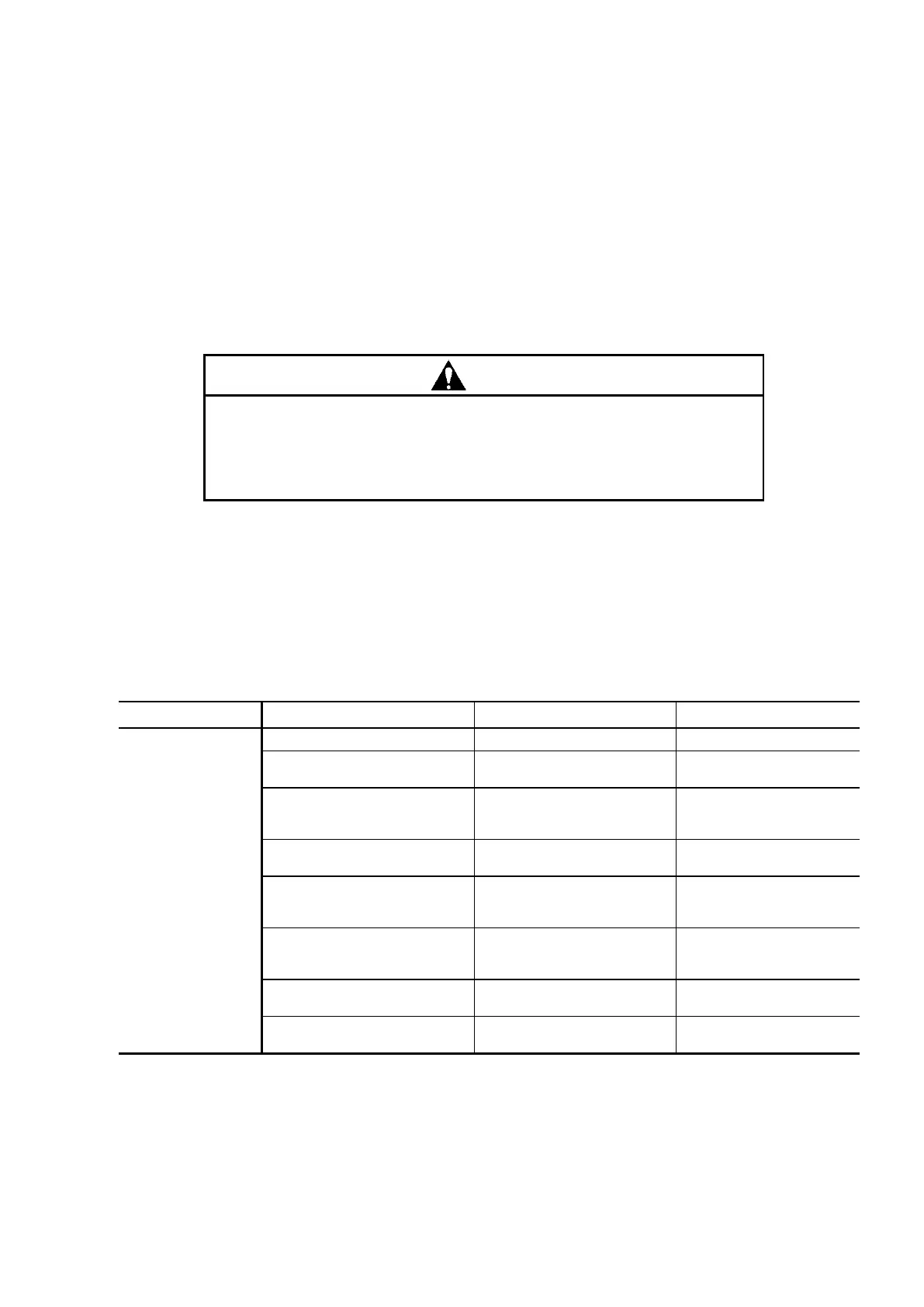
Be sure to observe the following caution when checking and/or remedying a trouble.
Contact with the power supply voltage of the instrument could cause an
electric shock, resulting in fatal or serious injury. Prior to removing the light
source compartment cover, turn OFF the POWER switch of the
spectrophotometer main unit and unplug the power cord from the main unit.
3.6.1 Troubleshooting Procedure
Table 3-1 Troubleshooting
Light source compartment
cover not closed
Check if cover is closed.
Close the light source
compartment cover.
Fails to light up even the
electrical discharge is
supplied to the Xe lamp.
Wait until lamp cools
down.
Lamp fails to light up even
when replaced.
Contact our local
service office.
Poor contact at HV terminal
of anode or cathode cord of
Xe lamp
Check fastening of HV
terminal knobs.
Anode or cathode cord of
Xe lamp broken
Contact our local
service office if cord is
broken.
Xe lamp fastening nut not
secure
Check fastened condition
of nut.
Xe lamp mounted with
polarity reversed
Check if (+) mark of lamp
is on anode side.



 To Next Page