1 - 23
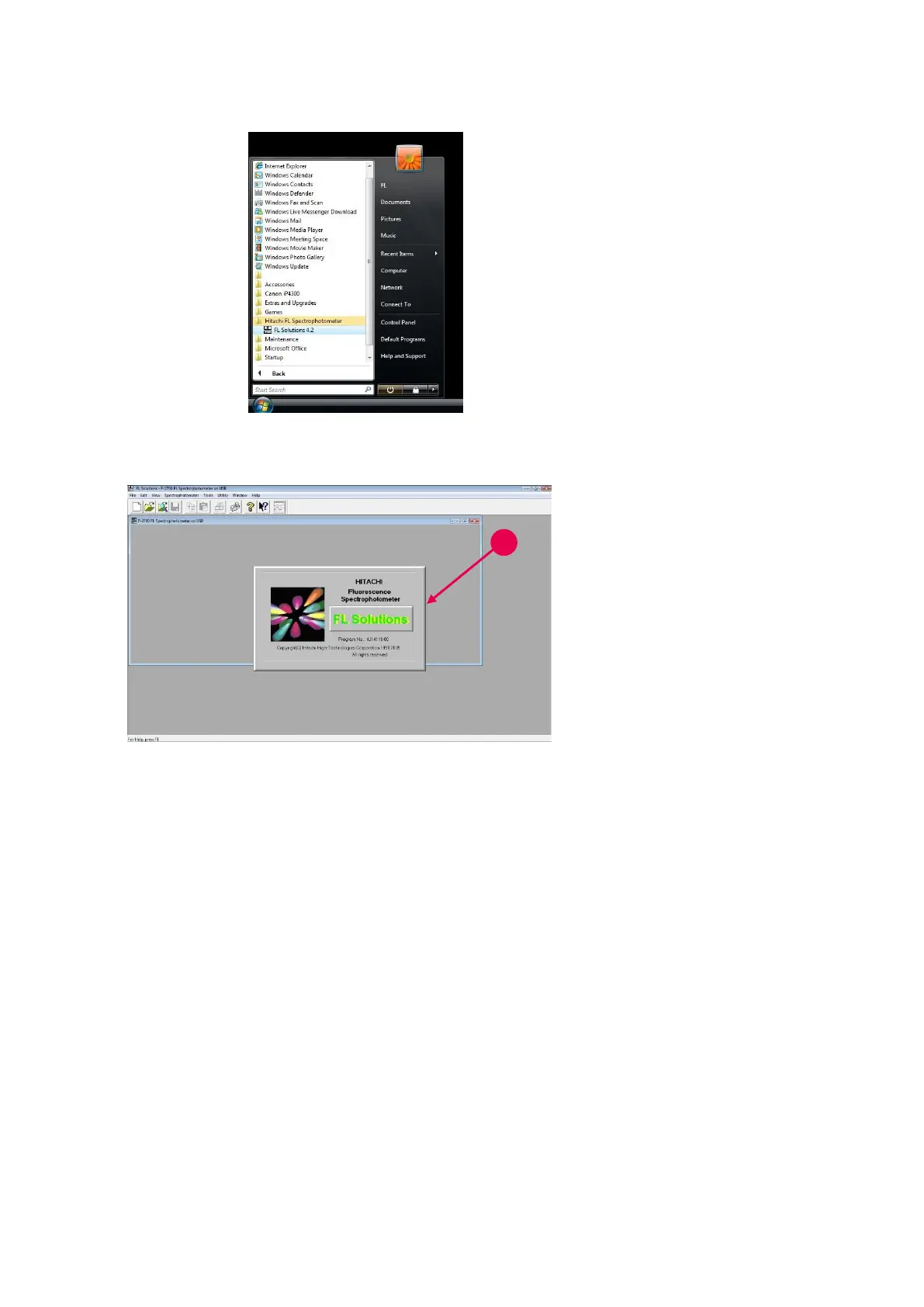
Fig. 1-29
(2) The other method begins
with clicking the start
button at the bottom left
corner of desktop. Next,
point to All Programs (P)
and Hitachi FL
Spectrophotometer, and
then select FL Solutions
4.2.
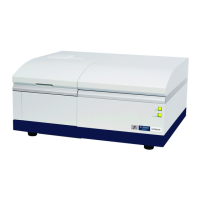
Fig. 1-30
5. The computer now recognizes
the fluorescence
spectrophotometer connected
to it and displays a window as
shown in Fig. 1-30. Then, the
FL Solutions program is
launched automatically.



 To Next Page