3 - 7
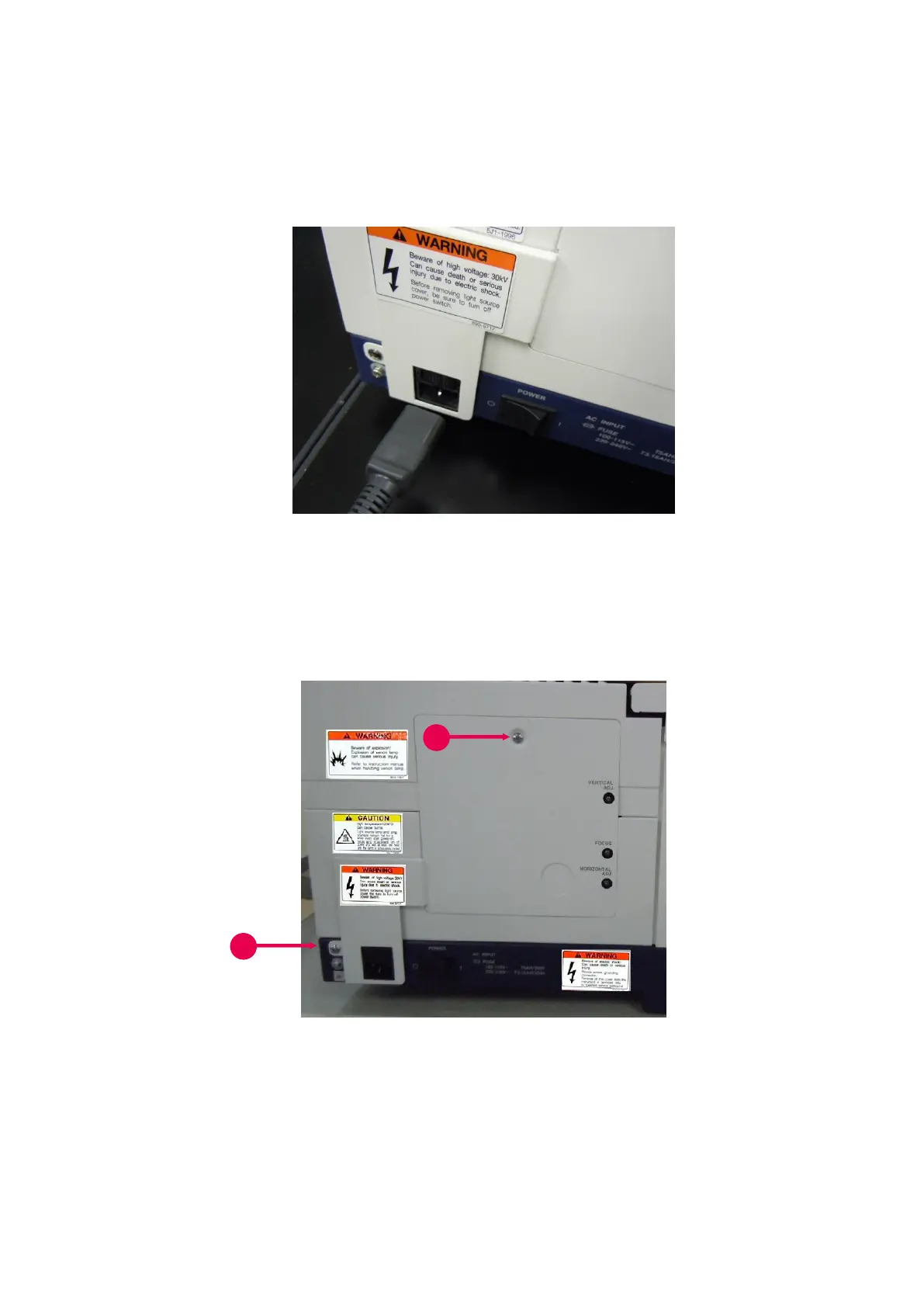
(2) Unplug the power cord from the main unit connector (see Fig. 3-6). The light source compartment
cover cannot be removed with the cord inserted in the connector.
Fig. 3-6 Detachment of Power Cord
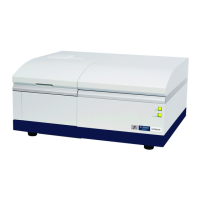
(3) Remove the two screws holding the light source compartment cover on the left side of the main unit
(①, ② in Fig. 3-7).
Fig. 3-7 Light Source Compartment Cover
(4) Lift the cover slightly to remove it.



 To Next Page