23
Background Color
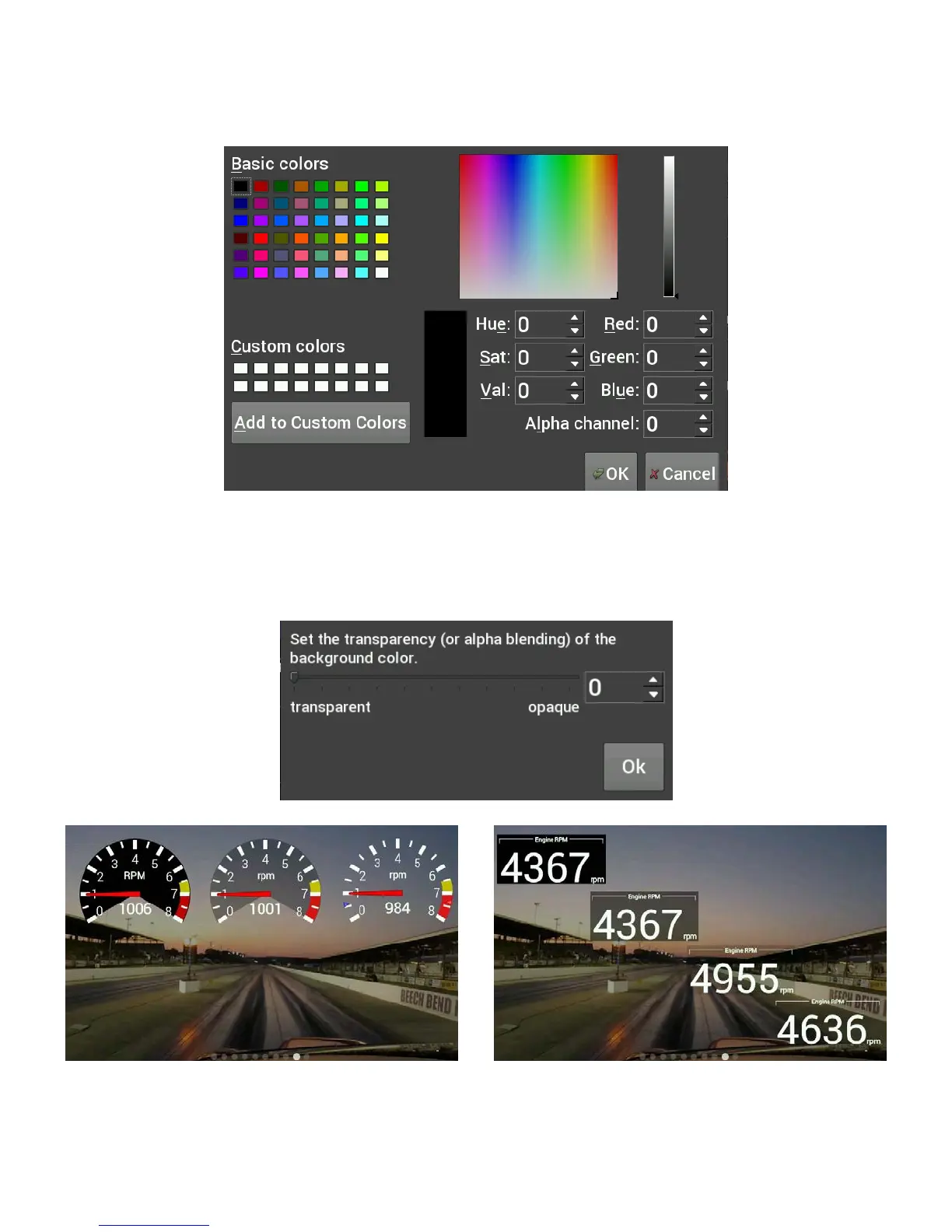
Changing the Background Color of a gauge is done following the same steps as the Foreground Color. The
alpha channel controls the transparency of the background.
Transparency
The transparency of a gauge background can be modified to achieve your desired style. A value of 255 makes
the gauge completely opaque, and a value of 0 makes the gauge completely transparent. This is the same as
setting the alpha channel in the color selection box for the gauge background. See the examples below.
Transparency values are 255 / 125 / 0
Transparency values are 255 / 150 / 65 / 0












 To Next Page