FAXITRON PATH USER MANUAL | HOLOGIC | REVISION 024
ECTION
ISION
oftware
5
5-8
Select from Database
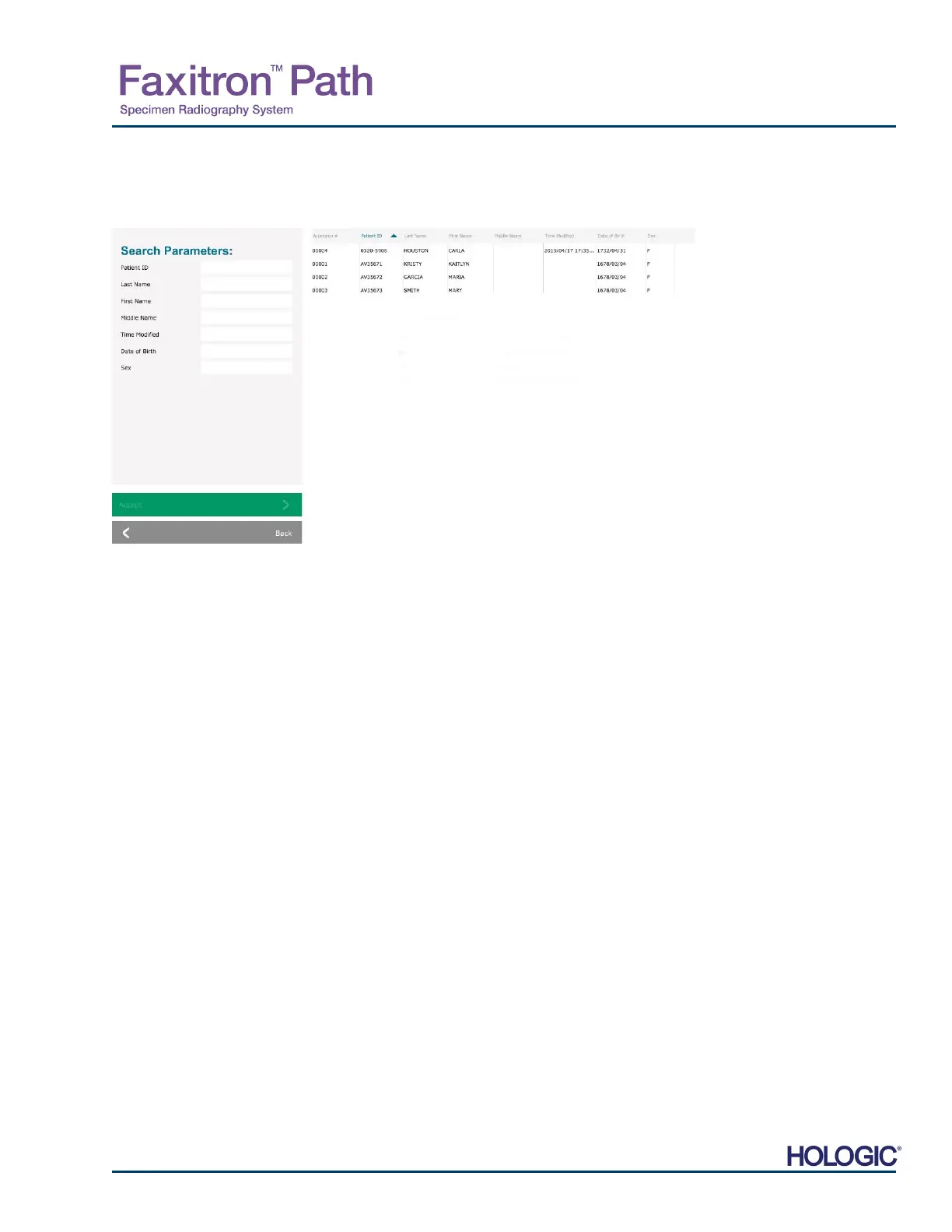
Choosing the Select from Database button will display the following page. See Figure 5.3.4
below.
The user selects patient from the table on the right side of the page and then clicks on the
Accept button which opens the Image Information Editor. (Note: The user may also double
click the entry in the table to open the Image Information Editor.) Then follow the procedure
and notes on page 5.7.
Note: Use the scroll bar at the bottom of the screen to view hidden patient information.
Vision allows the user to narrow the patient list by entering specific information in the “Search
Parameters” window on the left side of the page. Only those patients matching all search
parameters will be displayed.
5.3.4
Select from
Database
Figure 5.3.4
Selecting Patient from Local
Database Entries
NOTE: All patient data is fictitious.
Any resemblance to actual persons is
strictl
coincidence.













 To Next Page