FAXITRON PATH USER MANUAL | HOLOGIC | REVISION 024
ECTION
ISION
oftware
5
5-42
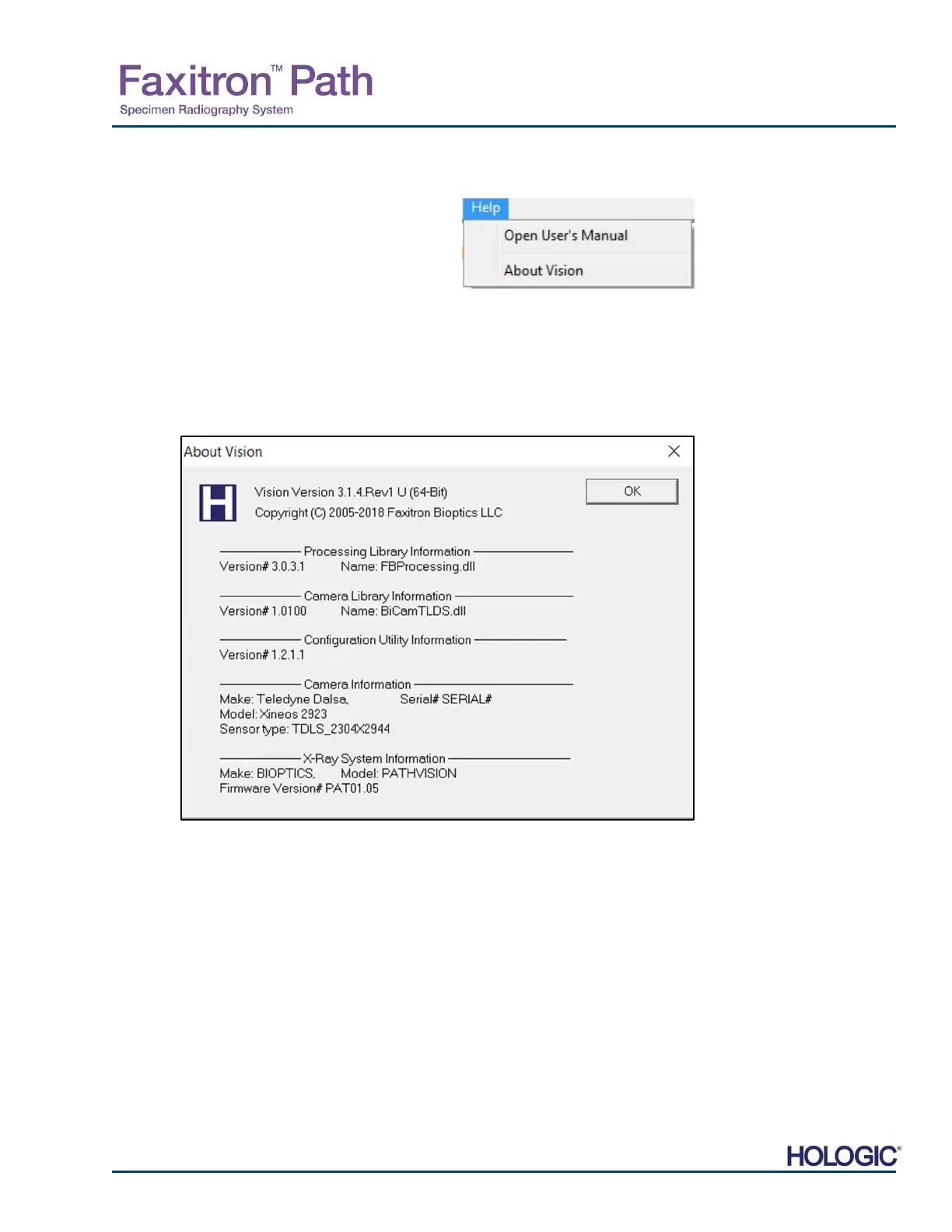
The “Help” submenu, See Figure 5.9.1, is located on the top menu bar and provides quick
access to the Faxitron Path User Manual and “About Vision”. Refer to 5.10.0 and Figure 5.10.1.
5.9.0
About Help
Figure 5.9.1
Online Help Dialog Box
The About Vision button opens a Dialog box that shows the Vision software version and
copyright date and system information.
5.10.0
About Faxitron
Vision Software
Figure 5.10.1
bout Faxitron Vision Information
Dialog Box













 To Next Page