FAXITRON PATH USER MANUAL | HOLOGIC | REVISION 024
ECTION
ISION
oftware
5
5-29
Image Database Menu Functions and Tools
There are functions to navigate, search in the database, and
to edit, delete, and add records to the database. Those
functions are explained through database menu items. They
are accessed from the top level button labelled Additional
Options within the database.
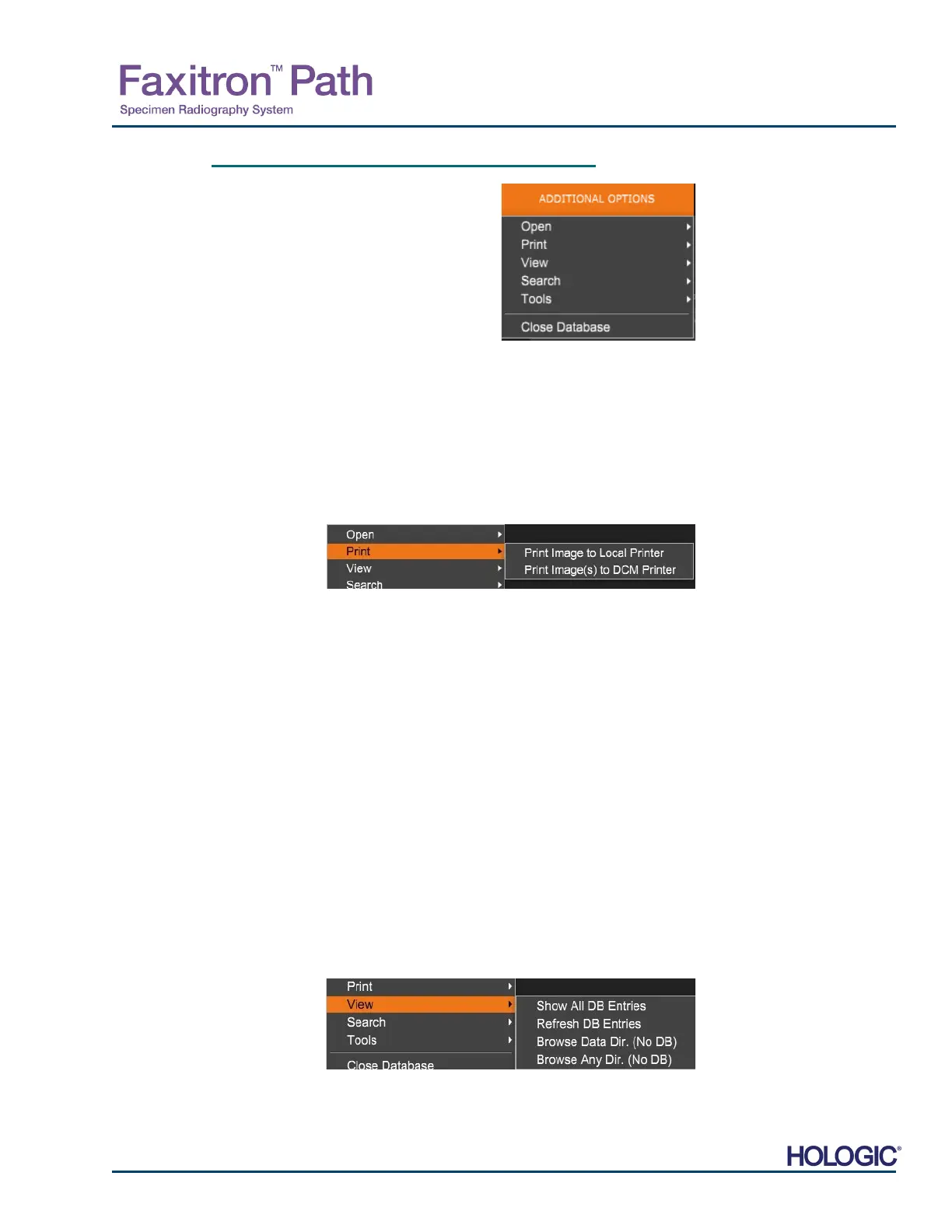
Open Menu
The “Open” Menu has only one option “Open Image from File” which opens a Windows dialog
box that allows the user to navigate to and open image files located on local or network drives.
Print Menu
The “DB-PRINT” menu provides for Image/Procedure/Patient print functionality. See Figure
4.6.4.
Print Image to Local Printer
“Print Image to Local Printer” is available when entry from the Image Table or Thumbnail List is
selected, otherwise it is disabled. The selected image will be printed using the local default
printer of Windows system.
The window level of the printed image is the default window level. It is not recommended that
users Print from this menu, unless they are satisfied with the print outs set to the default window
levels as calculated by the program. The user can load the image first into the Image View
(Review) window and then adjust the image to the desired window levels. When satisfied with
the window level, the user can then initiate Print from the menu of Image View window. A Format
Options dialog provides a choice between printing formats.
Print Image(s) to DCM Printer
This function sends the image(S) to a pre-configured DICOM printer.
View Menu
The “View” Menu provides the user a number of options affecting the Database view. See Figure
5.6.5
5.6.1
Database
Additional Options
Figure 5.6.3
dditional Options Menu
Figure 5.6.4
Database Print Menu
Figure 5.6.5
Database View Menu













 To Next Page