FAXITRON PATH USER MANUAL | HOLOGIC | REVISION 024
ECTION
ISION
oftware
5
5-22
Properties
“Properties” hides or shows the Image Information Box. See Figure 5.3.9.
Edit Current Image Record
Currently not used.
Delete Current Image Record
Deletes the current image from the file directory as specified in the configuration file.
Add Current Image Record
dds the current image to the file directory as specified in the configuration file.
Capture Screen Shot JPG/BMP
By selecting this menu choice, the user can do a screen capture of the displayed active
window. The user can specify a file name and choose between JPG and BMP as the saved
file format.
Save /Store Current Image
The user may “browse” to the directory or file folder to which the image is to be saved. A file
name must be assigned in the field provided. Select a file type to save the image as. There
are many file types provided. To save the file in a DICOM format, please refer to the “DICOM
Functionality” section.
Print Current Image
Prints current image to the WINDOWS printer.
Image Tools
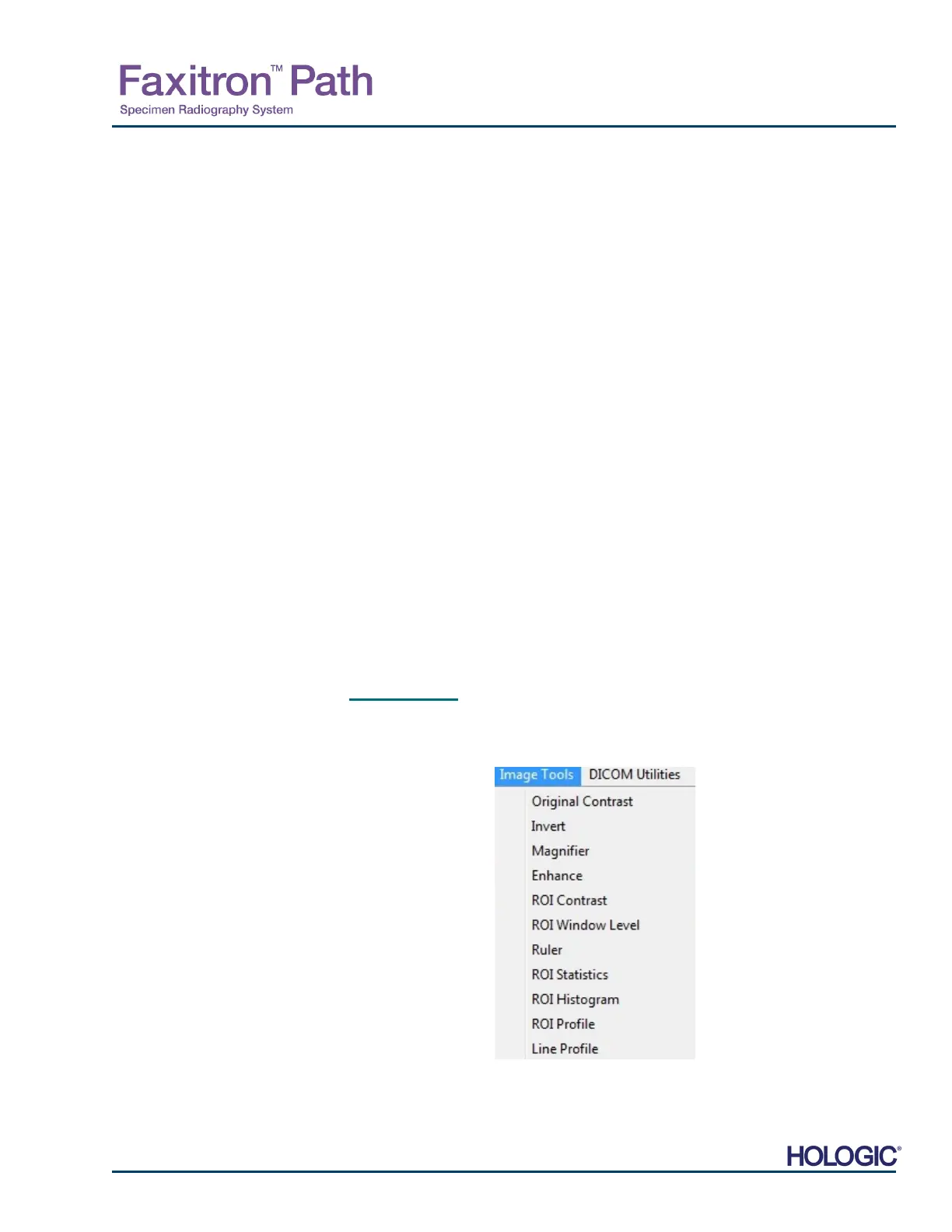
The following features are available to edit the acquired or retrieved image by clicking on the
“Image Tools” menu. See Figure 5.4.22. The sub-menu options are activated or accessed
with a single click on the desired option.
5.4.4 Cont.
5.4.5
Image Tools
Figure 5.4.22
Image Tools Menu













 To Next Page