FAXITRON PATH USER MANUAL | HOLOGIC | REVISION 024
ECTION
ISION
oftware
5
5-10
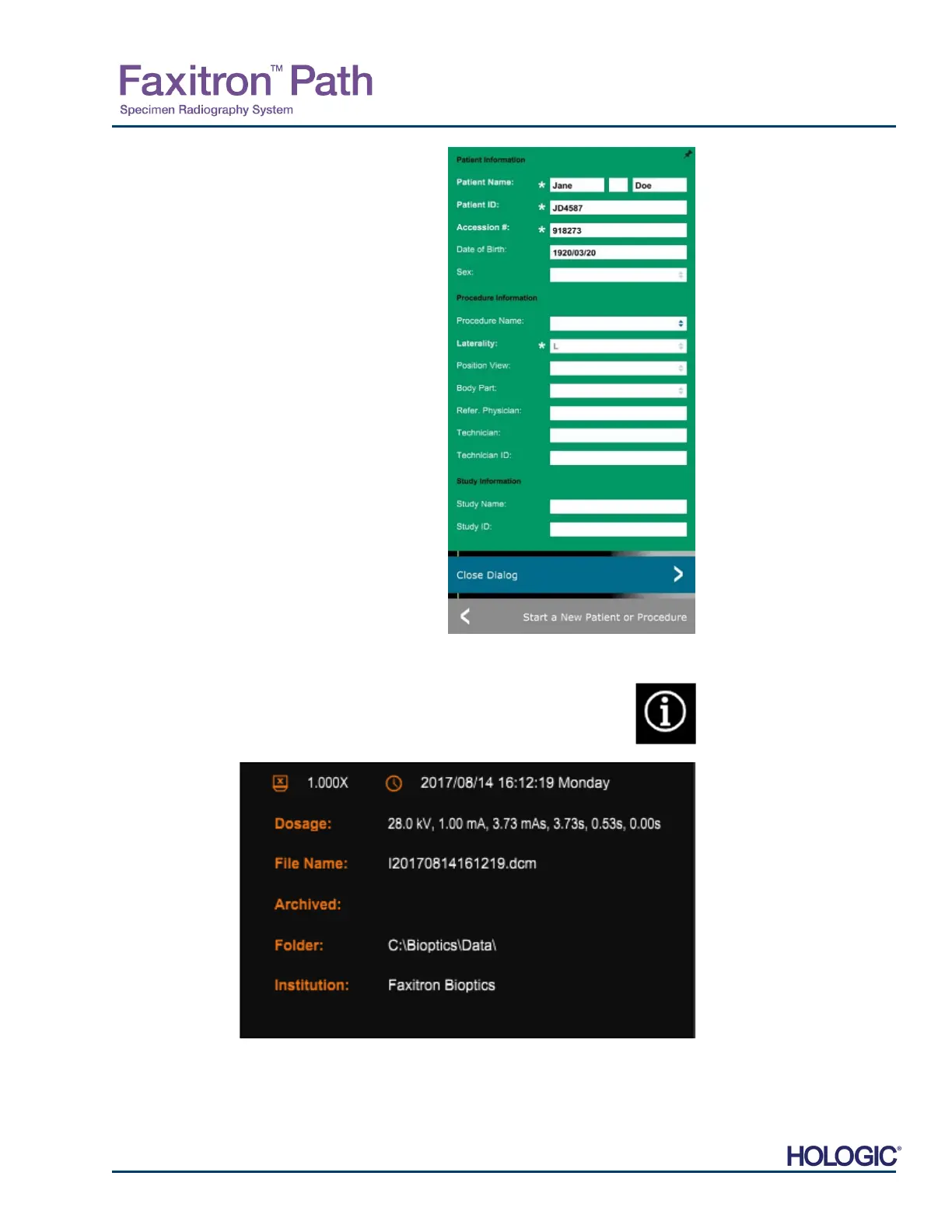
The user may view, but not edit, the patient
information after acquiring an image by clicking on
the Patient Data icon shown in Figure 5.3.5. This will
display a modified Patient Information dialog box as
shown in Figure 5.3.7. this box provides two buttons:
Close Dialog or Start a New Patient or Procedure.
Once an image is taken, the current image properties can be viewed by pressing
the (i) icon in the top-right corner. See Figure 5.3.8. The Image Properties Dialog
box will be displayed in the top=right corner of the image. The box is semi-
transparent to allow one to see what’s underneath the box. See Figure 5.3.9
5.3.5 Cont.
Figure 5.3.7
Patient Information Dialog after
Image Acquisition
Figure 5.3.8
Image Properties Icon
Figure 5.3.9
Image Properties Dialog (View
Only)













 To Next Page