6
Honeywell 35 Series IP Cameras User Guide
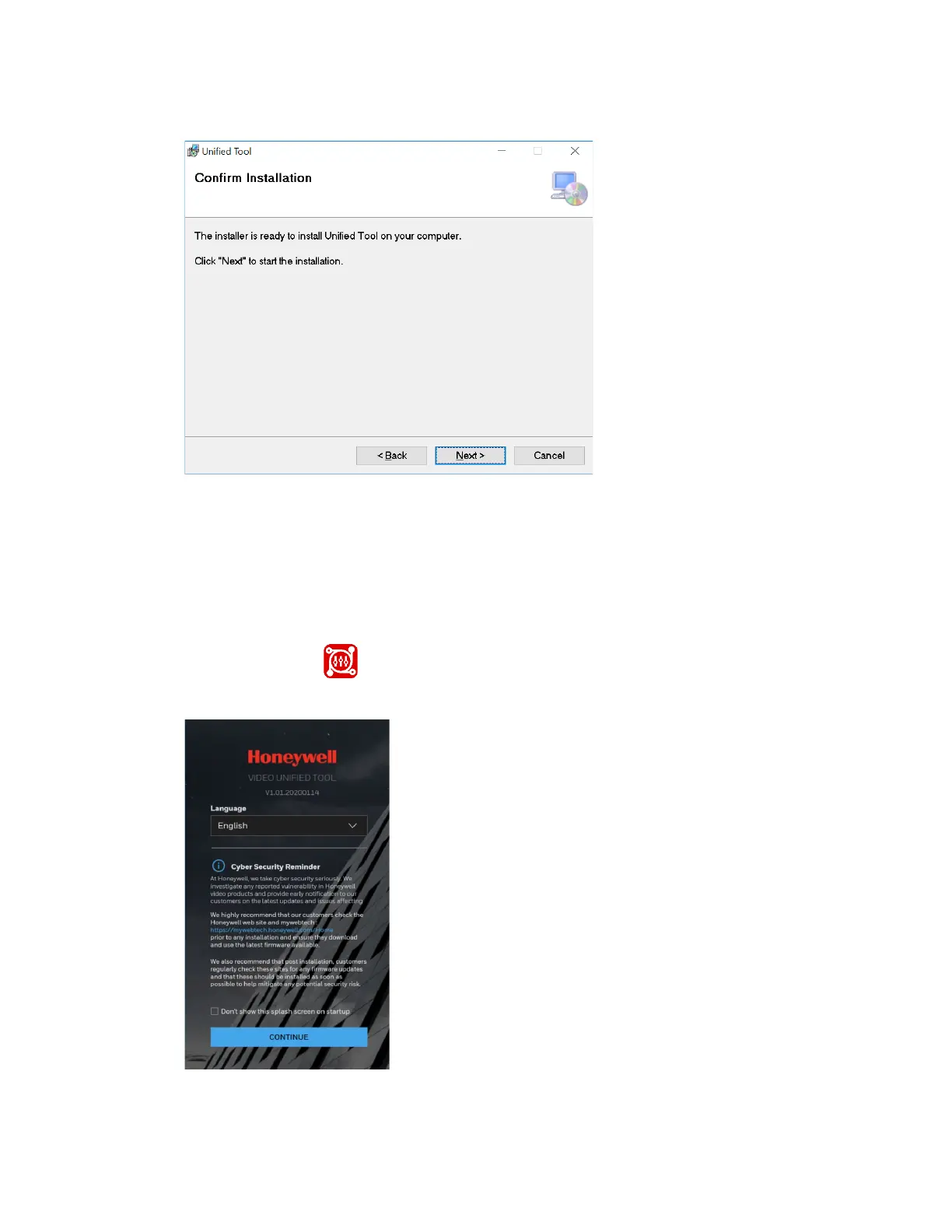
Figure 3 Confirm Installation
4. Click Next. When the installation is completed, click Close. A shortcut of Unified
Tool will be displayed on your desktop.
Discovering Your Camera on the Network
1. Double-click on the desktop and the following figure is displayed:
Figure 4 Splash Screen
2. Select your language from the dropdown list of Language. Currently, only English
is supported.



 To Next Page
 Loading...