17
Honeywell 35 Series IP Cameras User Guide
4 CONFIGURING CAMERA
SETTINGS
Configuring General Settings
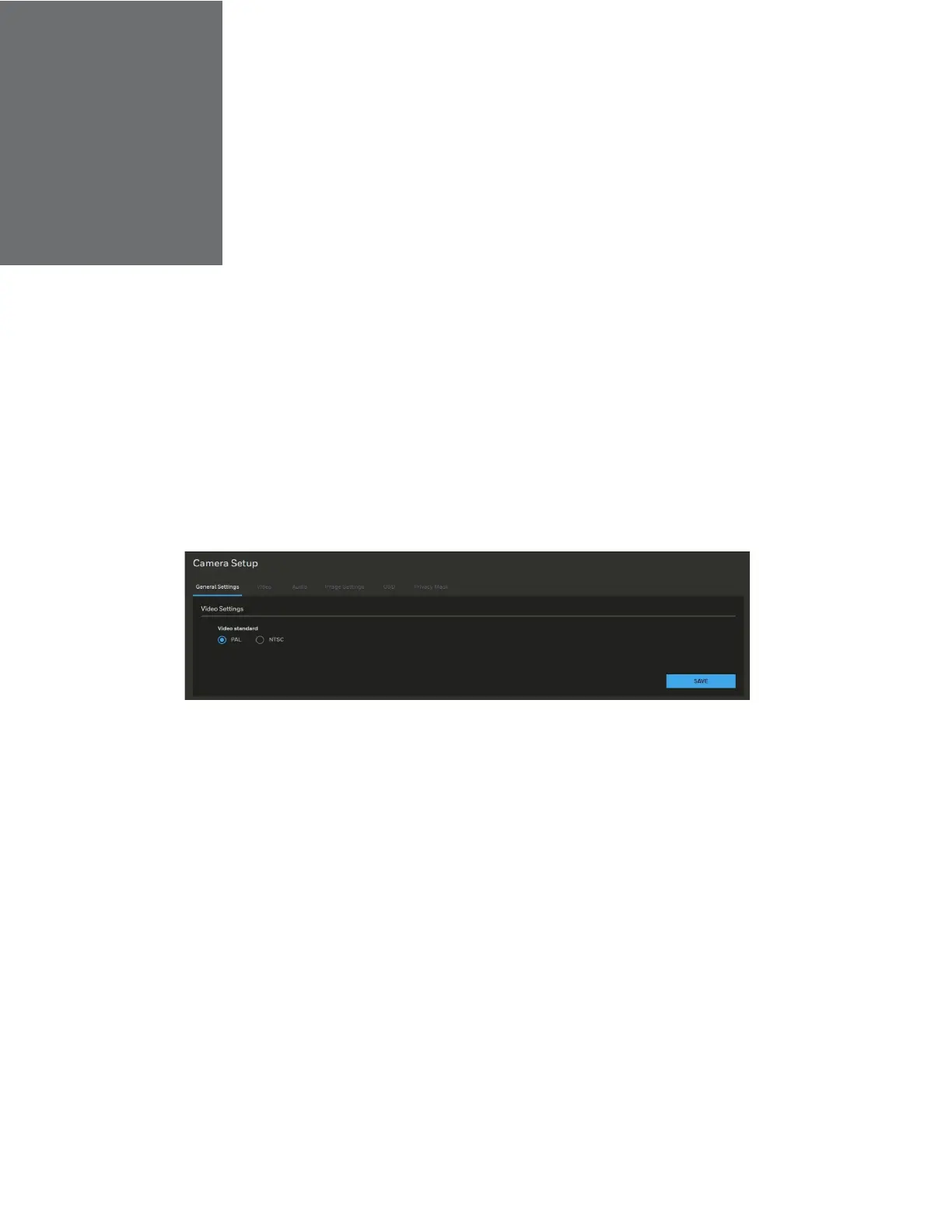
Go to Setup > Camera Setup > General Settings.
On this page, you can configure the general video settings.
To change the video standard, select PAL or NTSC. Click SAVE.
Figure 15 General Settings
Configuring Video Settings
Go to Setup > Camera Setup > Video.
This section describes how to configure Video stream and ROI settings.
Mode
Go to Setup > Camera Setup > Video > MODE.
•
The Mode function is applicable for HC35WZ2R25.
•
Changing the video mode will clear the following settings: privacy mask,
image setting, motion, preset position and focus window.



 To Next Page
 Loading...