Installation and Getting Started Guide
5 - 2
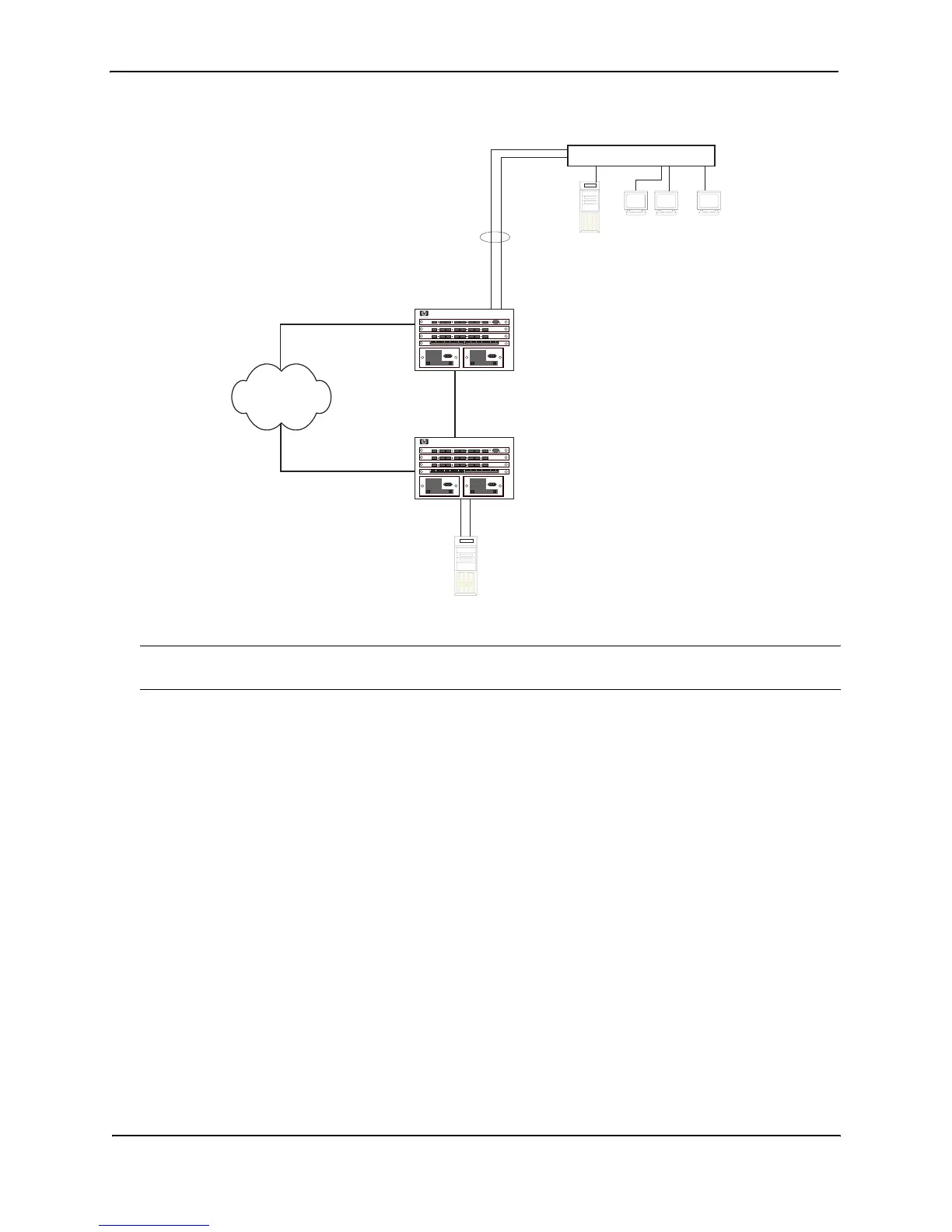
Figure 5.1 Trunk Group application within an HP Routing Switch network
NOTE: The ports in a trunk group make a single logical link. Therefore, all the ports in a trunk group must be
connected to the same device at the other end.
Trunk Group Connectivity to a Server
To support termination of a trunk group, the server must have either multiple network interface cards (NICs) or
either a dual or quad interface card installed. The trunk server is designated as a server with multiple adapters or
a single adapter with multiple ports that share the same MAC and IP address. Figure 5.2 shows an example of a
trunk group between a server and an HP device.
Gigabit
Backbone
HP 9304M
Super
Server
HP 9304M
Server
...
Power Users
Dedicated 100 Mbps
HP Switch 4000
Trunk Group
Router1
Router2



 To Next Page