Installation and Getting Started Guide
7 - 20
Default is (1000/Port Speed) for Half-Duplex ports and is (1000/Port Speed)/2 for Full-Duplex ports.
• Priority – value determines when a port will be rerouted in relation to other ports. Possible values: 0 – 255.
Default is 128.
Configuring IP Sub-net, IPX Network and Protocol-Based VLANs
Protocol-based VLANs provide the ability to define separate broadcast domains for several unique Layer 3
protocols within a single Layer 2 broadcast domain. Some applications for this feature might include security
between departments with unique protocol requirements. This feature enables you to limit the amount of
broadcast traffic end-stations, servers, and routers need to accept.
NOTE: See “Configuring AppleTalk Cable VLANs” on page 7-28 for information about configuring an AppleTalk
cable VLAN.
Example: Suppose you want to create five separate Layer 3 broadcast domains within a single Layer 2 STP
broadcast domain:
• Three broadcast domains, one for each of three separate IP sub-nets
• One for IPX Network 1
• One for the Appletalk protocol
Also suppose you want a single router interface to be present within all of these separate broadcast domains,
without using IEEE 802.1q VLAN tagging or any proprietary form of VLAN tagging.
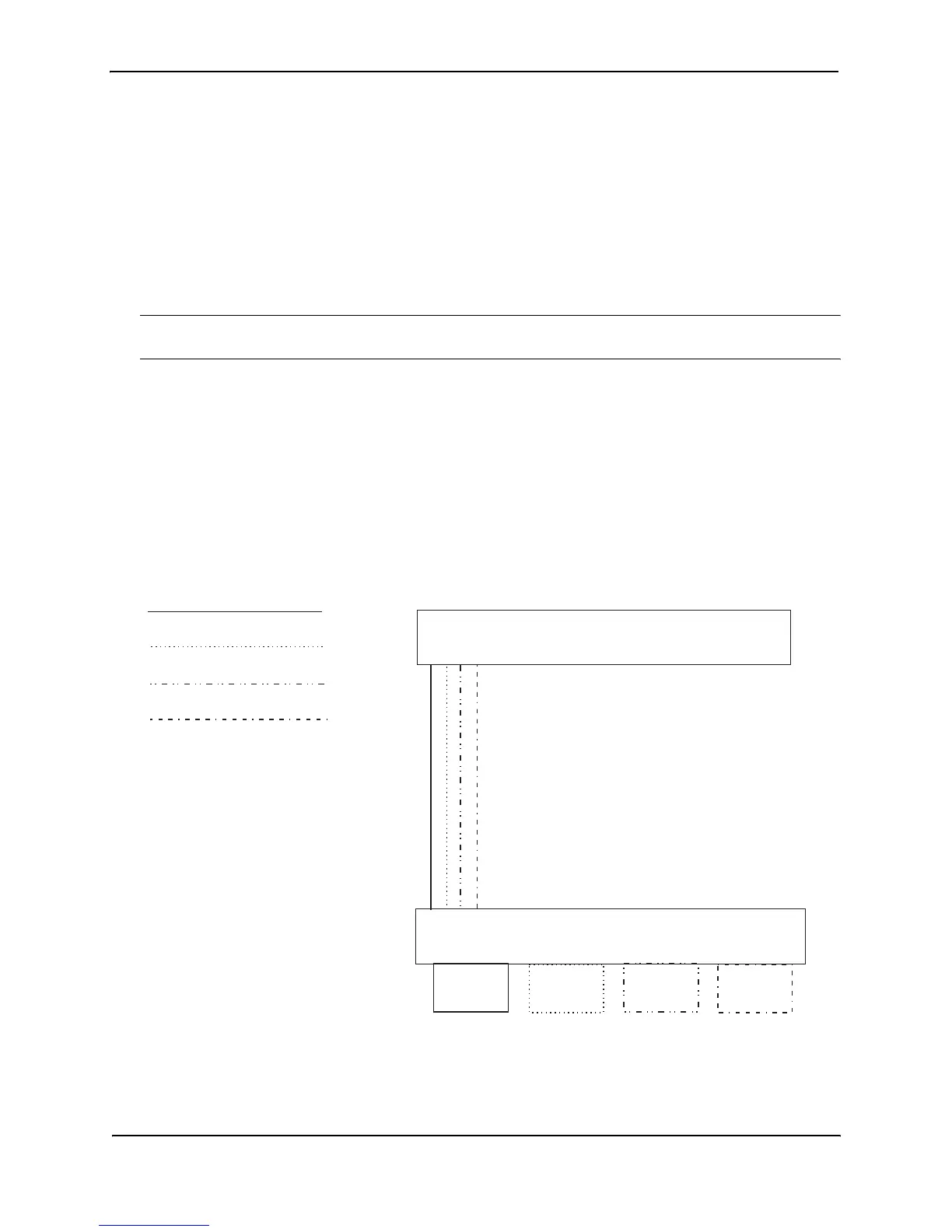
Figure 7.11 shows this configuration.
Figure 7.11 Protocol-based (Layer 3) VLANs
To configure the VLANs shown in Figure 7.11, use the following procedure.
Port 1/8
IP sub-net 1
IPX network 1
AppleTalk cable 100
IP sub-net 2
9304M
9308M
AppleTalk cable 100
IP sub-net 1
IP sub-net 2
IPX network 1
port 1/8
Ports 1/4 - 1/6, 1/8
IP sub-net 2
Ports 1/1 - 1/6, 1/8
IPX network 1
Ports 1/4 - 1/6, 1/8
AppleTalk
cable 100
Ports 1/1 - 1/3, 1/8
IP sub-net 1



 To Next Page