Installation and Getting Started Guide
10 - 14
USING THE CLI
To schedule a system reload from the secondary flash one day and 12 hours later, enter the following command at
the global CONFIG level of the CLI:
HP9300# reload after 01:12:00 secondary
Syntax:
reload after <dd:hh:mm> [primary | secondary]
<dd:hh:mm> is the number of days, hours, and minutes.
primary | secondary specifies whether the reload is to occur from the primary code flash module or the
secondary code flash module.
USING THE WEB MANAGEMENT INTERFACE
You cannot schedule a system reload using the Web management interface.
Displaying the Amount of Time Remaining Before a Scheduled Reload
To display how much time is remaining before a scheduled system reload takes place, use one of the following
methods.
USING THE CLI
To display how much time is remaining before a scheduled system reload, enter the following command from any
level of the CLI:
HP9300# show reload
USING THE WEB MANAGEMENT INTERFACE
You cannot display information about a scheduled reload using the Web management interface.
Canceling a Scheduled Reload
To cancel a scheduled reload, use one of the following methods.
USING THE CLI
To cancel a scheduled system reload using the CLI, enter the following command at the global CONFIG level:
HP9300# reload cancel
USING THE WEB MANAGEMENT INTERFACE
You cannot cancel a scheduled reload using the Web management interface.
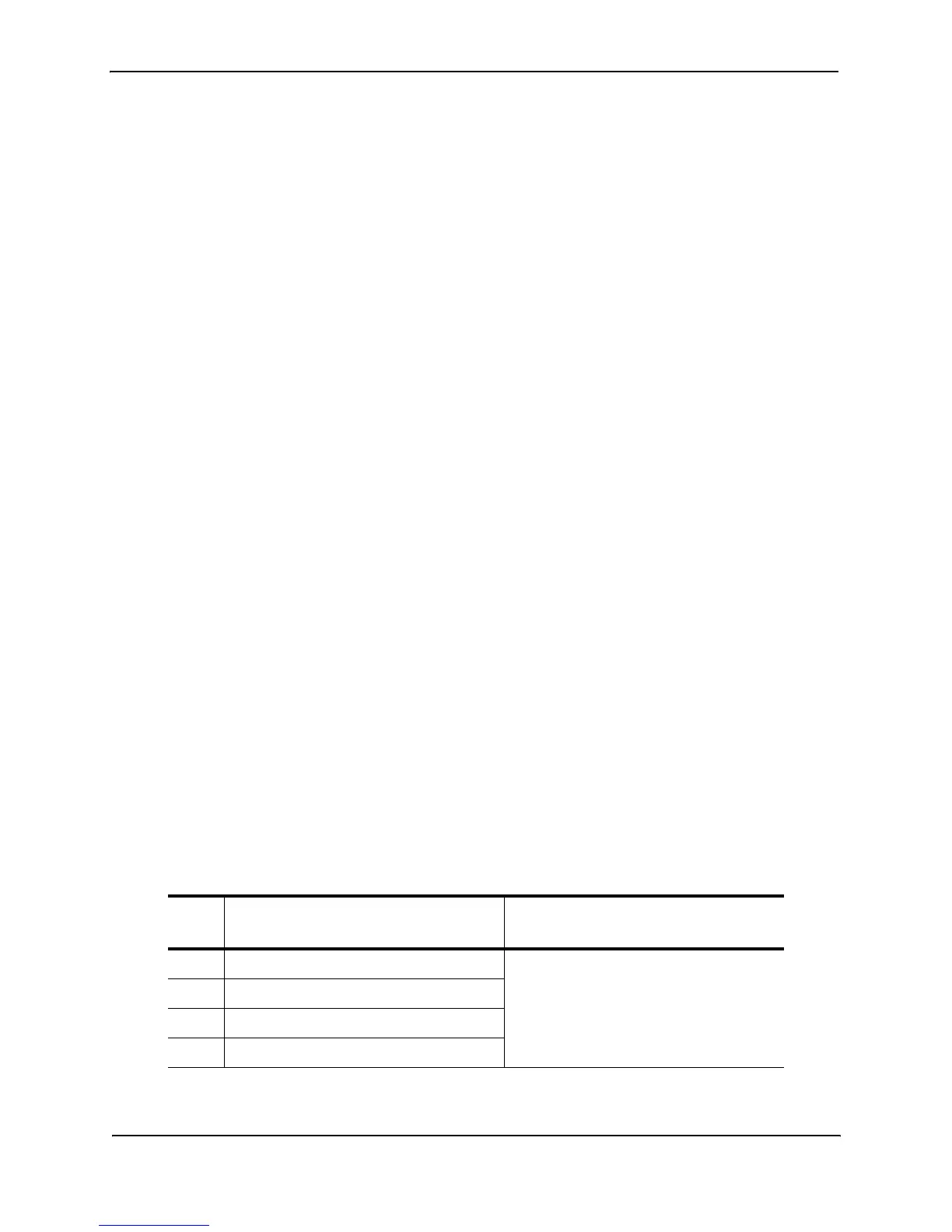
Diagnostic Error Codes and Remedies for TFTP Transfers
If an error occurs with a TFTP transfer to or from an HP Routing Switch, one of the following error codes is
displayed.
Error
code
Message Explanation and action
1 Flash read preparation failed. A flash error occurred during the
download.
Retry the download. If it fails again,
contact customer support.
2 Flash read failed.
3 Flash write preparation failed.
4 Flash write failed.



 To Next Page