Installation and Getting Started Guide
2 - 14
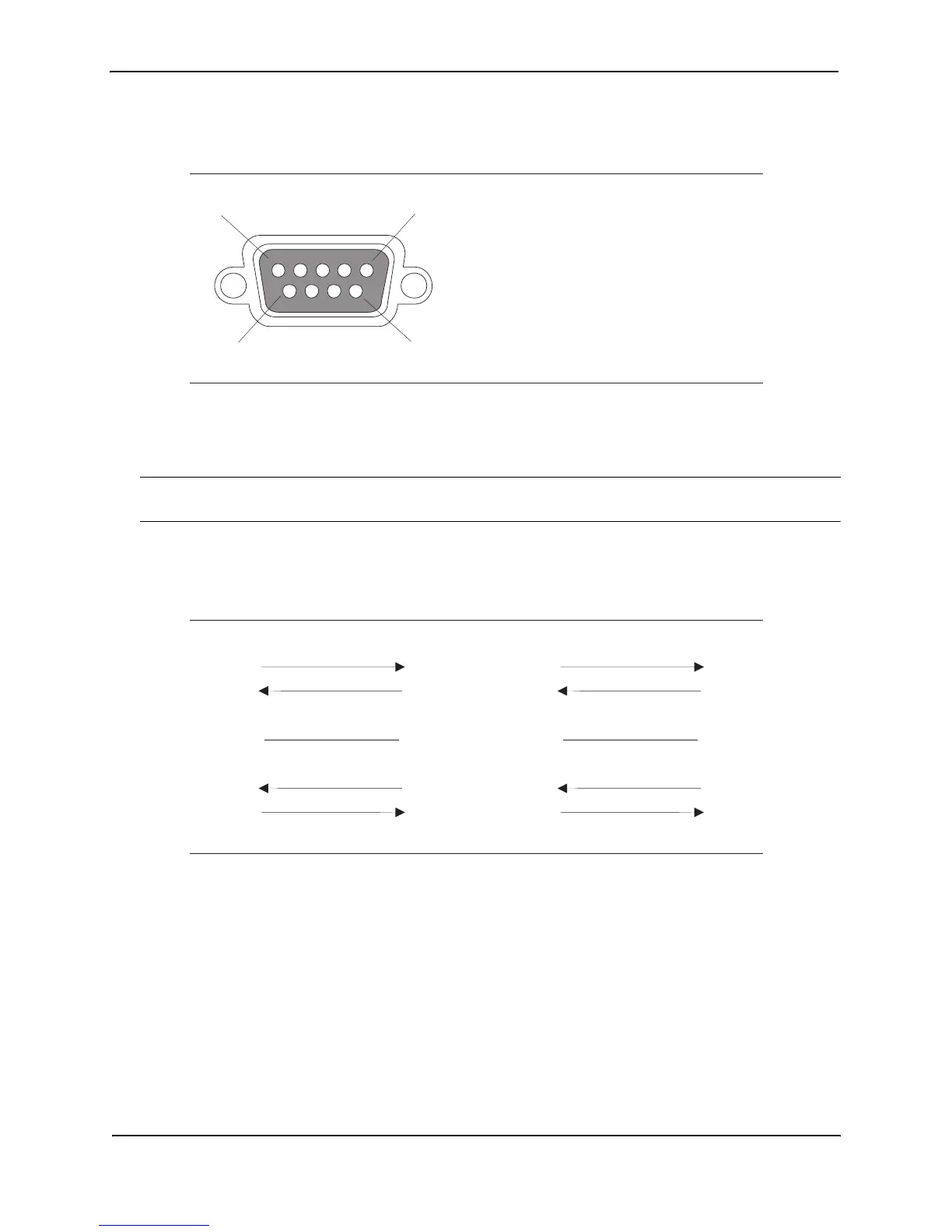
Figure 2.6 Serial port pin and signalling details
Most PC serial ports also require a cable with a female DB-9 connector. Terminal connections will vary, requiring
either a DB-9 or DB-25 connector, male or female. Serial cable options between an HP Routing Switch and a PC
terminal are shown in Figure 2.7.
NOTE: As indicated in Figure 2.6 and Figure 2.7, some of the wires should not be connected. If you do connect
the wires that are labeled “Reserved”, you might get unexpected results with some terminals.
Figure 2.7 Serial port signal directions
Assigning a Permanent Password
CLI access does not require a password by default. If you want to configure a password, you must use the CLI. A
password cannot be assigned through the Web management interface.
The CLI contains the following access levels:
•
User EXEC level
– The level you enter when you first start a CLI session. At this level, you can view some
system information but you cannot configure system or port parameters.
•
Privileged EXEC level
– This level is also called the Enable level and can be secured by a password. You
can perform tasks such as manage files on the flash module, save the system configuration to flash, and clear
caches at this level.
•
CONFIG level
– The configuration level. This level lets you configure the system’s IP address and configure
1
5
96
Pin Assignment
DB-9 male
Pin Number
1
2
3
4
5
6
7
8
9
Switch Signal
Reserved
TXD (output)
RXD (input)
GND
CTS (input)
RTS (output)
Reserved
Reserved
Reserved
1
2
3
4
5
6
7
8
9
1
2
3
4
5
6
7
8
9
Reserved
DB-9 to DB-9
Female Switch
Reserved
Reserved
Reserved
Terminal or PC
1
2
3
4
5
6
7
8
9
8
3
2
20
7
6
4
5
22
Reserved
DB-9 to DB-25
Female Switch
Reserved
Reserved
Reserved
Terminal or PC



 To Next Page