Using Redundant Management Modules
3 - 9
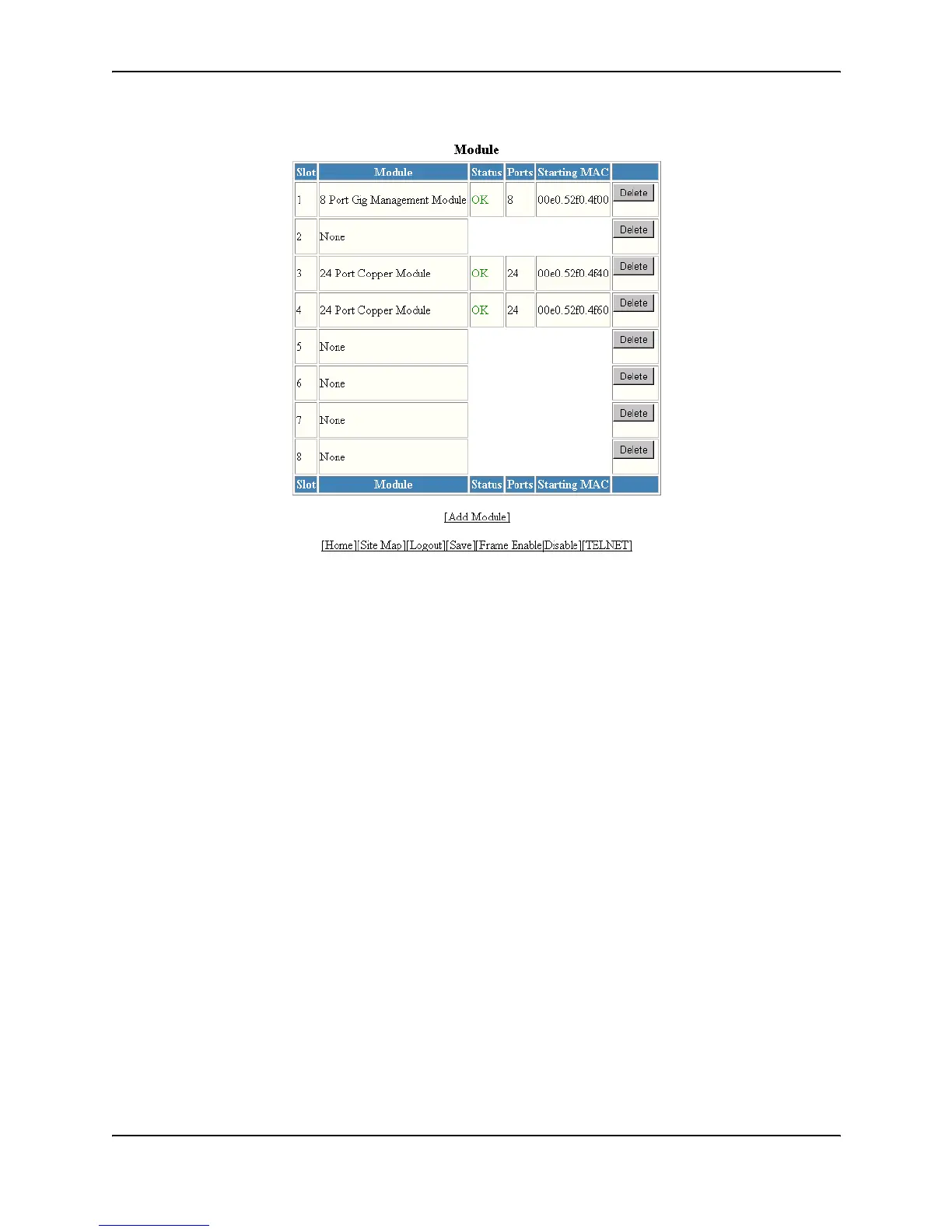
The Status column shows the module status. The redundant management modules can have one of the following
statuses:
• ACTIVE – The module is currently the active management module.
• STANDBY – The module is the standby management module.
The statuses above apply only to management modules. The following statuses apply only to host modules:
• FAILED – This status applies only to host modules, not to management modules. This status indicates that
the host module failed to come up.
• OK – This status applies only to host modules, not to management modules. This status indicates that the
module came up and is operating normally.
Displaying Switchover Messages
You can determine whether a switchover has occurred by viewing the system log or the traps logged on an SNMP
trap receiver.



 To Next Page