Configuring Trunk Groups and Dynamic Link Aggregation
5 - 3
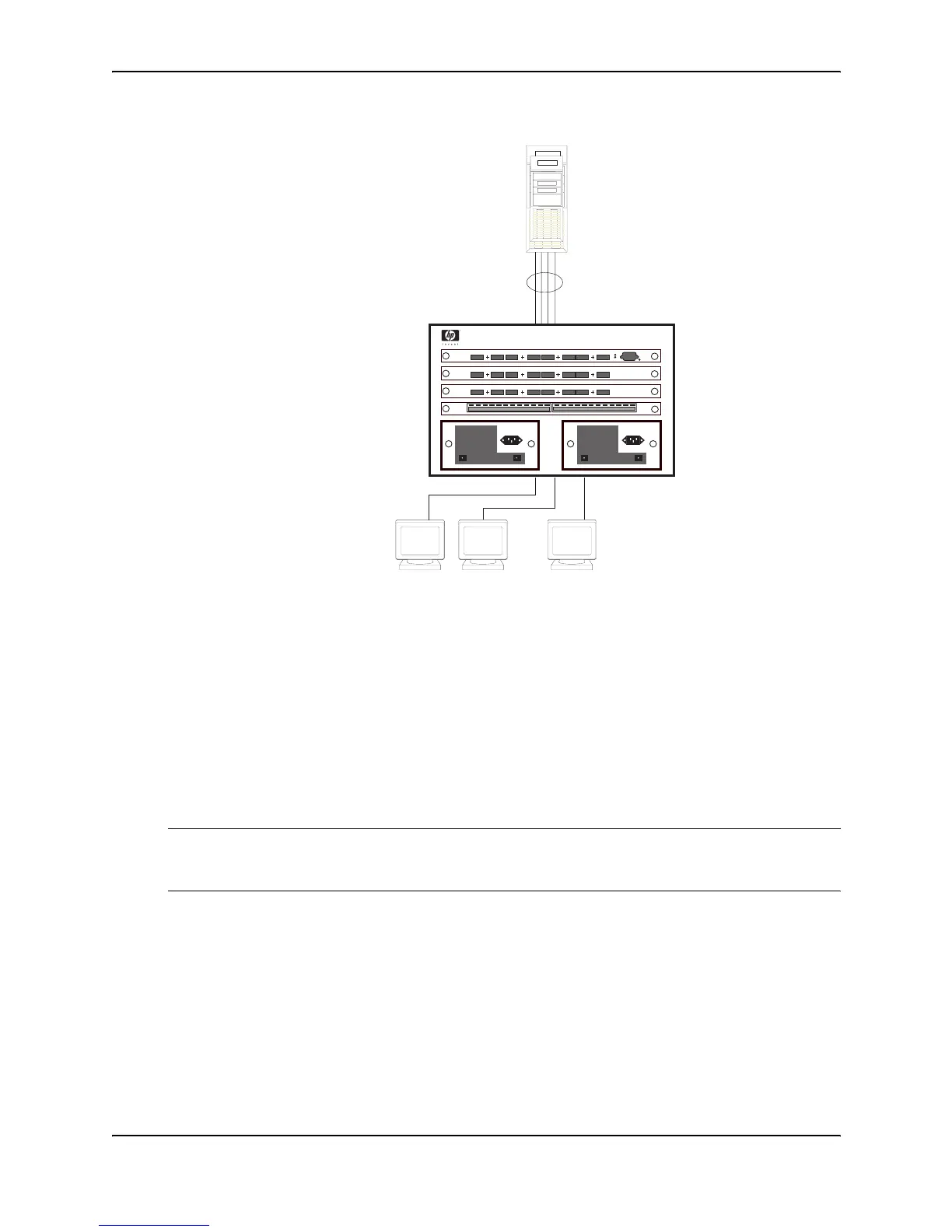
Figure 5.2 Trunk group between a server and an HP device
Trunk Group Rules
• You cannot configure a port as a member of a trunk group if 802.3ad link aggregation is enabled on the port.
• You can configure up to 64 trunk groups on a Chassis device.
• You can configure up to 8 ports in a trunk group on a Chassis device.
• Each trunk group must start with a primary port. The primary port is always the lowest number in the port
range. For example, on the J4140A 10/100 module:
• Ranges for four-port trunk groups: 1 – 4, 5 – 8, 9 – 15, 16 – 20, 21 – 24
• Ranges for two-port trunk groups: 1 – 2, 3 – 4, 5 – 6, 7 – 8, 9 – 10, 11 – 12, 13 – 14, 15 – 16, 17 – 18, 19
– 20, 21 – 22, 23 – 24
NOTE: You can configure up to 12 trunk groups on an HP 9304M, HP 9308M, or HP 9315M 24-port 10/100
module. The 24-port 10/100 modules have the following primary ports: 1, 3, 5, 7, 9, 11, 13, 15, 17, 19, 21,
and 23. See Figure 5.5.
• Port assignment must be contiguous. The port range cannot contain gaps. For example, you can configure
ports 1, 2, 3, and 4 together as a trunk group but not ports 1, 3, and 4 (excluding 2).
• Port assignment cannot be across multiple trunk group boundaries.
• All the ports must be connected to the same device at the other end.
• All trunk group member properties must match the lead port of the trunk group with respect to the following
parameters:
• Port tag type (untagged or tagged port)
• Port speed and duplex
• QoS priority
......
Multi-homing adapter
has the same IP and MAC address
Multi-homing
Server
Trunk Group



 To Next Page