Installation and Getting Started Guide
B - 6
LEDs
Each HP device is equipped with LEDs that denote port and power supply status. The tables below reflect the
different port and expansion module port states.
Ports
The following port types are supported on HP Chassis devices.
1000BaseT Gigabit Copper (GC) Ports
The 1000BaseT Gigabit Copper (GC) ports are fully compliant with the IEEE 802.3ab standard and can provide
Gigabit throughput over standard category-5 (“Cat-5”) copper wiring. The port connectors are RJ-45s, the same
as the connectors on HP’s 10/100 modules. Thus, you can immediately deploy the GC ports without recabling.
10BaseT/100BaseTX Ports
The 10BaseT/100BaseTX ports are auto-sensing, auto-negotiating ports with RJ-45 UTP connectors. These
ports accept category-5 Unshielded Twisted Pair (UTP) cables.
See “Connecting Network Devices” on page 2-19 for cabling pinouts and signalling specifics. If you prefer to avoid
assembling cables by hand, you can order the proper cables from Hewlett-Packard.
NOTE: All copper ports are 10/100 Mbps auto-sensing and auto-negotiating for easy deployment into existing
network topologies. Gigabit Ethernet interfaces are available in both multi-mode 1000BaseSX and single-mode
1000BaseLX.
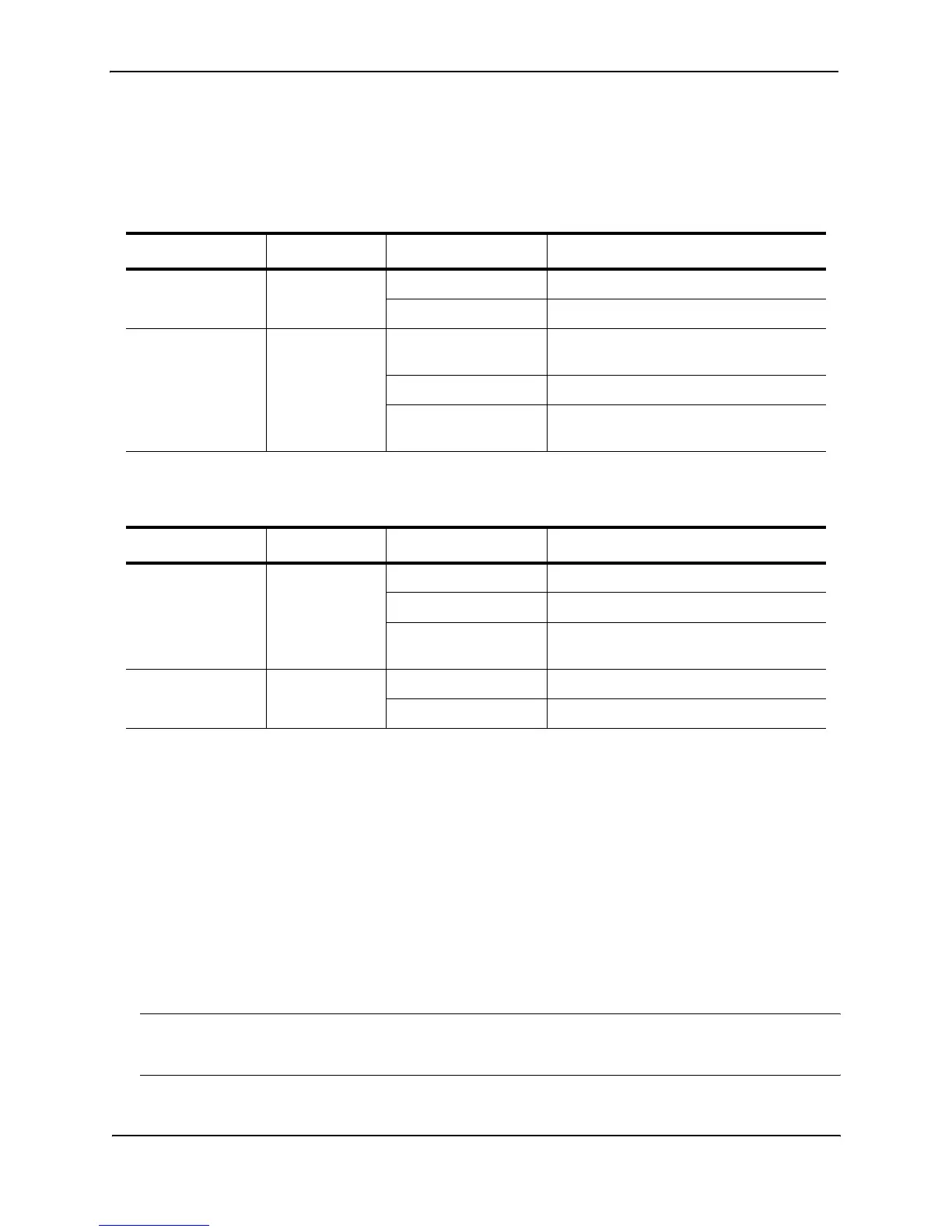
Table B.1: Chassis 100BaseFX, 1000BaseSX/LX, and 1000BaseT LEDS
LED Position State Meaning
Link Top On Port is connected.
Off No port connection exists.
Activity Bottom On Traffic is being transmitted and received
on that port.
Off No traffic is being transmitted.
Blinking Traffic is being transmitted and received
on that port.
Table B.2: Chassis 10BaseT/100BaseTX LEDs
LED Position State Meaning
Link/Activity Left On Port is connected.
Off No port connection exists.
Blinking Traffic is being transmitted and received
on that port.
FDX Right On The port is operating at full-duplex.
Off The port is operating at half-duplex.



 To Next Page