Installation and Getting Started Guide
5 - 4
To change port parameters, you must change them on the primary port. The software automatically applies
the changes to the other ports in the trunk group.
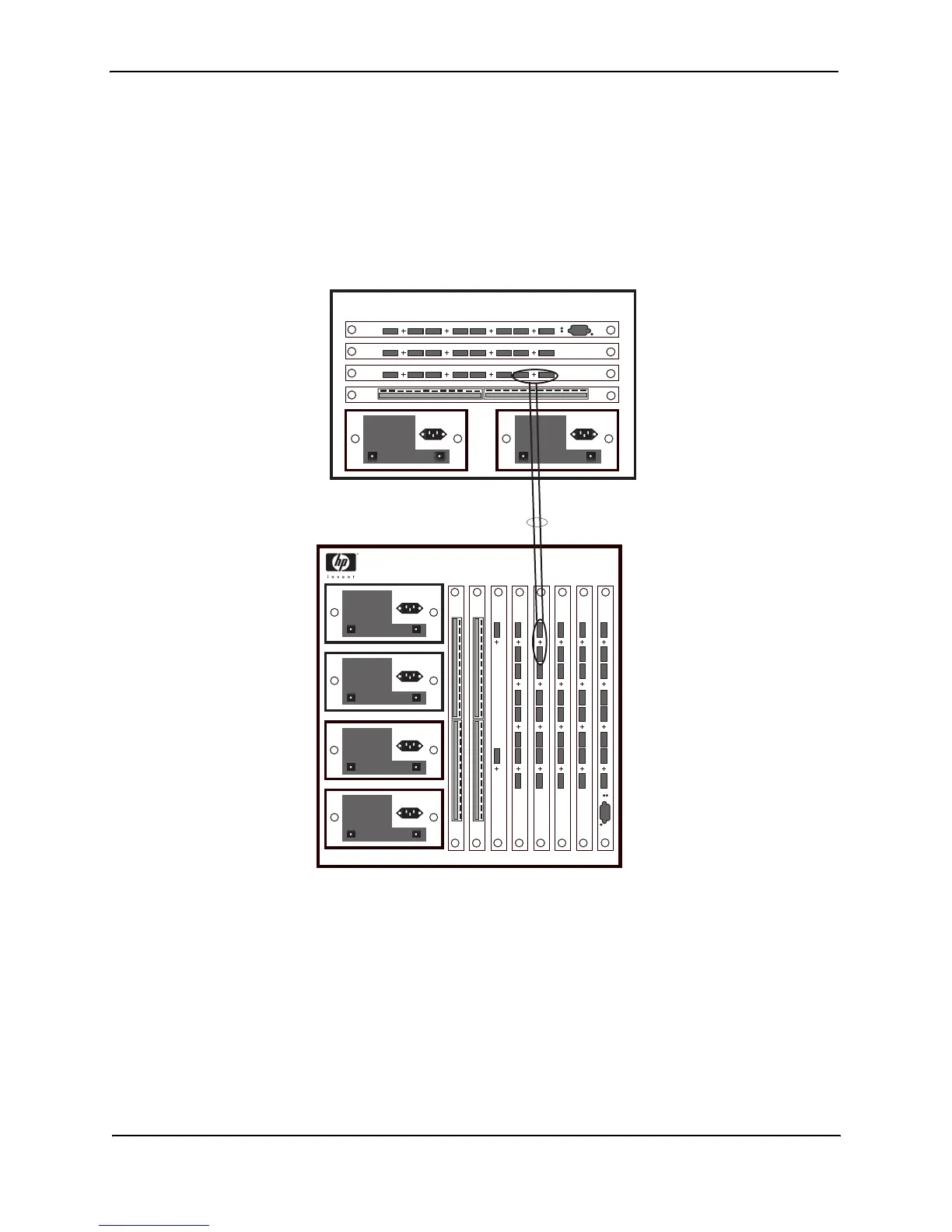
Figure 5.3 shows an example of a valid 2-port trunk group link between devices. The trunk groups in this example
are switch trunk groups, between two HP devices. Ports in a valid 2-port trunk group on one device are connected
to two ports in a valid 2-port trunk group on another device. The same rules apply to 4-port trunk groups.
Figure 5.3 Example of 2-port trunk groups



 To Next Page