Installation and Getting Started Guide
2 - 34
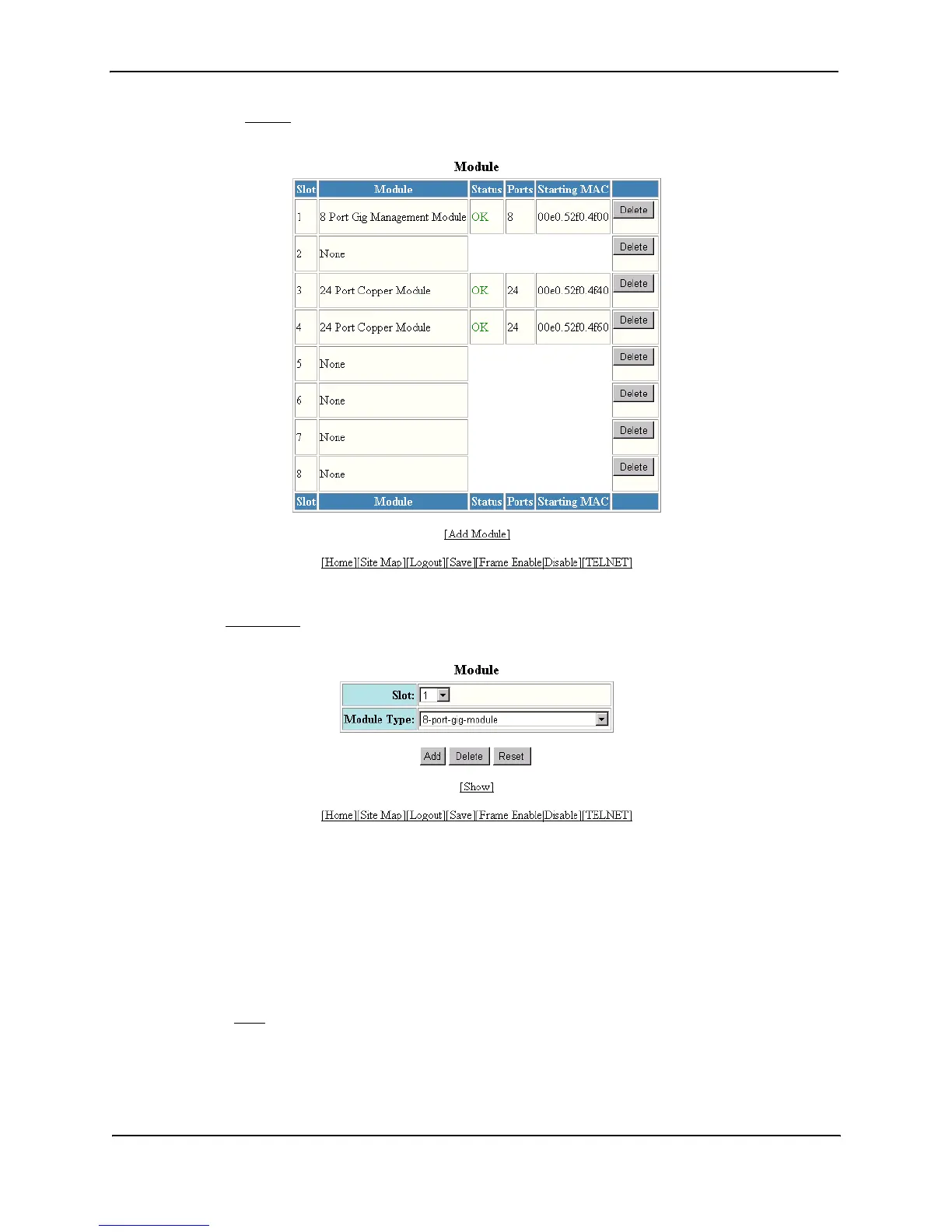
2. Click on the Module
link to display the Module panel, as shown in the following example.
3. Click the Add Module
link to display the following panel.
4. Select slot number from the Slot pulldown menu.
• Slots on the HP 9304M are numbered 1 – 4, from top to bottom.
• Slots on the HP 9308M are numbered 1 – 8, from left to right.
• Slots on the HP 9315M are numbered 1 – 15, from left to right.
5. Select the module type from the Module Type pulldown menu.
6. Click the Add button to save the change to the device’s running-config file.
7. Select the Save
link at the bottom of the dialog. Select Yes when prompted to save the configuration change
to the startup-config file on the device’s flash memory.



 To Next Page