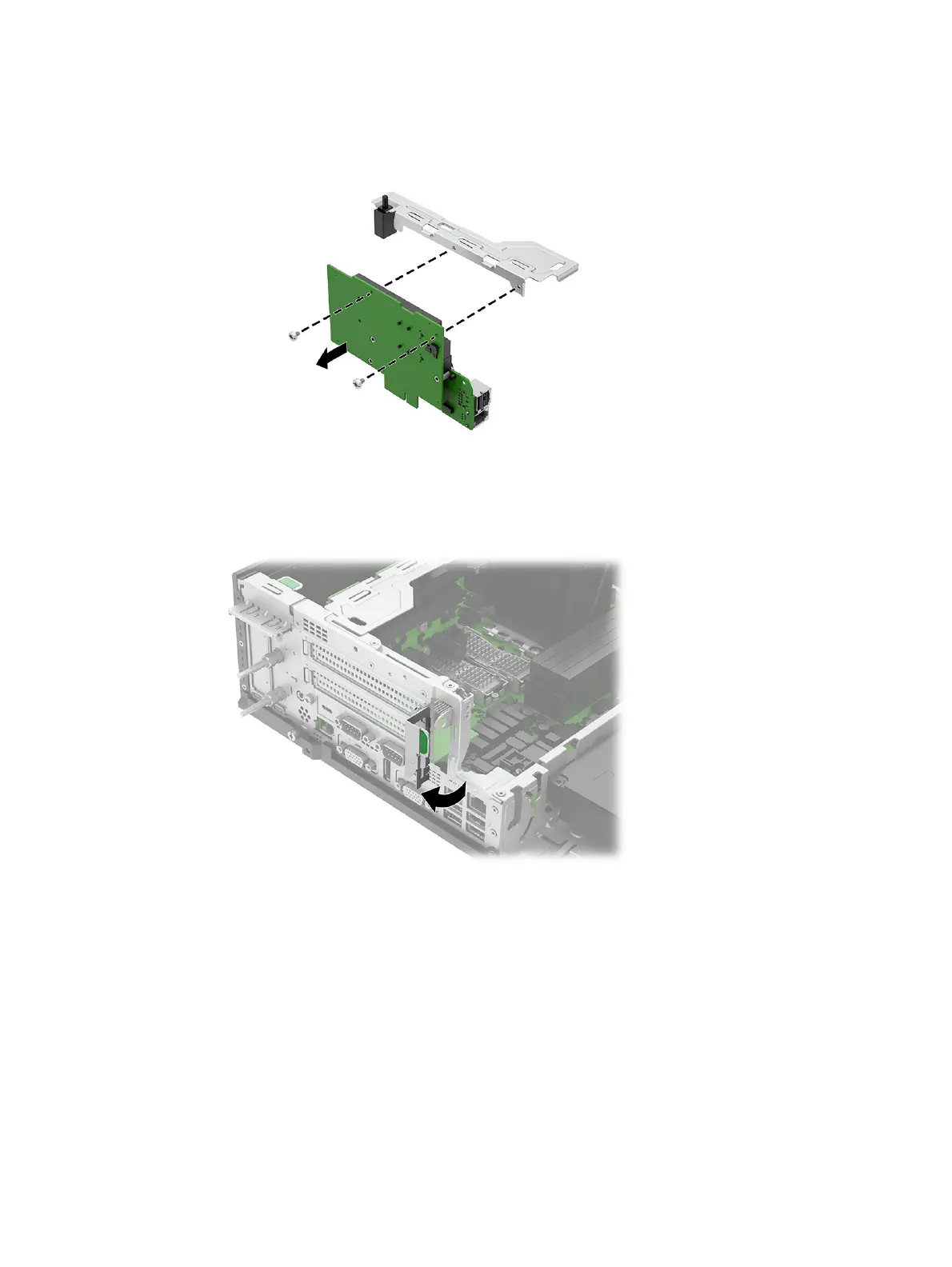
c. To disassemble the riser assembly, remove two screws that secure the bracket to the
assembly, and then remove the bracket.
3. To install an expansion card into the riser assembly:
a. Pull back the tab on the expansion card retention latch to open the latch.
36
Chapter 4 Removal and replacement procedures



 To Next Page