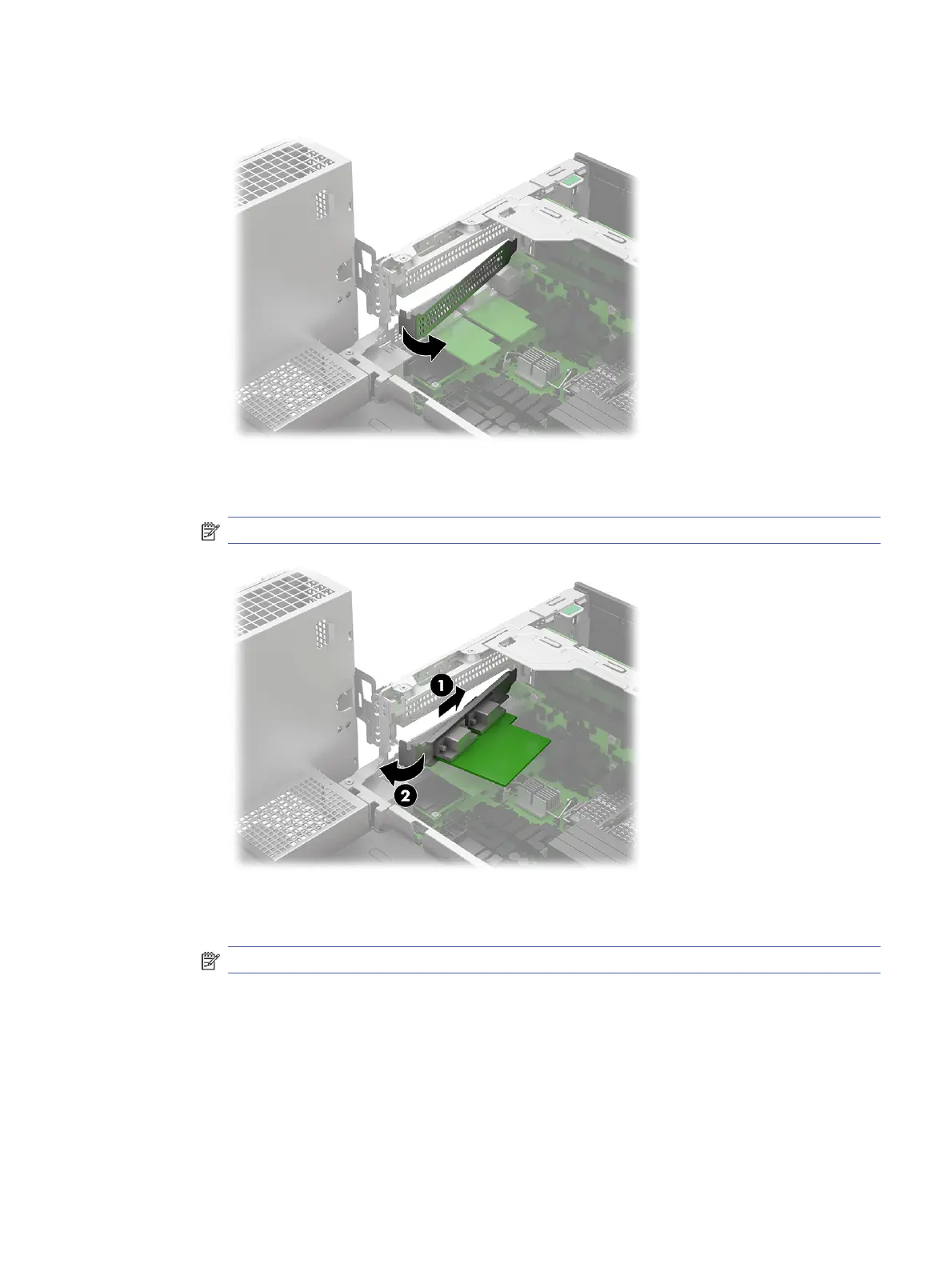
b. If installed, rotate an expansion slot cover to remove it from the riser assembly.
c. Insert the end of the expansion card into an empty slot (1), and then press the other end
against the chassis (2).
NOTE: A powered serial port is shown. The expansion card can vary.
d. If necessary, connect one end of the included cable into the card and the other end to the
system board.
NOTE: The system board connection location might vary.
Riser assembly
37



 To Next Page