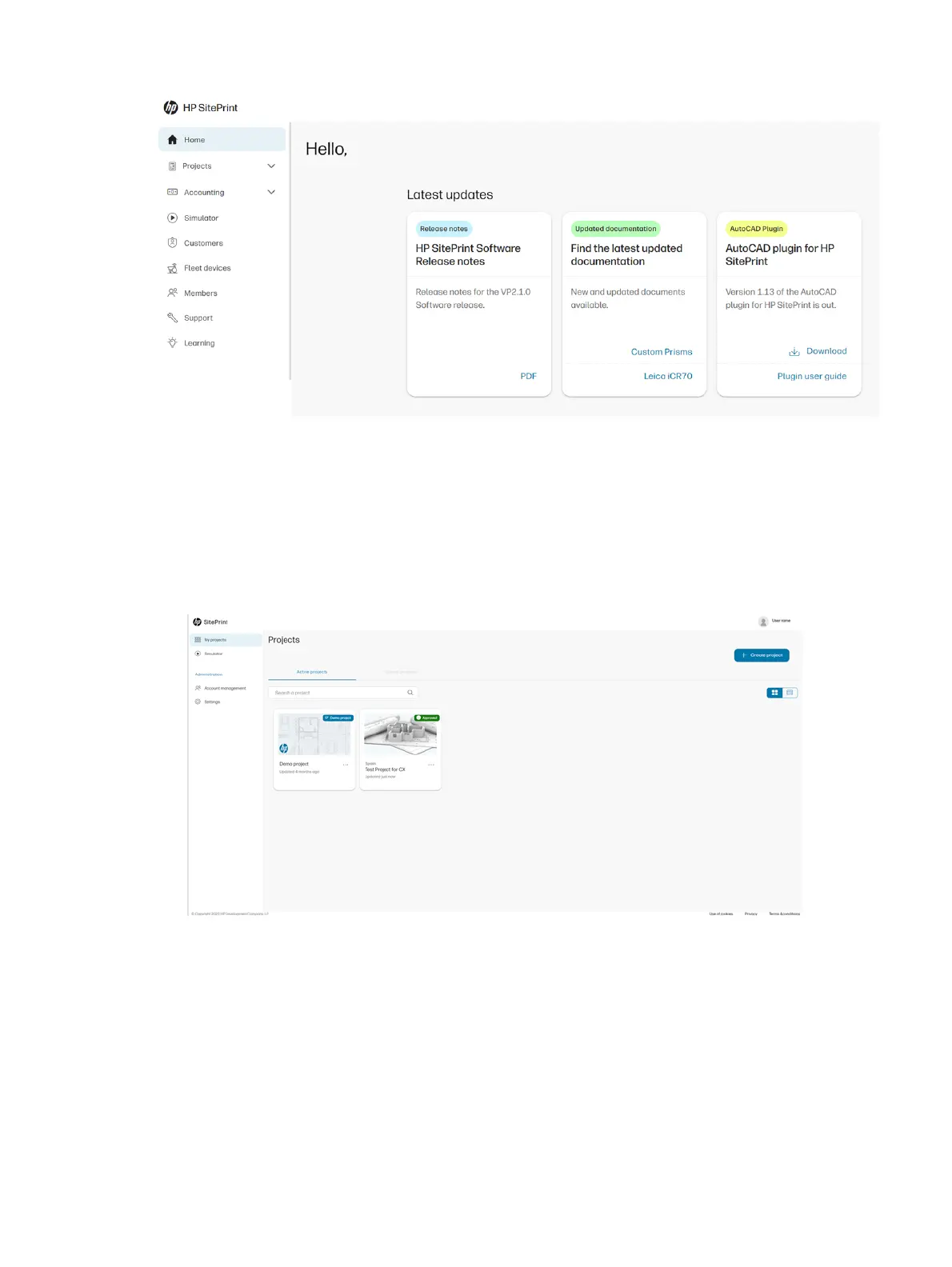
My projects
From the My projects tab, you can upload a DXF file to the cloud.
1. Go to the My projects tab.
2. Create a project or open an existing one.
3. Upload a document from your computer or upload a new version to an existing project.
4. Following this, you can go back to the robot’s user interface and My projects, and select the DXF you
want to print by clicking the name of the file.
You can download the file or upload a new version by clicking the three menu buttons to the right of
the file’s card.
My projects
29



 To Next Page