Maps 213
NOUG-2.1.0-100 Nexus One User’s Guide
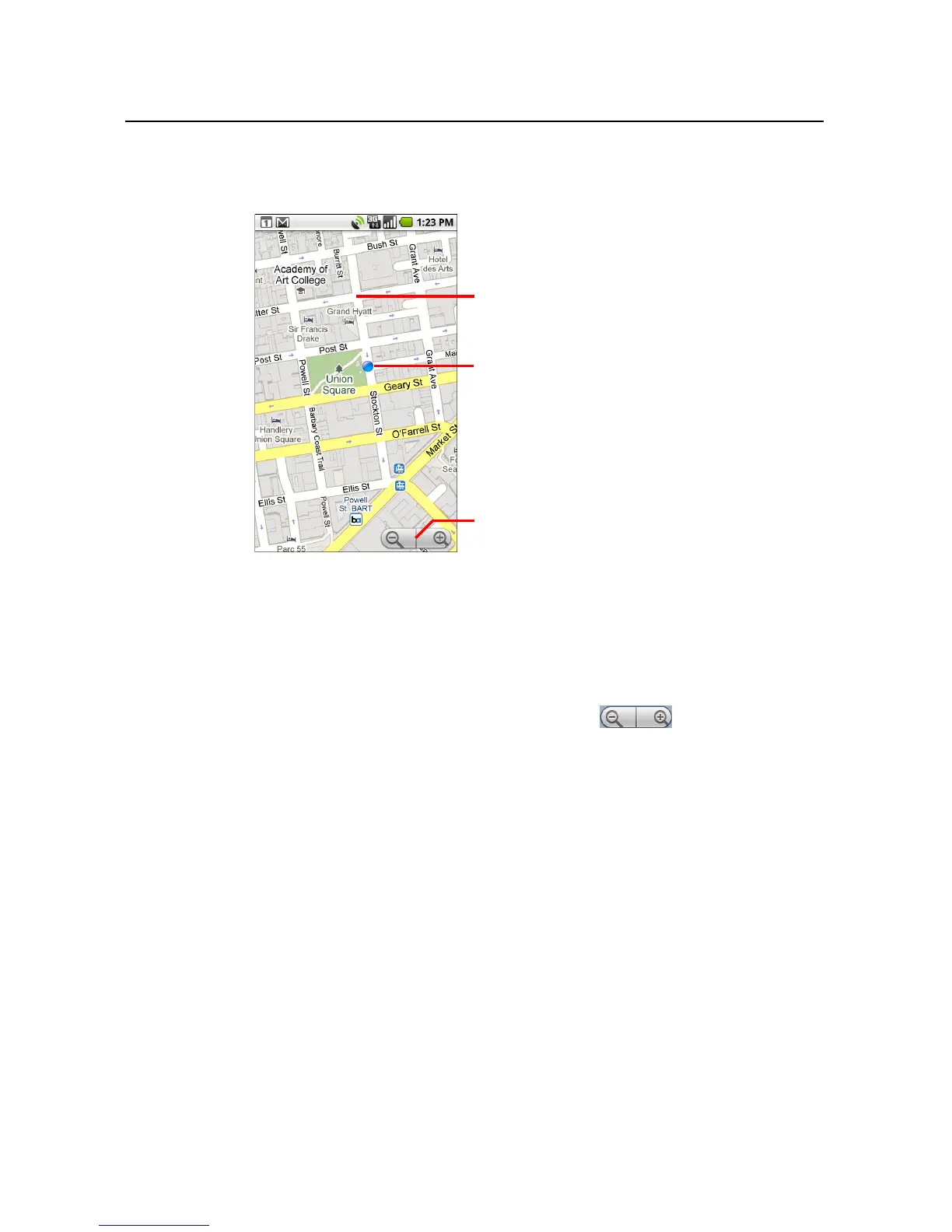
The map centers on a blue dot that indicates your location. A blue circle around
the dot indicates that your actual location is within the circle.
To move the map
S Drag the map with your finger.
To zoom in and out of a map
S Touch the plus or minus side of the Zoom control .
OR
S Double-tap a location on the map to zoom in to that location.
Not all magnification levels are available for all locations.
Drag the map to move in any direction.
Your location.
Zoom in or out.



 To Next Page