Maps 214
NOUG-2.1.0-100 Nexus One User’s Guide
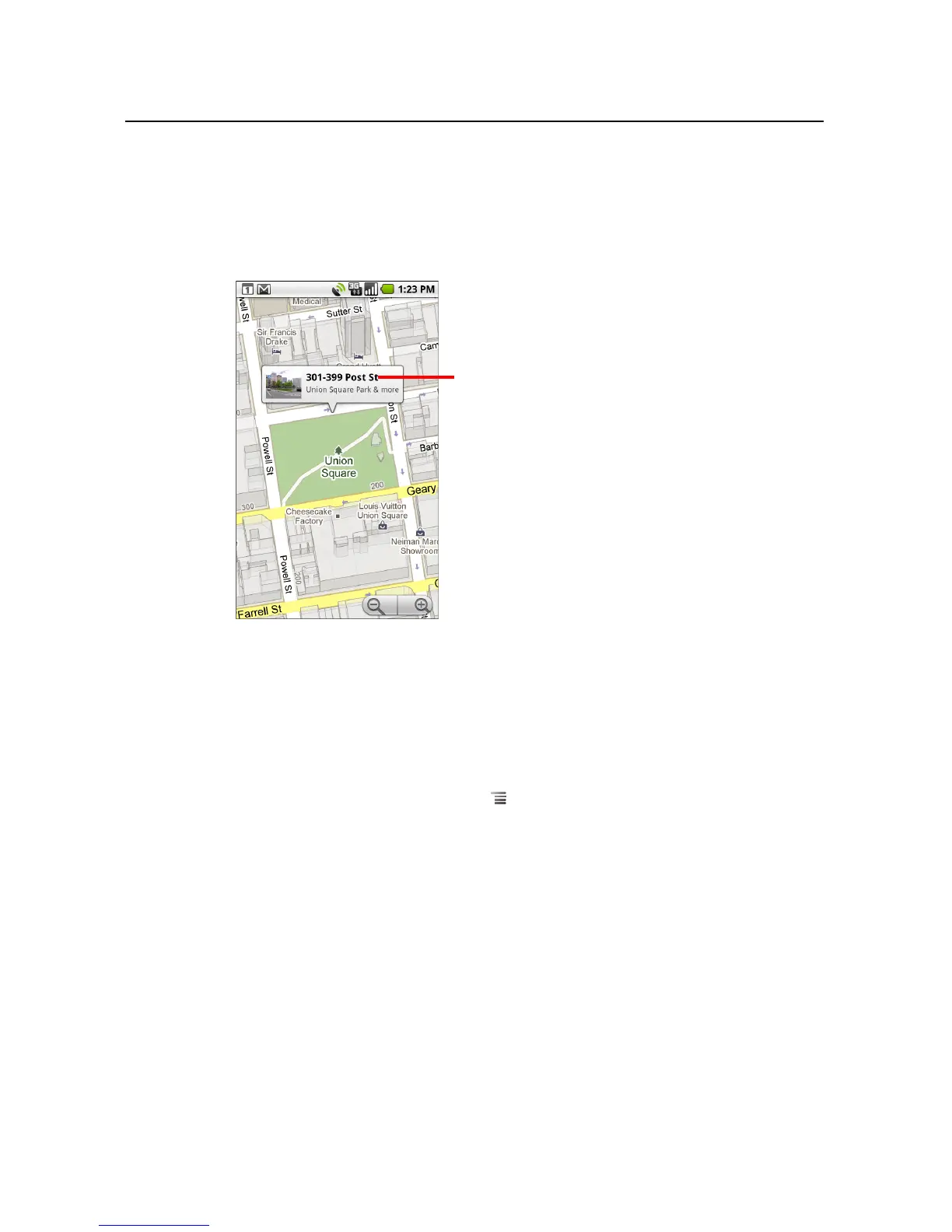
To get an address and additional information for a location
S Touch & hold a location on the map.
A balloon opens over the location, with the address and a thumbnail from Street
View, if available.
Touch the balloon to open a screen with tools for learning more about the location.
These tools are described in this section and on http://maps.google.com web.
To clear the map
After you get directions or search on a map, you can clear the markers that such
activities draw on the map.
S While viewing a map, press Menu and touch More > Clear map.
Touch & hold a location to open a
balloon with its address.
Touch the balloon to open a screen with
tools for learning more about the
location.



 To Next Page