LTE CPE B2368 User's
Guide 2 Introduction to Web configuration interface
Issue 01 Copyright © Huawei Technologies Co., Ltd. 17
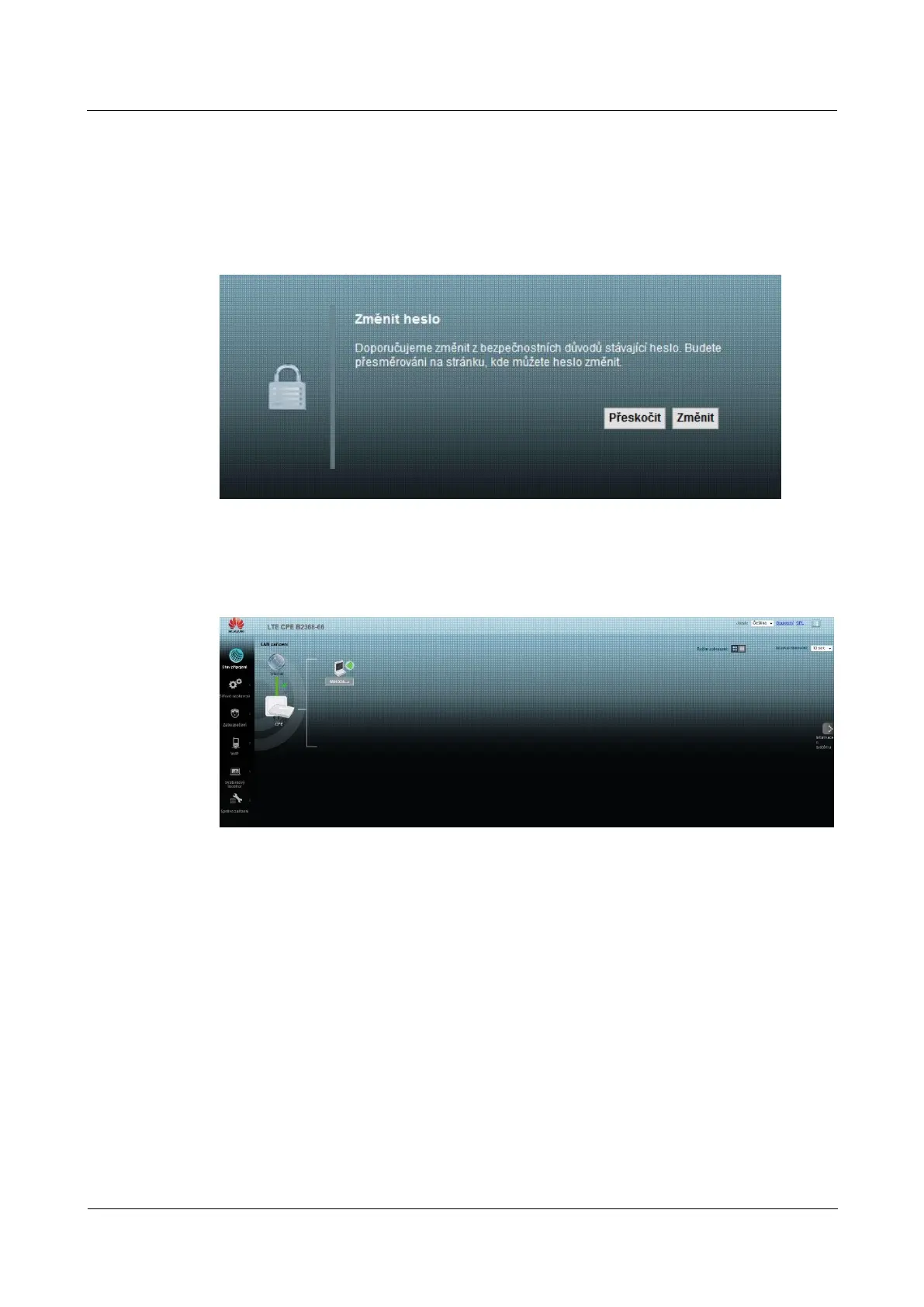
step 5 The following screen appears when you still did not change the default password. step 5 The following screen appears when you still did not change the default password.
We strongly recommend that you change the default password. Enter the new password, confirm it by entering it again and click
on Change. If you do not want to change the password, you can select Skipon Change. If you do not want to change the password, you can select Skipon Change. If you do not want to change the password, you can select Skipon Change. If you do not want to change the password, you can select Skip
and go directly to the main menu.
Figure 2-7 Screen prompting you to change your password Figure 2-7 Screen prompting you to change your password
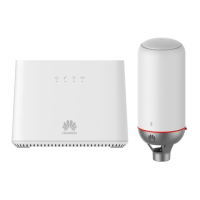
step 6 The default screen - Connection status.step 6 The default screen - Connection status.step 6 The default screen - Connection status.step 6 The default screen - Connection status.
Figure 2-8 connection status Figure 2-8 connection status
step 7 Click on the link System Information go to the same screen that offers step 7 Click on the link System Information go to the same screen that offers step 7 Click on the link System Information go to the same screen that offers step 7 Click on the link System Information go to the same screen that offers
Technical data on the LTE modem and other system information.
---- End
2.2 Layout configuration interface
Click on Connection Status> System Information to display the following screen. (For more information Click on Connection Status> System Information to display the following screen. (For more information Click on Connection Status> System Information to display the following screen. (For more information
see 3.3 Display Information System).



 To Next Page