LTE CPE B2368 User's
Guide 4 Broadband
Issue 01 Copyright © Huawei Technologies Co., Ltd. 28
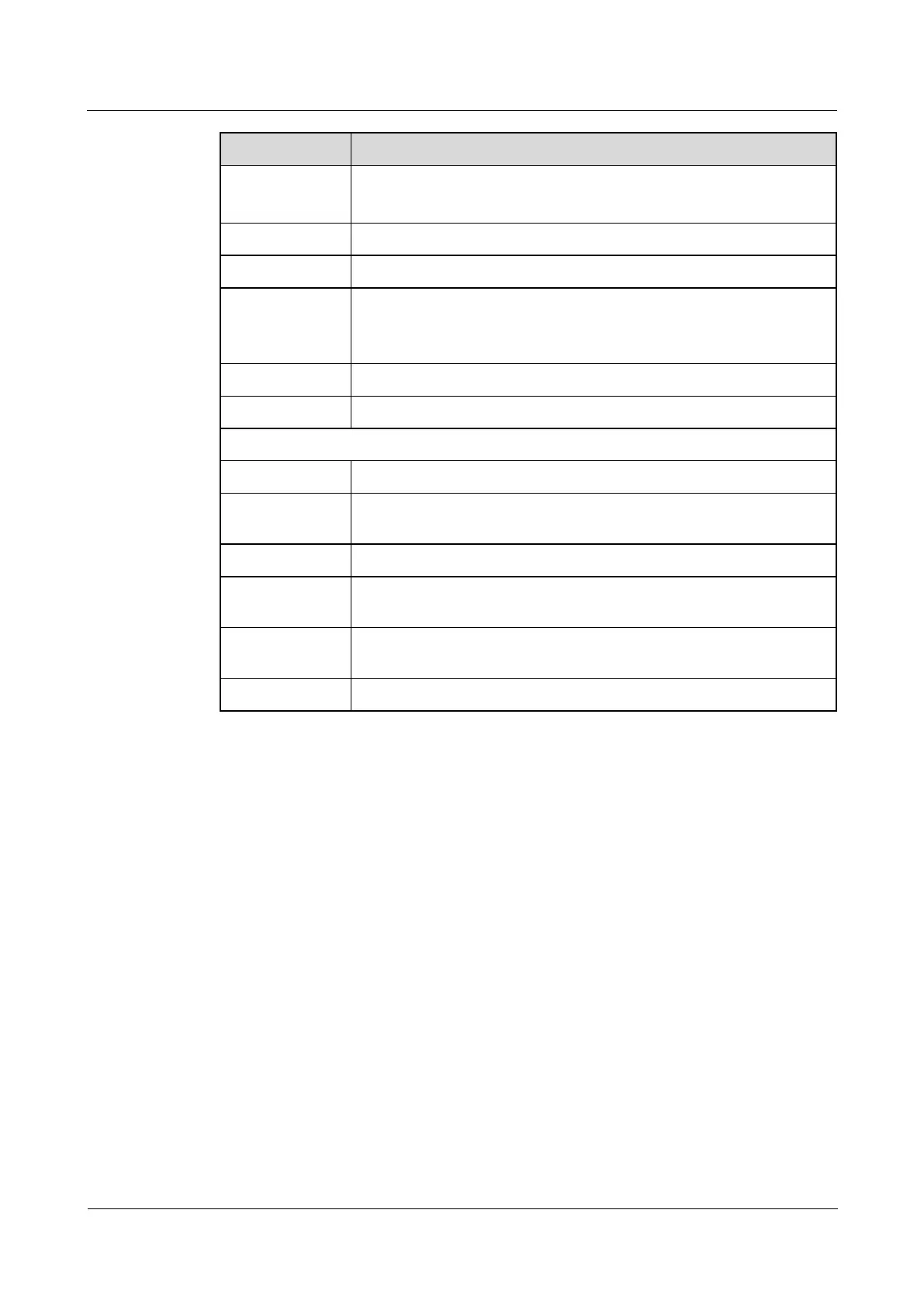
Item Description
Switch LTE
connectivity
Choose Connect LTE modem to connect to the LTE network. Choose Disconnect, if you do not want Choose Connect LTE modem to connect to the LTE network. Choose Disconnect, if you do not want Choose Connect LTE modem to connect to the LTE network. Choose Disconnect, if you do not want Choose Connect LTE modem to connect to the LTE network. Choose Disconnect, if you do not want Choose Connect LTE modem to connect to the LTE network. Choose Disconnect, if you do not want
to connect the device to the LTE network.
Use Click to save the changes made in this section.
Cancel Click to restore previous settings in this section.
Choose Data Roaming Allow LTE modem to connect to the LTE network of other operators. Choose Data Roaming Allow LTE modem to connect to the LTE network of other operators. Choose Data Roaming Allow LTE modem to connect to the LTE network of other operators.
Choose Prohibit, if you do not want to LTE modem to connect to the LTE network of other Choose Prohibit, if you do not want to LTE modem to connect to the LTE network of other Choose Prohibit, if you do not want to LTE modem to connect to the LTE network of other
operators.
Use Click to save the changes made in this section.
Cancel Click to restore previous settings in this section.
internet settings
# Serial number of broadband in the list.
Allowed
This field shows whether it is appropriate broadband connection is active or not.
Name Name respective broadband.
APN
This is the name of the LTE network, which is carried out by the appropriate
broadband connection.
NAT
This field shows whether the connection is active for NAT.
adjust Click on the icon adjust You can also modify the interface. Click on the icon adjust You can also modify the interface. Click on the icon adjust You can also modify the interface.
4.2.1 Edit WAN Interface
Using this screen, you can adjust the WAN interface.
Click on the icon adjust for a front display a dialog box, as shown in the following figure. Click on the icon adjust for a front display a dialog box, as shown in the following figure. Click on the icon adjust for a front display a dialog box, as shown in the following figure.



 To Next Page