LTE CPE B2368 User's
Guide 8 Network Address Translation (NAT)
Issue 01 Copyright © Huawei Technologies Co., Ltd. 71
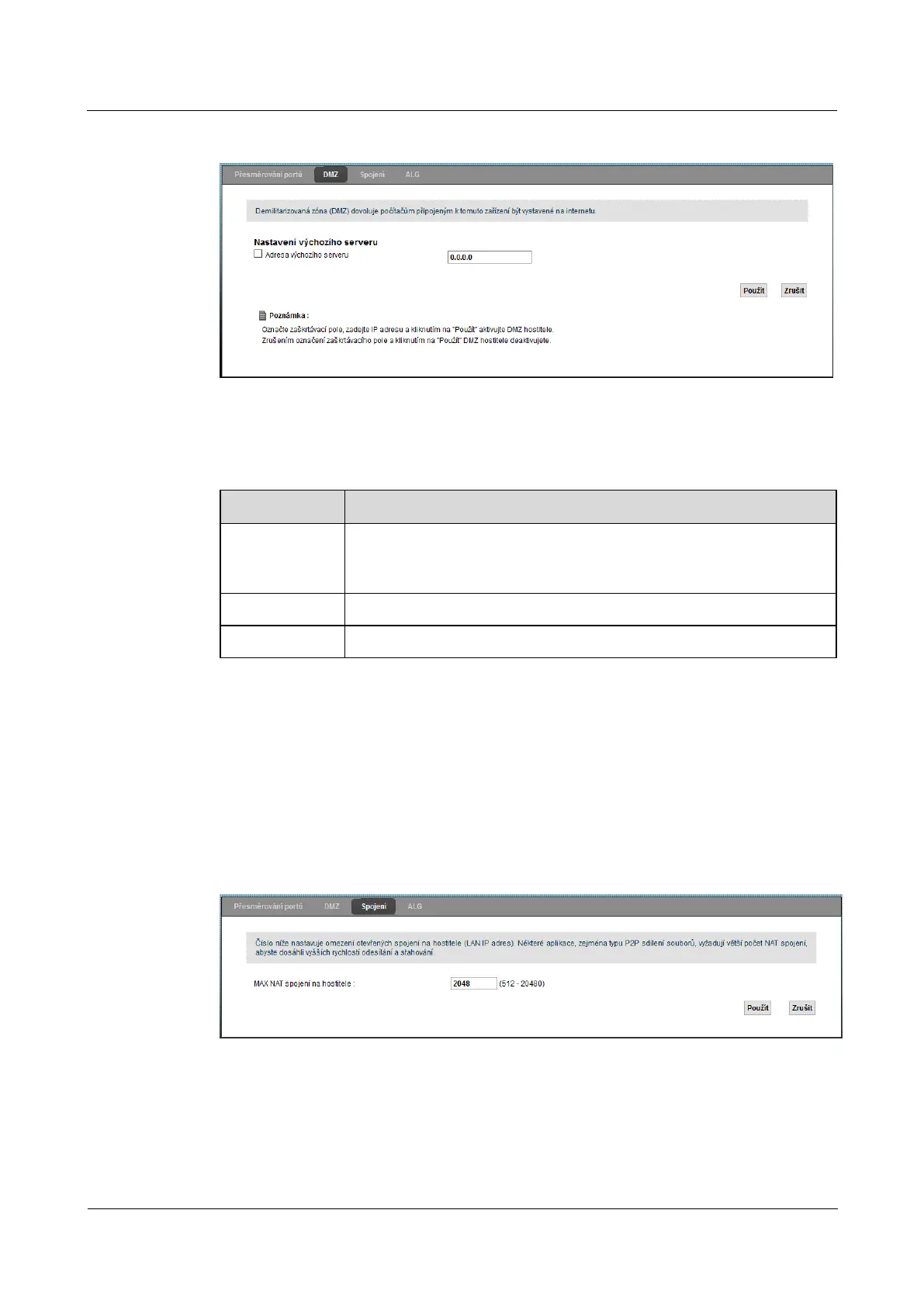
Figure 8-4 Network Settings> NAT> DMZ Figure 8-4 Network Settings> NAT> DMZ
The following table summarizes the available fields on this screen.
Table 8-3 Network Settings> NAT> DMZ Table 8-3 Network Settings> NAT> DMZ
Item Description
Address
default server
Enter the IP address of the DMZ host, if available. Value 0.0.0.0Enter the IP address of the DMZ host, if available. Value 0.0.0.0
It means that this feature is disabled.
Use Clicking Use save your changes. Clicking Use save your changes. Clicking Use save your changes.
Cancel Click on Cancel restore previous settings in this section. Click on Cancel restore previous settings in this section. Click on Cancel restore previous settings in this section.
8.4 Screen connection
using the screen Connection You can set the limit concurrent NAT connection for each client device. Enter using the screen Connection You can set the limit concurrent NAT connection for each client device. Enter using the screen Connection You can set the limit concurrent NAT connection for each client device. Enter
this screen by clicking on Network Settings> NAT> Connections.this screen by clicking on Network Settings> NAT> Connections.
Figure 8-5 Network Settings> NAT> Connections Figure 8-5 Network Settings> NAT> Connections
The following table summarizes the available fields on this screen.



 To Next Page